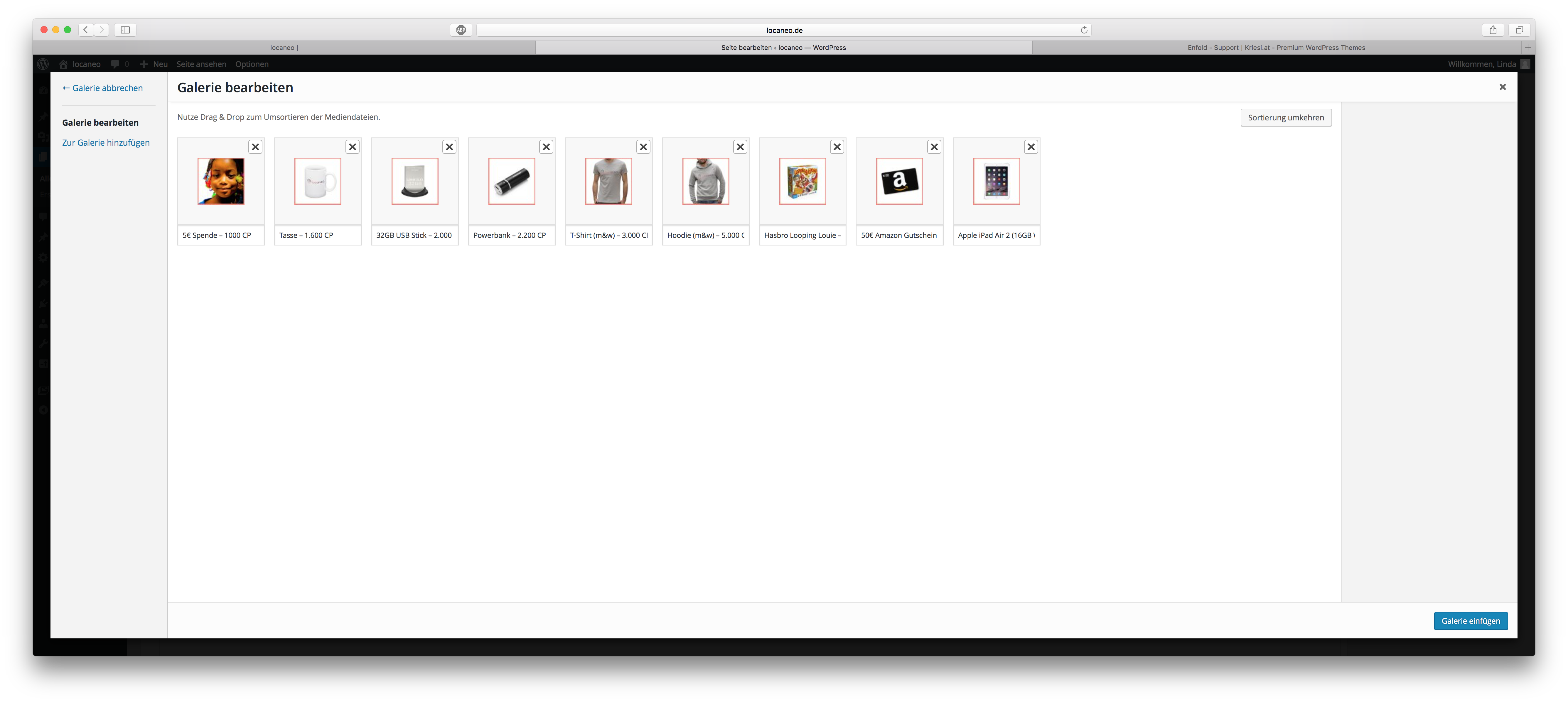
Hi, have you guys any further information on this? I am up against a deadline and this is stopping me from moving forward. Hopefully I have supplied all the information you need.
Would love some input so I know how to move forward.
Simon
Hello,
I’m having the same issue I cannot edit pages on my website.
Have cleared the cache, tried on different browsers and laptops, theme and wordpress are up to date and I have switched off all the plugins and each plugin individually but still not working.
It loads when I create new pages but cannot edit old ones.
Help please :)
Thank you
Thanks Yigit. This getting close to what i want apparently.
Now it does shrinks down when scrolling up, but overall the logo size is reduce too and with a gap on top.
http://goo.gl/nKm1lf
http://goo.gl/bDrozY
Have tried change the – .logo {top: 0px !important;} but again logo won’t overlap.
It is possible to attach the logo on top 0px, and overlap 15px bottom (logo overall size 244px (w) x 103px (h), container 88px height and shrinks when scrolling??
http://goo.gl/PYyxH3
Hey,
1. The error comes as an answer from the server when it can handle the image sizes the theme sets, you could workaround it by disabling some of them, refer to – https://kriesi.at/support/topic/upload-image-giving-http-error-theme-error/page/3/#post-618970
2. Can you post a link to a page where that happens?
Best regards,
Josue
Hi again,
I just check it again and i discover that the problem only occurs in computers, not in mobile devices… (I’m using last version of Safari for mac)
The text highlighted in bold appears much bigger than the normal text and the unique solution I found to distinguish them from the titles is to put all the titles in Upper cases…
I can’t attach pictures in the reply but you can see it in the same link than i posted two days ago If you need it, i can open another topic attaching the images.
Many thanks for your support.
Oi Debora,
Pode colocar o link do topico criado?
Saudades,
Josue
Hey!
Try adding this code to the Quick CSS:
.alternate_color .container .av-inner-masonry-content, #top .alternate_color .container .av-masonry-load-more, #top .alternate_color .container .av-masonry-sort, .alternate_color .container .av-masonry-entry .avia-arrow {
    background: white;
}

#top .av-masonry-entry-title {
    font-weight: 100;
    font-size: 13px;
}
Cheers!
Josue
Hi,
Please add this in the Quick CSS field:
@media only screen and (max-width: 767px) {
.html_header_top.html_header_sticky #main {
    padding-top: 88px !important;
}
}
Best regards,
Ismael
Hi, i have 2 problems on my website when i put it online :
1 – Typo can’t show accented characters and social media icons don’t show up correctly
2 – Warning errors show up on top of the website
Thanks for taking the time to look at my website! : )
I have been trying to get this to work for over 2 weeks now.
I have tried the steps outlined in https://kriesi.at/support/topic/enfold-google-maps-widget-not-working/#post-659066
As well as this one https://kriesi.at/support/topic/content-element-google-maps/#post-656399
but just can not get to work.
I have given this a massive effort, but now need your assistance.
my site is appleproperty.com.au
Thanks
GD
-
This topic was modified 9 years, 8 months ago by
 Geoffdoyle.
I ran into a problem with a Post Slider I set up on a site today. It is supposed to show 1 post at a time with a specific image size. It works fine, but in Chrome the images would load with a black bar at the top (the background color of the slider) and then the last bit of the image will fill up to the top. Once in a while after refreshing it would work correctly in Chrome, but after a few cycles it would go right back to the same problem.
I thought I had finally tracked it down to the use of CSS translateZ() to handle the transition. Adding the following style rule seemed to fix it:
.slide-entry-wrap{
-webkit-backface-visibility: hidden!important;
-webkit-transform: translateZ(0) scale(1.0, 1.0)!important;
}
But, in the time that it took to type up this post it cropped right back up again.
-
This topic was modified 9 years, 9 months ago by
 wunderdojo.
I’ve uploaded the Enfold file. The circle for loading does not stop, and there are no slides nor pictures attached.
Hi – it took too long to get a response and the client was unhappy with how it looked so I had to remove the extra desktop-hidden products menu button to ‘fix it’. I have some screenshots – how do I send them to you? I have also added it back for now so if you can look in the next few hours you will see the issue.
Hey kieranvyas!
Please add following code to Quick CSS in Enfold theme options under General Styling tab
.av-special-heading {
    margin-top: 0;
}
Cheers!
Yigit
Hi,
Please remove following code as well
.logo img {
    max-height: 103px !important;
}
then change the code i posted above to following one
.logo {
    top: 15px!important;
}
Best regards,
Yigit
Hey Basilis,
The solution provided by Ismael https://kriesi.at/support/topic/single-product-page-sidebar-to-right-instead-of-below-that-wont-break-on-mobile-2/#post-658665 did not fix the problem. and It also created new ones.
But taking out the code as Ismael suggested fixed another problem I was having with another thread.
I am still trying to get a solution that can show a “single product page sidebar to right instead of below that won’t break on mobile”
thank you Basislis,
ENB..//
Hi Ismael,
thank you so much for your answer. It works well. We can close this topic now.
hi,
I put a video element on top of the page, but it’s not responding when I try to click on the “play” button on my iPhone. It only happens when the phone is hold vertically, when it’s hold horizontally, it becomes clickable again.
could you help?
thank you.
Hey Roy,
Please see – https://kriesi.at/support/topic/woocommerce-2-6-problem-urgent/#post-650161
Best regards,
Yigit
Hi there,
I want to add some spacing between containers when using “portfolio grid” element, as now it is without any spacing which in my thought is very ugly.
I tried most of the code related to this topic but seems not work well , so I’m here asking for your kind help.
You can find the attachments for better understanding what I mean. https://www.sendspace.com/filegroup/NrS3qi4M6O1Rqmmo8MUOEw
Thanks in advance from heart!
PS: As so many guys have the same demand, will your team make the spacing setting available in the element setting in near future? It’ll be really great if you’ll.
Rgds,
-
This topic was modified 9 years, 9 months ago by
 terrypan.
I’ve stopped making my website because the bugs I’ve reported got frustrating and I got no help. Now I’m back on it hoping that the new version of the Enfold Theme (3.6.1) would magically solve them. It didn’t. What’s up?
I can’t give you access since I’m working on localhost. But the recipe for creating the bug is straight forward. I’v posted it above, but here you go again:
Install fresh WP with Enfold theme, import Default Demo, go to General Layout and change the default “Top Header” to any of the two others (Left or Right Sidebar). You should see the same thing that I do. Here’s what I see with a description. http://snag.gy/MwMxM.jpg
The Quick CSS trick doesn’t help. Only creates more problems.
It’s the most basic feature of the theme and it doesn’t work? Try it, find the bug, fix it. It’s annoying.
Hi,
I looked through the forums but i wasn’t able to find a solution. I would like to align 2 item in the main menu on the right while the rest of the items should remain on the left. (screenshot attached below). Actually i used some media queries to force the items that I want on the right using
@media screen and (device-width:3840px) {

	#menu-item-search {

		display:inline-block;

    		margin-left:2857px;

	}

}

@media screen and (device-width:2560px) {

	#menu-item-search {

		display:inline-block;

    		margin-left:1628px;

	}

}

/* FULL HD 1920 * 1080 */

@media screen and (device-width:1920px) {

	#menu-item-search {

		display:inline-block;

    		margin-left:990px;

	}

}

@media screen and (device-width:1600px) {

	#menu-item-search {

		display:inline-block;

    		margin-left:707px;

	}

}

@media screen and (device-width:1440px) {

	#menu-item-search {

		display:inline-block;

    		margin-left:553px;

	}

}

@media screen and (device-width:1366px) {

	#menu-item-search {

		display:inline-block;

    		margin-left:481px;

	}

}

@media screen and (device-width:1280px) {

	#menu-item-search {

		display:inline-block;

    		margin-left:401px;

	}

}

@media screen and (device-width:1024px) {

	#menu-item-search {

		display:inline-block;

    		margin-left:154px;

	}

}
But – I don’t know how – i’m unable to target some screens or some browser, so I would like to know if there is a more clever way of doing this. Something like float:right !important; but i can’t get that to work.
Second question: I tried to follow some of your answers to have the search item also into the mobile menu, but everything I tried didn’t work properly. Maybe you could help me also on this topic.
Hi everyone,
thanks so much. I have understand the principle. We can close this topic now.
Hi Andy,
I’m sorry, for me that case is like one question with one subquestion. I will do a separate ticket out of the second part of my question.
So back to topic:
What do you mean by “use a element”? I’m typing the information into that fields:
http://fs5.directupload.net/images/160711/nqimwxhv.png
Hey Ismael,
check out this other thread where I was having problems with a footer on single product view.
taking out the old code (https://kriesi.at/support/topic/single-product-page-sidebar-to-right-instead-of-below-that-wont-break-on-mobile/#post-504471) seems to have fixed the other problem I had..
ENB..//
Hey Andy,
I found out that some code I had that I was using for adding the single product page sidebar must have been doing this.
once I did what ismael told me to do https://kriesi.at/support/topic/single-product-page-sidebar-to-right-instead-of-below-that-wont-break-on-mobile-2/ and I removed the settings I followed in https://kriesi.at/support/topic/single-product-page-sidebar-to-right-instead-of-below-that-wont-break-on-mobile/#post-504471 It seemed to fix the footer…
I will do more checking but it seems like my footer problem is related to my single product view and category view sidebar issue.
I will let ismael know about this thread too..
thank you
ENB..//