Hi
Thank you for the information.
This is actually the same fix that we proposed above. Please check: https://kriesi.at/support/topic/not-registered-dependencies-for-enfold-css-and-js/#post-1495756
Let us know if this resolves the issue for you so we can confirm the fix.
Cheers!
Ismael
Dear Team:
I’ve worked with Enfold for years, and haven’t really focused on mobile friendly versions. I need some help making this site mobile friendly, which I hope will help me with another one as well.
What do you recommend, beyond selecting mobile friendly options within the theme settings, to improve issues like image proportions and text that doesn’t adjust, causing it to be cut off the page?
Note the top of the page is not holding its proportion to the rest of the page, it looks weak and small, vs impactful. Also note, the title “heads” like “Be courageous” that gets cut off.
Your guidance here would be most appreciated!
Thank you!
Dan
Hi,
If your active theme is Enfold and not the child theme, then the code added to the child theme will not work.
It would be best to activate the child theme. Have you ever had the child theme active? Have you imported the parent theme settings into the child theme? Have you added any snippets into the parent functions.php file?
Assuming these are all no, follow these steps:
1 With your parent theme active, go to Enfold Theme Options > Import/Export > Export Theme Settings File and download your theme settings file for fallback.
2 Ensure your Enfold Theme Options > Performance > JS & CSS file merging and compression is turned off along with any caching plugins.
3 activate the child theme
4 Go to the child theme Enfold Theme Options > Import/Export > Import Settings From Your Parent Theme and import
5 Go to your homepage and clear your browser cache a couple of times and check that the settings have taken effect.
If it doesn’t look quite right, then check that your child theme Enfold Theme Options > Performance > JS & CSS file merging and compression is turned off and clear your browser cache a couple of more times.
If still not quite right, then go to child theme Enfold Theme Options > Import/Export > Import Theme Settings File and upload the theme settings file you saved earlier for fallback and clear your browser cache a couple of more times.
Best regards,
Mike
Thank you! I just added to my child theme.
The regular enfold theme appears to be the active one though for my site. It’s been a while since I worked with child themes – will this change to my child theme still impact my site?
My inquire form color section now is white: https://valparker.com/inquire/. THis happened BEFORE I added the code. I left it for your reference.
Hi,
Glad that Rikard could help, if you have further questions please open a new thread and we will try to help. Thanks for using Enfold.
Best regards,
Mike
My website was running well.
I just updated my home page and some code on the quick css updated by itself (i do not change anything here).
It puts wrong value as you can see with { and this } :
time.slide-meta-time {
display: none!important;
}
.av-inner-tab-title {
font-size: 15px;
font-weight: bold;
}
#top .av_header_glassy.av_header_transparency #header_main {
background-color: rgba(255,255,255,0.8);
}
/* Sticky header on mobile */
@media only screen and (max-width: 767px) {
.responsive #top #main {
/* Margin top value should be equal to header height*/
margin-top: 0px;
}
.responsive #top #wrap_all #header {
position: fixed;
}
}
——————————————————
So i tried to clean up as below :
——————————————————-
time.slide-meta-time {
display: none!important;
}
.av-inner-tab-title {
font-size: 15px;
font-weight: bold;
}
#top .av_header_glassy.av_header_transparency #header_main {
background-color: rgba(255,255,255,0.8);
}
/* Sticky header on mobile */
@media only screen and (max-width: 767px) {
.responsive #top #main
}
/* Margin top value should be equal to header height*/
margin-top: 0px;
}
.responsive #top #wrap_all #header {
position: fixed;
}
1-Can you confirm the codes are correct?
2-but i still have issue because H2 are now in Bold and do not use the default type family
3-I tryed to erase all quick CSS but it doesn’t solv anything.
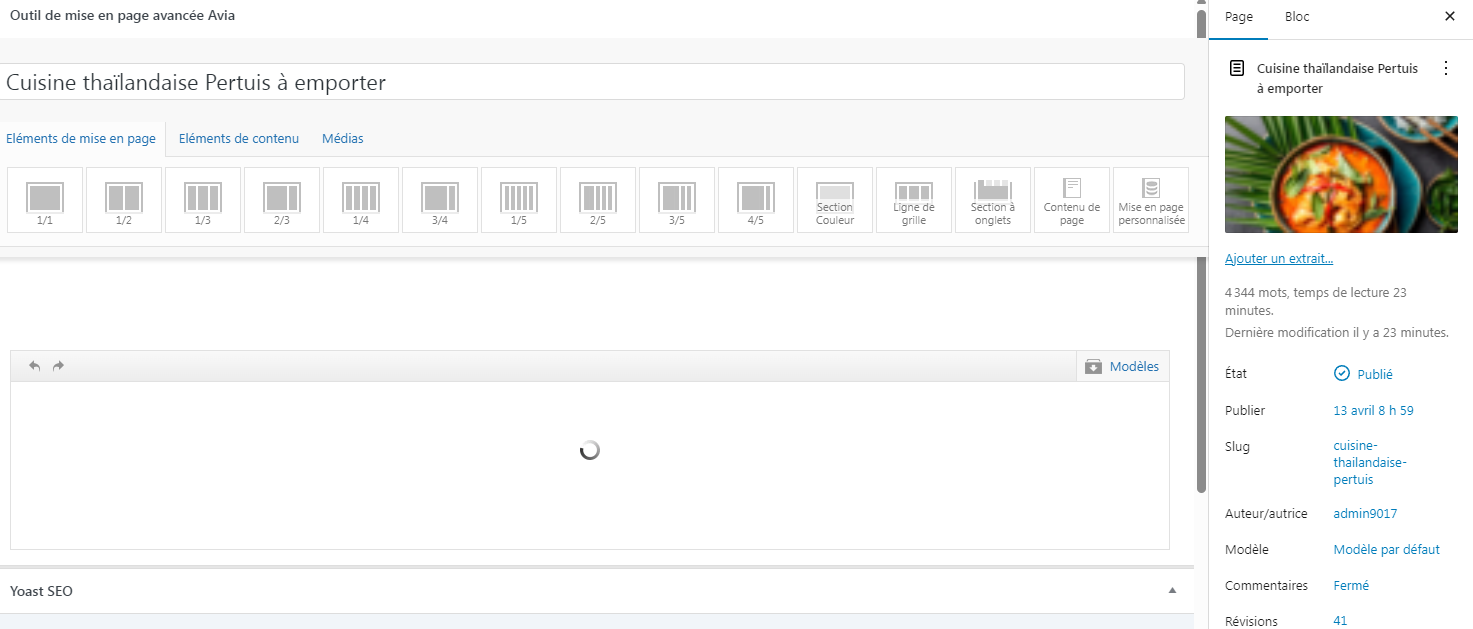
4-AND the homepage don’t display anymore on backend : https://thaigourmet.fr/enfold.png
-
This topic was modified 3 days, 20 hours ago by
 jb84.
jb84.
Hi,
Thank you for your patience, unfortunately changing the Isotope and the JavaScript calculation used would require the Dev Team to address this in the core files. Please create a request here for the Dev Team to review and you can follow along and share your input directly with them.
Best regards,
Mike
Hi,
Thanks for your patience, it sounds like you have this sorted out. If you would like the Dev Team to review a possible feature for this, please submit here.
Best regards,
Mike
Hey Krishan Kant,
The 7.1.3 XSS vulnerability was fixed with the 7.1.4 update, see our changelog
https://kriesi.at/documentation/enfold/changelog/
Patchstack shows no issue with 7.1.4
https://patchstack.com/database?search=Enfold
Please link to the Patchstack Vulnerability report that you see so our Dev Team can examine.
Best regards,
Mike
Hey shivam guleria,
The 7.1.3 XSS vulnerability was fixed with the 7.1.4 update, see our changelog
https://kriesi.at/documentation/enfold/changelog/
Patchstack shows no issue with 7.1.4
https://patchstack.com/database?search=Enfold
Please link to the Patchstack Vulnerability report that you see so our Dev Team can examine.
Best regards,
Mike
Hi,
Glad that Ismael could help, if you have further questions please open a new thread and we will try to help. Thanks for using Enfold.
Best regards,
Mike
Hi,
Is there anyone to remove the featured image on the single event page? I want to keep it on the overview page just not on the actual event page. On the actual event page I ended up embdeding the image seeing it only partially shows. Ideally i would like all event page like that.
Thank you Rikard, I believe I will walk the FTP path. Regarding themes I only use enfold, do not have any enfold-child.
Please confirm that I should first need to update Enfold to latest version and then update WordPress from ancient 4.9.29 to latest one. Or is it vise versa?
Also when talking about backup before, I have daily backup in my hosting provider and biweekly Updraftplus backup in g drive. Do I need to make an extra backup too? If yes please provide instructions about what to backup and by what tool.
Thanks again and sorry for been that reluctant, it is just that I cannot afford to lose this website.
-
This reply was modified 4 days, 20 hours ago by
 ChristosP.
-
This reply was modified 4 days, 20 hours ago by ChristosP.
Hey ChristosP,
The update to 7.1.4 has to be done manually from the version you are running, please refer to my replies in this thread: https://kriesi.at/support/topic/enfold-4-5-theme-update-update-failed-download-failed-a-valid-url-was-not-pro/#post-1021541
You can either update manually via FTP: https://kriesi.at/documentation/enfold/how-to-install-enfold-theme/#theme-update, or upload the theme as if it was new under Appearance->Themes->Add New Theme.
If that doesn’t work then please try to delete the whole theme folder, then replace it with the new version. Make sure that you have backups of the site before starting updating.
Also please read this after you have updated: https://kriesi.at/documentation/enfold/theme-registration/
Best regards,
Rikard
Hey roberto,
Enfold is not compatible with Elementor, it comes with its own layout builder.
Best regards,
Rikard
Hi,
it seems like the demo theme called SPA demo has locked the color for the main menu to be white. How do I change that? Will have white background which makes it a bit tricky for visitors.
Hello,
I will need your technical assistance in order to update a productive website from very old Enfold version to the latest one.
The website is running Enfold 4.4.1 and due to this version is also stuck in WordPress 4.9.29 and PHP 7.4
Since there is no automatic update procedure available, I will need specific step by step instructions on how to update.
If you will need access to the site I will be more than happy to setup access account for you.
Thank you in advance for your prompt reply.
okay, thanks Ismael.
I imagine if I were to modify that file, the edit would disappear in the next Enfold version.
Hey laptophobo,
Thank you for the inquiry.
This is possible, but you may need to directly modify the themes/enfold/config-templatebuilder/avia-shortcodes/headline_rotator/headline_rotator.js file. Unfortunately, this type of request is beyond the scope of support.
Best regards,
Ismael
Hi,
Thank you for the update.
Did you add this css code? This overrides the default style of the h2 heading.
#top h2 {
    font-size: 24px;
}
You can also adjust the style of the headings in the Enfold > Advanced Styling panel.
Best regards,
Ismael
Hi,
Thank you for the update.
The site contains an older version of the theme, 6.0.8. You need to download the latest version (7.1.4) of the theme from your Themeforest account and update manually via FTP. Please check the documentation below for more information.
— https://kriesi.at/documentation/enfold/theme-update/#update-via-ftp
Best regards,
Ismael
Hi,
Glad that Ismael could help, if you have further questions please open a new thread and we will try to help. Thanks for using Enfold.
Best regards,
Mike
Hi,
Thanks for the update, we’ll close this thread for now then. Please open a new thread if you should have any further questions or problems.
Best regards,
Rikard
 Levi Gahl
Guest
Hello there,
our client is using version 5.6.9 of the Enfold Theme.
We need to add a bunch of Custom Post Types, each with Custom Templates.
Their current version 5.6.9 doesn’t support the Layout Builder for Custom Templates, so we’re considering updating the theme to the latest version.
Prior to our supervision of the site, they customized a lot of things in the functions.php and other parts of the theme.
Since there’s a lot of customizations already implemented, I wanted to ask what kind of things we have to consider and take care of, before updating the theme, so no important data gets lost.
What files will be overwritten or deleted when updating the theme?
—
Questions regarding Dynamic Content and Custom Templates:
– Do Enfold Custom Templates support ACF Repeater Fields in an element? For example a carousel containing a dynamic amount of boxes, each containing custom fields?
– Is it possible to create a custom archive page with a Custom Template built with the Layout Builder?
– What are currently known limitations of the Layout Builder for Custom Templates?
We just need to know the details and capabilities of everything regarding dynamic content and templates, so we can plan the project precisely.
Thank you so much in advance!
Best regards,
Levi Gahl
 shivam guleria
Guest
I’m reaching out because I noticed in my hosting panel that Enfold theme version 7.1.4 is vulnerable to XSS. Could you please look into this on an urgent basis? I can see the vulnerability reported by Patchstack.
It’s been 1 month and is genuine a security concern and client has escalated this issue.
Kindly tell me what i need to do to resolve this, we have done everything on our end.
 Krishan Kant
Guest
Hi Team,
I’m reaching out because I noticed in my hosting panel that Enfold theme version 7.1.4 is vulnerable to XSS. Could you please look into this on an urgent basis? I can see the vulnerability reported by Patchstack.
Hey waveseven,
Thank you for the inquiry.
To override it in the child theme, use the tribe_events_template filter with a higher priority that checks the child theme directory first. Add this in the child theme’s functions.php:
add_filter( 'tribe_events_template', 'avf_events_template_paths_mod', 20, 2 );

function avf_events_template_paths_mod( $file, $template )
{
    $redirect = array( 'default-template.php', 'single-event.php', 'pro/map.php' );

    if( in_array( $template, $redirect ) )
    {
        $child_file = get_stylesheet_directory() . '/config-events-calendar/views/' . $template;

        if( file_exists( $child_file ) )
        {
            $file = $child_file;
        }
    }

    return $file;
}
Then place your modified template at:
enfold-child/config-events-calendar/views/single-event.php
Copy the original from enfold/config-events-calendar/views/single-event.php as your starting point.
Best regards,
Ismael
Hi,
Thank you for the update.
We also modified the themes/enfold/config-wordpress-seo/config.php file and added the same fix as in the themes/enfold/config-rank-math/config.php file. The warning is no longer appearing in the dashboard.
Best regards,
Ismael
Hey Biggy,
Thank you for the inquiry.
We couldn’t reproduce the issue on our end. Would you mind providing a link to a test page so we can check the issue? A screenshot would also help. Did you enable the Enfold > Privacy & Cookies > Cookie Handling > Enable Cookie Consent Messages?
Best regards,
Ismael
Hi, following up on this issue with an update and a request for a fix in a future version of Enfold. (BTW the forum sidebar still says the next update is coming out in January so you might want to change that.)
Using AI, I think I identified the root cause. The page uses an Isotope masonry gallery above an anchor link target. Isotope sets the gallery container height dynamically via JavaScript using absolute positioning on each item. On the first click of an anchor link, Isotope has not yet finished calculating the final grid height, so the container is shorter than its fully-loaded state. This causes the page to scroll to the wrong position. On the second click everything has loaded and the anchor lands correctly.
As a temporary workaround I have set a fixed minimum height on the color section containing the gallery, hardcoded to the fully-loaded pixel height of the grid. This works but is fragile — the value needs to be manually updated any time images are added or removed from the gallery, and it also varies by screen size.
A fix might be for Enfold to initialize Isotope and complete the layout calculation before any anchor scroll events fire. Specifically, the issue is that when a user clicks an anchor link, the browser calculates the target element’s position based on the current document height at that moment. If Isotope has not yet finished positioning all items and setting the final container height, the document is shorter than it will be once layout is complete, causing the scroll to undershoot the target. One approach would be to delay anchor scroll handling until after Isotope fires its layoutComplete event. Another approach would be to have Isotope run its initial layout synchronously on DOMContentLoaded rather than waiting for images to load, so the container height is stable before any user interaction is possible. A third approach would be a layout reservation strategy — for example, setting an explicit height on the container equal to the calculated grid height before images begin lazy loading, so the document height is consistent from the start regardless of image load state.”
Appreciate your feedback / advice on this as I use this element all the time and am concerned about my workaround.
Thanks!
Rob