-
Search Results
-
I’m very happy with the way Enfold and Translatepress work together for the most part. However, there seems to be an issue with translating the logo image between English and French in the transparent header.
English: lambdafoundation.org
French: lambdafoundation.org/fr/The translation procedure appears to work but is not reflected in the translated site. Translatepress seems to be confused by the swap between the white transparent logo and the RGB version of the logo that appears when the site visitor scrolls down the page.
Can anyone suggest a fix (or if I’m doing something wrong)?
Hi,
maybe this was already requested but i did not find it.
I am using the Logo slider. On mouse over the caption appears but i would like to have it below the image as text and always visible.
Is there a quick solution for that?or maybe another Plugin that i can use?
Hi,
In this recipe page, I want hovering the ingredients list automatically shows the corresponding ingredient image in the Easy Slider.
I noticed those links for slider dots, but they have no effect when used outside Easy Slider:
<a href='#1' class='goto-slide active'>1</a>
<a href='#2' class='goto-slide '>2</a>
<a href='#3' class='goto-slide '>3</a>
<a href='#4' class='goto-slide '>4</a>
<a href='#5' class='goto-slide '>5</a>
<a href='#6' class='goto-slide '>6</a>
<a href='#7' class='goto-slide '>7</a>
<a href='#8' class='goto-slide '>8</a>
Thanks,
SergeTopic: RTL Header
Guys,
I installed Arabic language which is RTL.
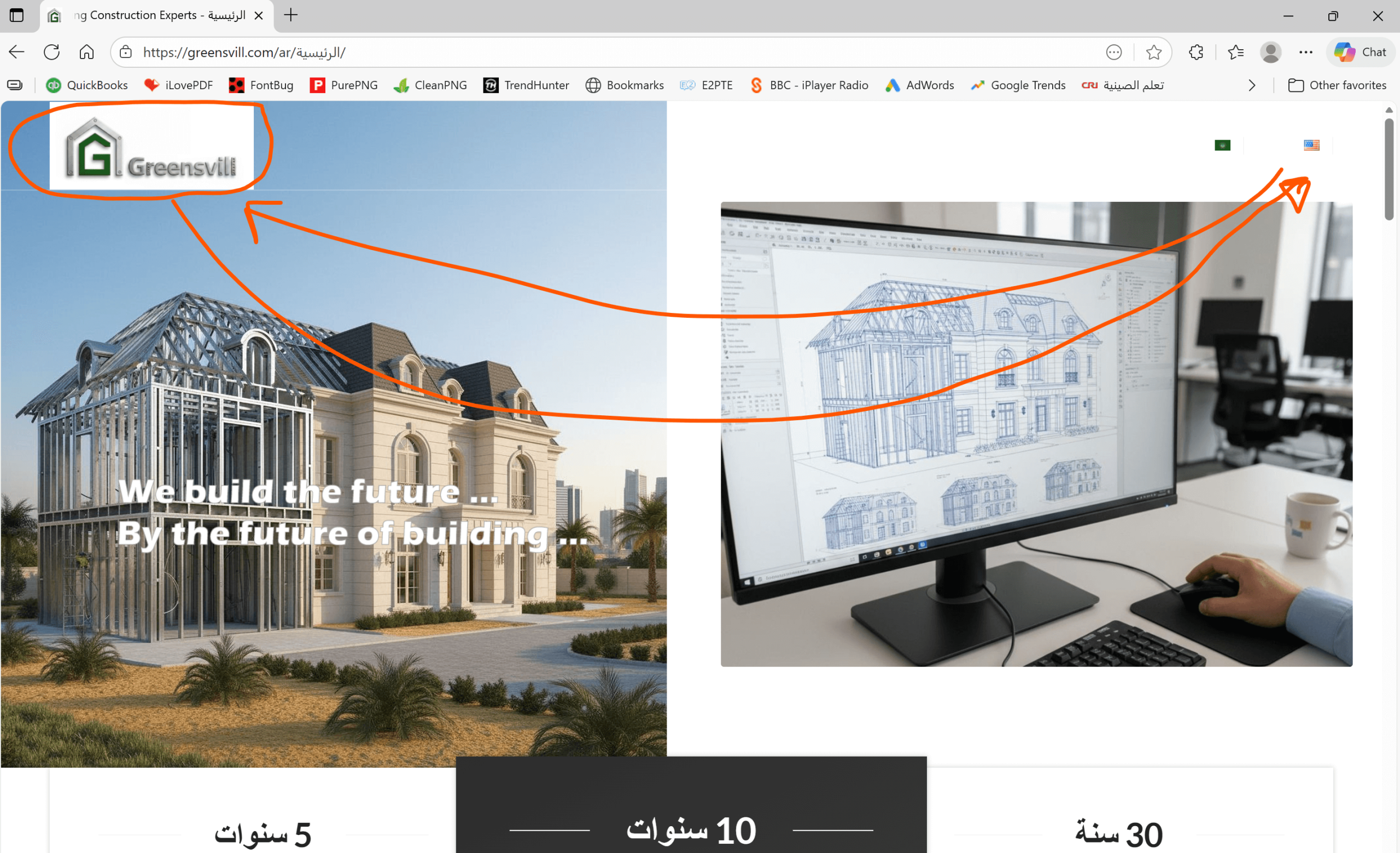
All home page elements are now right to left except the header. Please check the below image.
https://greensvill.com/wp-content/uploads/2025/11/RTL-header-scaled.png
Topic: Feature request
For several months now, images from YouTube have not been appearing in embedded videos for Show. Apparently, the error lies with YouTube. Is there any information on how to fix this problem? The following error message appears:
Watch video on YouTube
Error 153
Error configuring video playerUPDATE
I found this code and that fixed it:add_filter( 'avf_wc_before_shop_loop_item_title_img_size', 'avf_wc_before_shop_loop_item_title_img_size_mod', 10, 1 ); function avf_wc_before_shop_loop_item_title_img_size_mod( $thumbnail_size ) { return 'woocommerce_thumbnail'; }I am building a shop with woocommerce and I have selected in the customizer to have the product thumbnails be uncropped, but they are defaulting to 1:1. Have tried all combinations. I have setup another page to be the shop page, using the Shop Single 450×999 image size, which works OK, but all the related products are still 1:1 ratio. Can you see what’s blocking the upcropped setting?
thanks
NancyTopic: Before/After part
Dear,
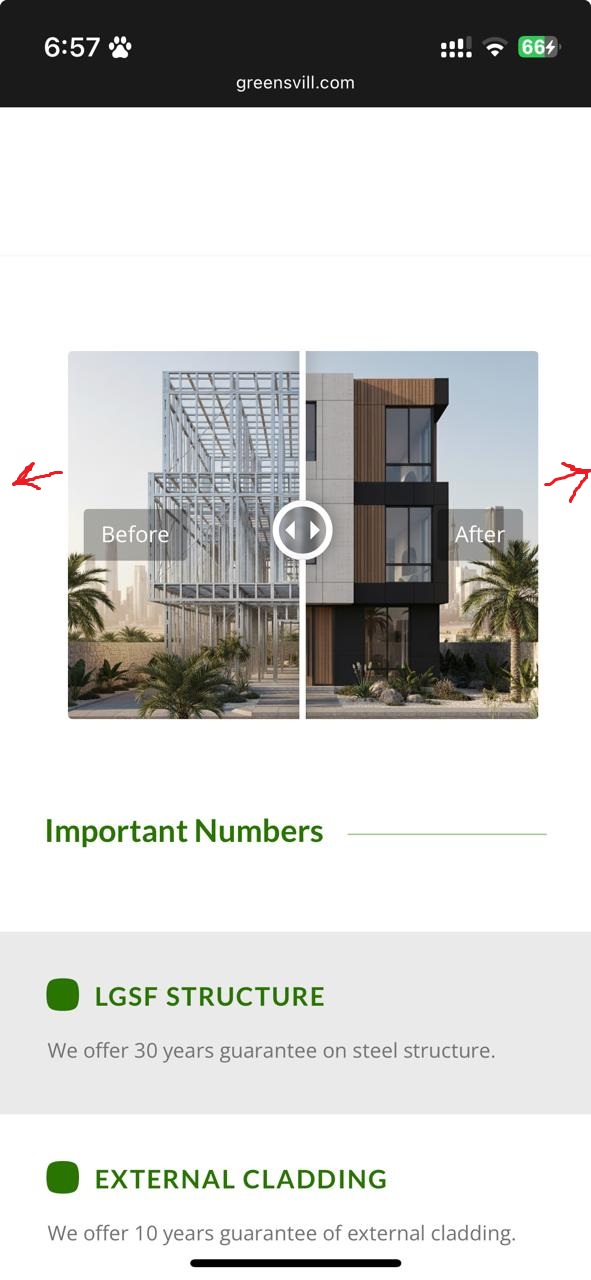
I tried many ways to reduce the space around before/after image for both mobile and disktop. I edited the margins but dint work for me.
could you please help me in this.
Thank you.
Hi,
I want a background image in a colour section to extend full screen width horizontally and not be cropped vertically. If I set a minimum height, the image does not cover full screen width. If I don’t, it is cropped vertically.
http://www.cuisine-chinoise.org
Best regards,
Serge