We updated to Enfold 5.1.1 on multiple sites. They are all now making the builder go full screen, behind the right Enfold Page Sidebar. Also, Advanced Custom Fields, a plugin we use on most of our sites is not showing at the bottom below enfold, it only shows the Enfold Page Builder. Also Yoast SEO is not showing. I can see it in the code when I do an Inspect in Chrome. I believe perhaps the enfold builder has css that is 100% width and height.
The animation where you see the image sort of pop in to view and grow to full size when you scroll the page. I don’t remember the name of the animation at the moment, but it’s a common one when you’re scrolling on the sample theme pages on the enfold website.
Thanks,
Jas
Hi,
Thanks for letting us know, I’ll close this thread for now then. Please open a new thread if you should have any further questions or problems.
Best regards,
Rikard
Hi,
we updated Enfold from 4.7.6.4 to 5.1.1
We first had to fix the breadcrumbs in our functions.php of the child theme in line 128-130.
After that, we saw that the footer widget columns are missing and we get the enfold standard “widgets”.
See here: https://imgur.com/a/ohECA4w
In the backend however, the widgets are still active.
If I go to the customizer, I see the following message:
“your theme has 12 widgets but this particular page does not display it”
I have overwritten the footer.php of the child theme with the content from the new footer.php,
this causes the footer to go missing completely.
See here: https://imgur.com/a/Tm8Nrwm
The other threads about this didnt help sadly.
Thanks in advance!
Hello,
I recently (yesterday) updated to latest WP and latest Enfold. Server using latest php as well.
As the title says, all of the sliders are not working – showing blank/white space. I disabled all of the plugins – didn’t solve the problem.
Client who’s website this is wants video embedded on the front page (please see private content).
I managed to somehow hack my way around video in the Grid Row element on the frontpage… but this is not a permanent solution.
Thanks in advance
What do you like to do? When should animation start – on load, on hover etc. What kind of animation? …
you can use f.e.: some of the predefined keyframe animations on enfold :
https://kriesi.at/documentation/enfold/animation/#customizing-animation-for-alb-elements
animate the whole container and image too
.avia-team-member {
    -webkit-animation: avia-btt 0.7s 1 cubic-bezier(0.175, 0.885, 0.320, 1.275)!important;
    animation:  avia-btt 0.7s 1 cubic-bezier(0.175, 0.885, 0.320, 1.275)!important;
}

.team-img-container img {
    -webkit-animation:  avia-fadein 3s 1 linear  !important ;
    animation:  avia-fadein  3s 1 linear  !important;
}
there is a qrcode you can scan ;)
This idea is not advisable for SEO reasons. If it’s just about the sizes, font thicknesses, font transformations, etc., then you can change that via css, or various Enfold option settings.
Hi,
Thanks for that. First off, could you try updating the theme to the latest version (5.1.1) to see if that helps please? https://kriesi.at/documentation/enfold/how-to-install-enfold-theme/#theme-update.
Best regards,
Rikard
Hi Michael,
Sorry for the problem. The theme version you are running is very old, could you try to update to the latest version (5.1.1) to see if that helps please? The update to 5.1.1 has to be done manually from the version you are running, please refer to my replies in this thread: https://kriesi.at/support/topic/enfold-4-5-theme-update-update-failed-download-failed-a-valid-url-was-not-pro/#post-1021541
You can either update manually via FTP: https://kriesi.at/documentation/enfold/how-to-install-enfold-theme/#theme-update, or use a plugin to upload the theme zip file: https://wordpress.org/plugins/update-theme-and-plugins-from-zip-file/
If that doesn’t work then please try to delete the whole theme folder, then replace it with the new version. Make sure that you have backups of the site before starting updating.
Also please read this after you have updated: https://kriesi.at/documentation/enfold/theme-registration/
Best regards,
Rikard
Hi,
Thanks for that. Please try the following in Quick CSS under Enfold->General Styling:
#nav_menu-2 li {
    display: inline-block;
}

#nav_menu-2 {
    text-align: right;
    top: -34px;
    right: 70px;
}
Best regards,
Rikard
Hy Rikard,
here a print screen. I give you the access do backend too.
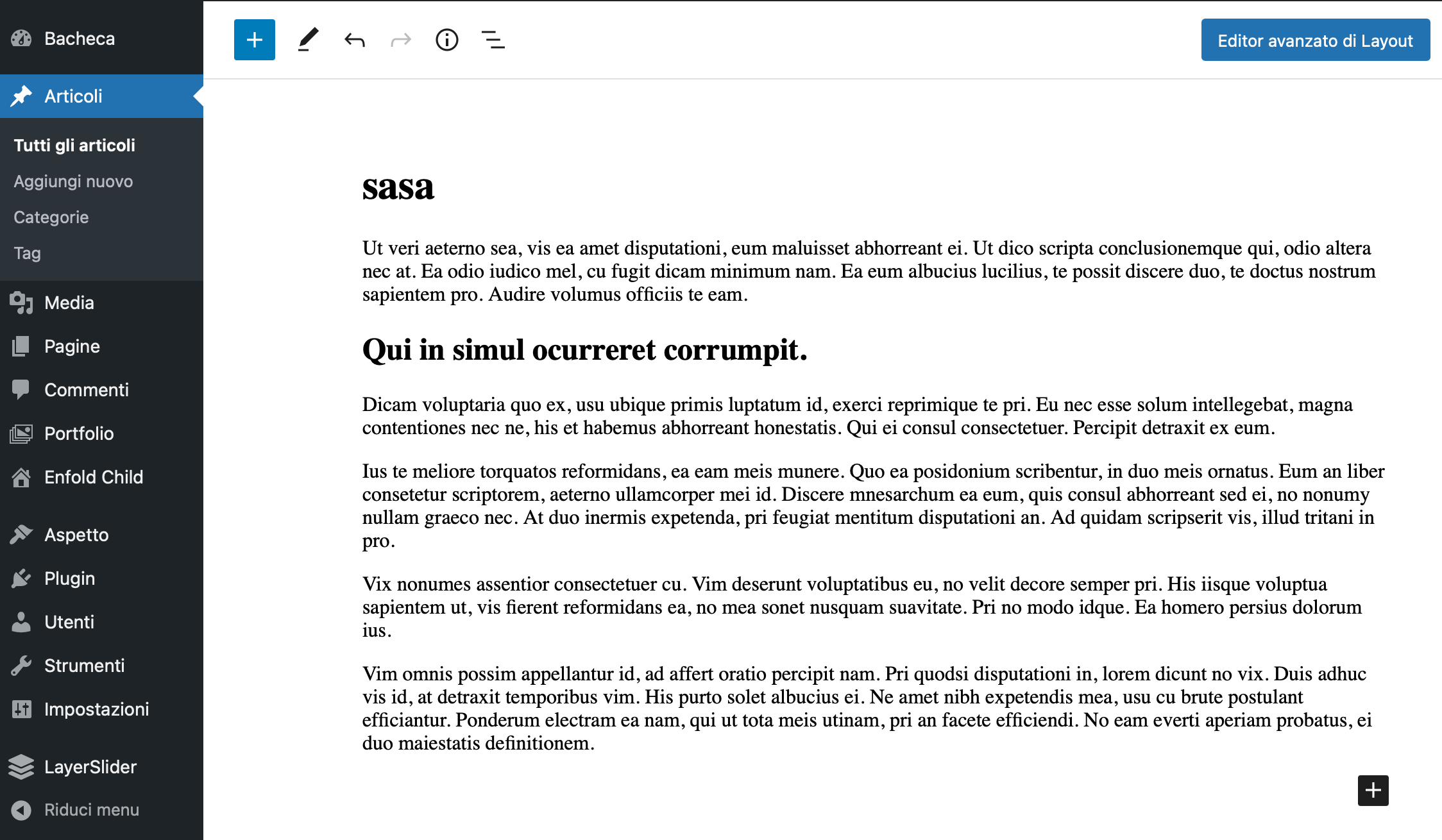
If you need something else let me know.
 Michael Heinzlmeier
Guest
Ladies and Gentlemen
please excuse my bad English. I have taken over the following WP page from a customer. http://www.schwarzwaldverein-bietigheim.de
This page was built with the theme “Enfold” 4.4.1 and runs with PHP version 7.2. When switching to PHP 8.0, the theme’s function.php causes an error message. Unfortunately, I can not say whether the theme was purchased. Unfortunately the creator passed away. Can you give me a tip ?
Regards
Michael
Hi,
1. Please send us a temporary WordPress admin login and login URL so that we can have a closer look. You can post the details in the Private Content section of your reply.
2. Please try the following in Quick CSS under Enfold->General Styling:
.title_container {
  background-color: #f4ebdb;
}
Best regards,
Rikard
Hey freotech,
What exactly is poorly designed, and what would you like to change? You can find all documentation here: https://kriesi.at/documentation/enfold/
Best regards,
Rikard
Hi,
thanks.
I change the menu color in Enfold->General Styling, or Enfold->Advanced Styling but it is still black.
2. My other question. How do I change the white background behind Projects and You are here to #f4ebdb?
Cheers
Charlotte
Within my WP dashboard, under Site Health Status, it flags the following issues “not all recommended security headers are installed” which lists:
Your website does not send all recommended security headers.
Upgrade Insecure Requests
X-XSS protection
X-Content Type Options
Referrer-Policy
X-Frame-Options
Permissions-Policy
HTTP Strict Transport Security
Learn more about security headers
So, is this something to do with Enfold header (which I have copied into enfold-child)?
Thanks.
I was wondering if you can recommend a plugin that works with Enfold for advanced filtering of Portfolio Items. I have a website adventurehq.com.au which lists various experiences and currently I have them sorted by:
– Adventure Type (Family, Teenage, Dining etc)
– Location (Country, State, City)
– Places (Cafes, Beaches etc)
Most of my articles are in multiple categories and I have created portfolio feeds from these. However, I have recently found out that having an article listed in multiple categories can be detrimental to SEO – I heard thin content and duplicate content mentioned in my research on the impact of SEO.
So I am wondering if you are aware of a plugin that would be compatible with Enfold Portfolio Items, that would allow me to set up advanced search/filtering.
For example, if someone wishes to find a family adventure in Sydney.
Many thanks
Hi Enfold Team!
Last week wordpress let me know that there is a critical problem on my site. Therefore I loaded up the latest Version of Enfold to my Site via FTP (yesterday). Now I can visit my website, but only see my Front “Homepage” – all other pages deliver 404 – even though that you can see them in the backend. Even the preview by editing shows me 404. And it shows a 404 without my personalized “404-design”.
Can you help me?
Best regards
Astrid
I made screen captured movie clip on youtube.
please check up this clip Enfold gallery problem
I did all plugins deactivated and update php 7.4 version.
However Nothings changed after inserting image into gallery.
Is there any other online supporting in Kriesi.at without posting in forum.
I purchased it included of 6 months supporting.
What can I do ?
-
This reply was modified 3 years, 8 months ago by
 t1kim.
-
This reply was modified 3 years, 8 months ago by t1kim.
Hi ivanglaser,
We’re glad that we could help you :)
Thanks for using Enfold and have a great day!
Best regards,
Nikko
Hi Michael,
Thanks for contacting us!
You can register to our forum here: https://kriesi.at/support/register/
For #1, you can add this CSS code in Enfold > General Styling > Quick CSS:
#top .toggle_content br {
    display: none;
}
We can inspect further once you registered and also give us temporary admin access to inspect the backend.
#2, there are two approaches for it:
a) Duplicate the video (on areas where videos show at the bottom on mobile) then edit the original video, go to Advanced (tab) > Responsive > check both Hide on small screens and very small screens.
Move the duplicate video above the Special Heading and edit it, go to Advanced (tab) > Responsive > check both Hide on large and medium sized screens.
b) Go to Enfold > General Styling > Quick CSS and add this CSS code:
@media only screen and (max-width:767px) {
  .page-id-1091 #av_section_3 .entry-content-wrapper, .page-id-1091 #av_section_4 .entry-content-wrapper {
    display: flex;
    flex-direction: column-reverse;
  }
}
Hope it helps.
Best regards,
Nikko
Hi
Anyone has access to responsive feature documentation for Enfold?
How do we change the margin padding for responsive view.
I must say the responsive view is quite poorly designed for this theme.
Thanks
 Michael Spencer
Guest
Hi
I just purchased an additional 6 months of support from the Envato marketplace for my Enfold theme, several hours later I am still unable to post a question in your support forum
My Envato item purchase code is [moved to private content]
I am happy to share with you the invoice from Envato proving that I made this purchase, if you would like this please advise how I can share with you a PDF of the invoice
Enclosed in the Private Content section below are my two questions – please advise if I should repost these questions to the support forum and, if so, how to do so
Thank you
-
This topic was modified 3 years, 8 months ago by
 Nikko. Reason: security
Hi kellyCraftMedia,
I’m glad that Ismael could help you :)
Thanks for using Enfold and have a great day!
Best regards,
Nikko
Hi Stan,
Both Themeforest User Name and Themeforest API Key are found in the account you used to purchase Enfold.
However, the use of API key for updating has already been removed by Themeforest as they are using tokens instead.
Please follow Rikard’s recommendation of using the plugin https://envato.com/market-plugin/ then when asked for a personal token, you can generate one by following the instructions in our documentation: https://kriesi.at/documentation/enfold/theme-registration/#how-to-generate-a-envato-personal-token
Hope this helps.
Best regards,
Nikko
Hi hammerseo,
I’m glad that Rikard could help you :)
Thanks for using Enfold and have a great day!
Best regards,
Nikko
Hi. Thnanks for that.
mmm. No matter what I do, I cant seem to fix the problem.
I disabled anything I could find taht had compression (Jetpack, Pageoptimizer and the enfold performance settings) but it made no difference
I even tried uploading another copy of the background image and naming it as expected by the homepage code but even that did not work for some reason
I have included an admin login below if you could take a quick look that would be appreciated
Thanks
Hi,
Thanks for the update, I’ll close this thread for now then. Please open a new thread if you should have any further questions or problems.
Best regards,
Rikard
Can you please add this to the suggestion to allow from theme panel options to select something different than WordPress pagination such as “blog/page1, or page-number-1 or anything could be added in the theme options such as resources-page-1 or news-page-1 or articles-page-1 or industry-updates-1 Every website can select their own name or maybe type their own name to show something meaningful in the address bar instead of showing ?avia-element-paging=2. We Coders and Developers know what avia or element or paging or pagination means but what about the end user who is the customer, not the developer or coder?
Please put this suggestion to add this feature in Enfold Theme options for further customization to make the URL more sense instead of showing theme elements or codes in it. Thanks.
Hi,
Thanks for letting us know, I’ll close this thread for now then. Please open a new thread if you should have any further questions or problems.
Best regards,
Rikard



