Hi,
I have a Mega Menu with 5 Sub-Menu Items, but the five items are to the left of dropdown mega-menu, leaving a large space to the right instead of taking up the whole space, almost as if Enfold thinks there is a 6th item. I’ve tried all of the CSS from prior sites when I’ve accomplished this to no avail.
This is my new site, which has a coming soon page up, so I am providing a bypass link:
https://sunrisesanctuary.life/bypass
I’m trying to get it to look like another site where I’ve accomplished the same thing (with your help): https://balsamtours.com/ – Mega Menu under TOURS.
In that site I used custom css to fix and even out the mega menu columns, but the same code does not work on this site (only one item appears if I try it).
I appreciate your help and will provide WP admin login credentials in private content in the event you need them.
Thank you!
Hi Nikko,
Thank you again for your prompt assistance in resolving the blank page issue. I’m very grateful for your expertise.
I’m intending to delete my current site and install the Enfold demo coming soon page directly from the Enfold theme. If I face the same problem of white text, could you please guide me on how to change the text or background color?
Thank you once more for your help.
Sincerely,
Khaled
As Enfold generates 17 images for every single one uploaded, I am running of space on my server, and its the largest server available. I need to delete a significant amount of images that Enfold generated. Is it safe to perhaps delete the wide-angle resolutions? What are the 17 image resolution types and how are they being used by Enfold?
When I enter trouble shooting mode in the “Health Check and Troubleshooting” plugin, and I switch the available theme to Enfold (parent theme), or to Twenty Twenty-Three… the header footer problems resolve. Activating/Deactivating plug-ins does not resolve the problem.
This may also relate to my other ticket regarding the footer.
How do I fix this child theme problem?
FTP credentials provided.
Thanks for all your help… this is really bugging me :)
I’m not sure… when I enter trouble shooting mode in the Health Check and Troubleshooting plugin, and I switch the available theme to Enfold (parent theme), or to Twenty Twenty-Three… the header footer problems resolve.
How do I fix this child theme problem?
FTP credentials provided.
Hi,
Great, I’m glad that we could help. Please open a new thread if you should have any further questions or problems.
Best regards,
Rikard
Hey Alex,
Please try the following in Quick CSS under Enfold->General Styling:
.container_wrap {
    border-top-width: 0;
}
Best regards,
Rikard
Hey ti2media,
Thank you for the link to your site, when I check it sees as to have requested, perhaps you have already solved this?

Best regards,
Mike
Hi,
Glad Ismael could help, if you have any further questions please create a new thread and we will gladly try to help you. Thank you for using Enfold.
Best regards,
Mike
Hey dweddell,
Thank you for the link to your site and your screenshot, try adding a max-width: 33%; to each of your three elements for mobile like this:
@media only screen and (max-width: 767px) {
	.responsive #top #header #header_main .inner-container .main_menu {
    order: 1;
    flex-basis: auto;
    align-items: center;
    align-self: center;
    height: inherit !important;
    width: 33%;
}
.responsive #top #header #header_main .inner-container .logo {
    order: 2;
    flex-basis: auto;
    min-width: 100px;
    z-index: 9;
    transform: translateY(30%);
    margin-top: -30px;
    max-width: 33%;
}
.responsive #top #header #header_main .inner-container .widget {
    order: 3;
    flex-basis: auto;
    padding: 0;
    clear: none!important;
    justify-content: center;
    align-self: center;
    align-items: center;
    z-index: 1;
    max-width: 33%;
}
}
This is the expected results:

Best regards,
Mike
Hey dondela,
It is from the main container and not the slider, Try this CSS in your Enfold Theme Options ▸ General Styling ▸ Quick CSS field:
#main .container_wrap_first > .av-section-cont-open > .content {
	padding: 0;
}
Please ensure to copy the code from the forum and not an email notification so the symbols are not converted.
After applying the css, please clear your browser cache and check.
Best regards,
Mike
Hi there,
does anyone have a quick idea how to best setup a layout like this with Enfold?:
The background image needs to be full width. But I also want columns and rows which stay within the regular container max-width (eg 1400px).
Looking forward to your ideas!
Best
Felix
PS: You can close this. I think I found a solution for now
Hey togetherconcept,
Please try the following in Quick CSS under Enfold->General Styling:
.caption_bottom .slideshow_caption .slideshow_inner_caption .slideshow_align_caption {
    text-align: center;
}
Best regards,
Rikard
Hey Loveronika,
Please try the following in Quick CSS under Enfold->General Styling:
@media only screen and (max-width: 767px) {
#footer .av_one_third {
    margin-left: 0;
    width: 100%;
}
}
Best regards,
Rikard
Hello,
how can I get the scroll-margin-top & scroll-padding-top css properties to work with the enfold theme?
I tried removing overflow: hidden; properties from parent containers, disabled as much css as possible but no way I can get it working.
Thanks in advance for your reply.
Regards,
Kees
Hey Amanda,
Updating the parent theme would be the correct way to go yes. If the parent theme version is 4.4.1 or below, then you would have to update manually. You can either update manually via FTP: https://kriesi.at/documentation/enfold/how-to-install-enfold-theme/#theme-update, or upload the theme files like it was a new installation under Appearance->Themes->Add new theme.
If that doesn’t work then please try to delete the whole theme folder, then replace it with the new version. Make sure that you have backups of the site before starting updating.
Also please read this after you have updated: https://kriesi.at/documentation/enfold/theme-registration/
Best regards,
Rikard
Hi,
Thanks for the update, we’ll close this thread for now then. Please open a new thread if you should have any further questions or problems.
Best regards,
Rikard
 Amanda
Guest
Hello,
A new customer of mine has your theme Enfold. However, it has not been updated for a very long time and they no longer have the information for their Themeforest account. I therefore thought of buying the theme again to be able to update the website properly. They use a child theme. I am therefore wondering, if I buy the Enfold theme and then put the main theme as a replacement for the one that is there now, is this the right way to go? So, I want to keep the child theme as they have their style there, but the main theme has not been updated since about 2019.
Dear enfold team,
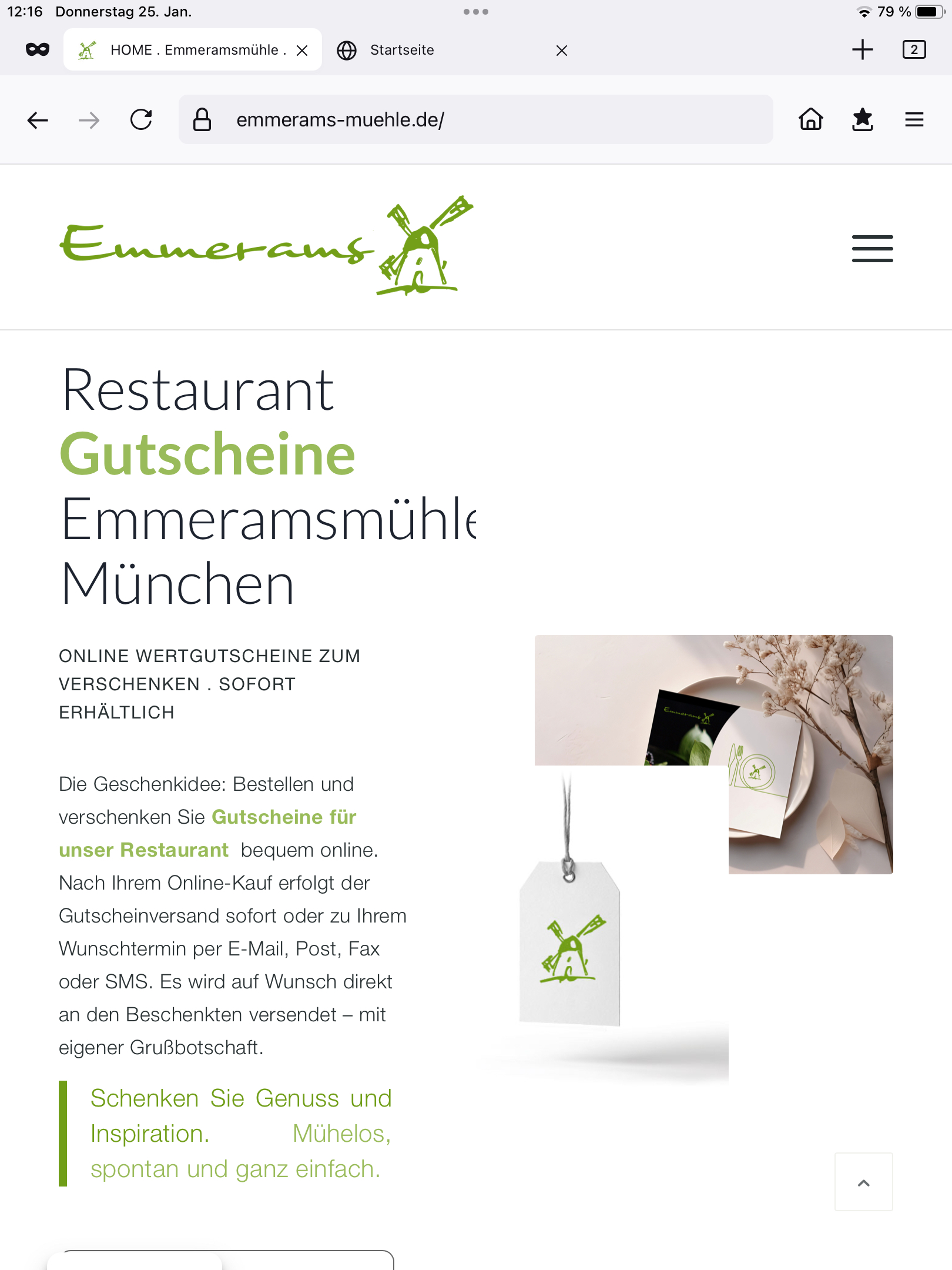
I have the following problem with the tablet and mobile optimization of the following website https://emmerams-muehle.de/:
There is a section with a Grid.Row under the following section:
1. tablet optimization
On the tablet portrait mode (ipad) the individual cells should appear one below the other:
but in the first grid row they still appear next to each other: see screenshot: https://emmerams-muehle.de/support/tablet-hoch_grid1.jpeg
in the second grid row, they are displayed one below the other as intended: see screenshot https://emmerams-muehle.de/support/tablet-hoch_grid2.jpeg
2. mobile optimization
On the cell phone I have the problem that the distance between the image and the following Grid Row is incredibly large although I have already set margin to 0 (for mobile devices): see screenshot https://emmerams-muehle.de/support/mobile-grid1.png
Could you please help me with my 2 concerns?
Best regards Diana
Translated with DeepL.com (free version)
Hi Good Enfold People
We based our world on Enfold – We love this theme – You are awesome !!
We are properly doing a swap between Yoast SEO Plugin to the “Rank Math”.
However before the swap I want to know if anyone has some experience with this plugin and Enfold?
We are ONLY using the “Classic Editor” – So there is some small issues just in that!
Is Enfold compatible? If not – Will it be when?
Looking forward to some input and help – Thx for your magic
Netz
N.B. Just found this list https://rankmath.com/compatible/themes/ and Enfold is NOT on it :-( :-(
What can we do to get on that list? – And Fast!! with support for Classic Editor…
-
This topic was modified 2 years, 2 months ago by
 Netzie.
-
This topic was modified 2 years, 2 months ago by Netzie.
Hi,
Thanks for the link to your page, the first video element (not the code block) has the correct link format youtube.com/watch?v= and when I test it on my site it works correctly, please see the link in the Private Content area.
Try disabling all of your plugins. If that resolves the issue, reactivate each one individually until you find the conflict.
I’m seeing these errors from your site but I don’t know what could be causing them, perhaps a plugin.

Best regards,
Mike
Hey,
Please temporarily switch to Enfold parent theme.
If that doesn’t help, try deactivating all active plugins and check if that fixes the issue.
Best regards,
Yigit
Hello everyone
I have discovered a page here on the Intnet. Link below
On the right side there is a ⓘ that opens on mouseover.
Can this popup also be created in the Enfold theme?
thanks for your info
best regards
Franz
Hey liesbethp1,
Thank you for the inquiry.
1.) You can add this css code to adjust the margins around a specific masonry item.
.av-masonry-container .av-masonry-entry:nth-child(2) {
  margin-top: 200px;
}

.av-masonry-container .av-masonry-entry:nth-child(4) {
  margin-top: 100px;
}
The css code above should affect the first and third items in the gallery.
2.) Have you tried creating a Custom Elements Template for a Masonry Gallery? Please check the link below for more info.
// https://kriesi.at/documentation/enfold/custom-element-templates/
Best regards,
Ismael
Hey ontariotraining,
Thank you for the inquiry.
Did you previously set the Enfold > Footer Options > Default Footer & Socket Settings to Page based Footer options? Please make sure that the Select Page dropdown is set to Select Page to deselect the custom footer page before selecting a non-Page based Footer option. Or provide the login details in the private field so that we can check the settings.
Best regards,
Ismael
I created a tools>export all content xml
I suppose it will also import all the superfluous image files in the exported content, 10-12 dimension versions created by wp and enfold, which may be not in use.
Hi Lion,
I’m sorry for the delayed response.
Please add the following code to the Quick CSS in Enfold theme options > General Styling:
/* To fix the background images on tablet */
@media only screen and (max-width: 1024px) {
    .touch-device #top .avia-section.avia-bg-style-fixed {
        background-attachment: scroll;
    }
}

/* To fix the Social Share icons on mobile */
@media only screen and (max-width: 480px) {
    .av-social-sharing-box:not(.av-social-sharing-box-rounded, .av-social-sharing-box-buttons, .av-social-sharing-box-default, .av-social-sharing-box-minimal) .av-share-box ul li {
        display: inline-block;
    }
	.av-social-sharing-box-circle .av-share-box ul li, .av-social-sharing-box-icon .av-share-box ul li {
    	margin-bottom: 2px;
    }
}
After adding the code, please make sure to clear any server-side, plugin-based, and browser caches.
Best regards,
Yigit
-
This reply was modified 2 years, 2 months ago by
 Yigit.
Hi,
Glad to hear that you have this sorted out, if you have any further questions please create a new thread and we will gladly try to help you. Thank you for using Enfold.
Best regards,
Mike
enfold docs
header setting >
Enfold > Header > Header Layout > Menu and Logo Position > Logo left, Menu right
Why is it saying to select menu right when i am trying to have menu below?
code snippet – CSS
Code snippet heading > Logo left, Widget center, widget right, menu above
States menu above and when i add it in it does what is says… menu above when notes are for menu below
i would like as docs states
LOGO widget 1 widget 2
menu below
thanks