
-
Search Results
-
So this is something I have ran into before so I figured it was time to get some help.;-)
See private content for link to website I am working on
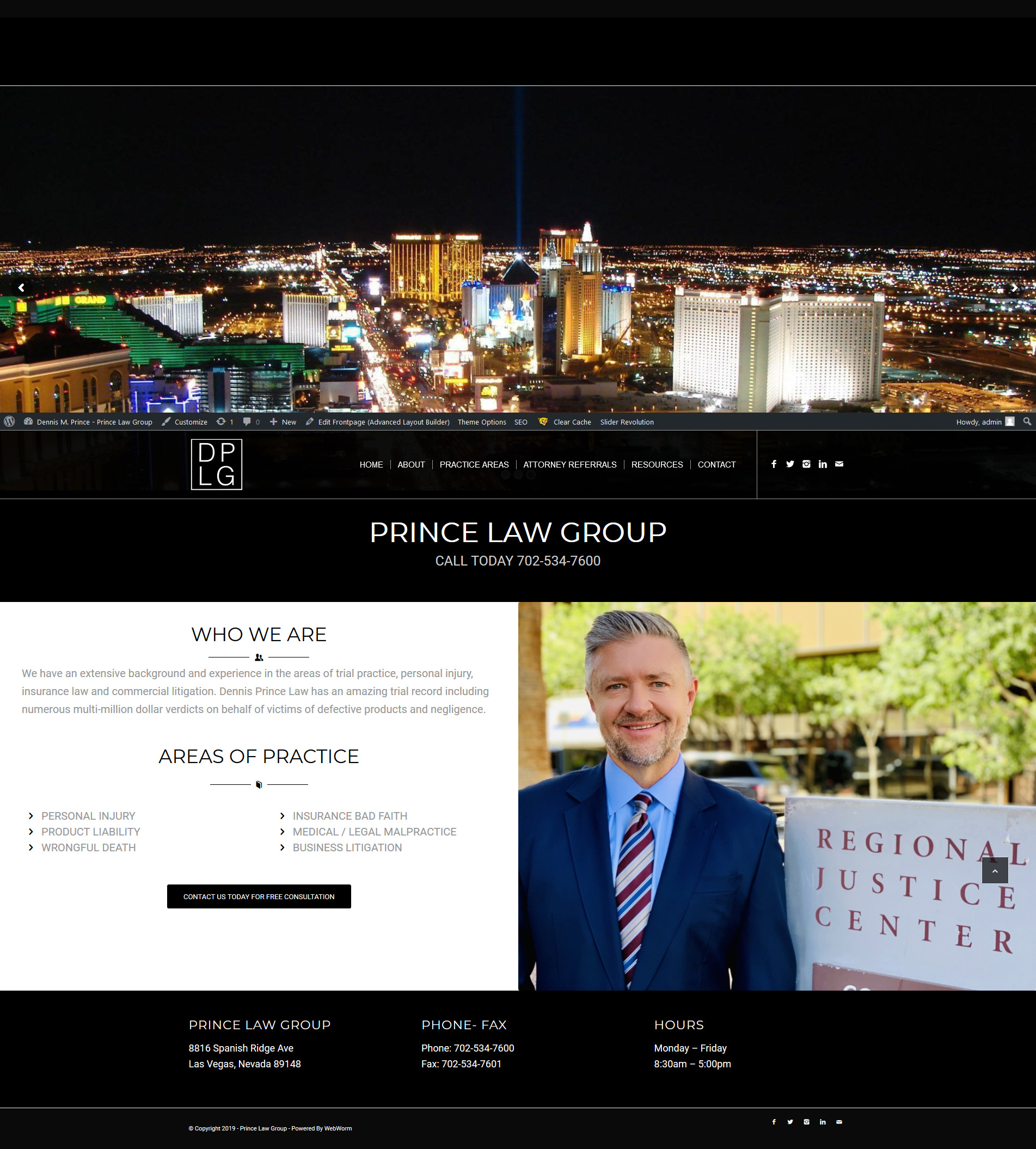
The home page formats correctly on a desktop wide screen 1920 x 1080 monitor see screen shot below
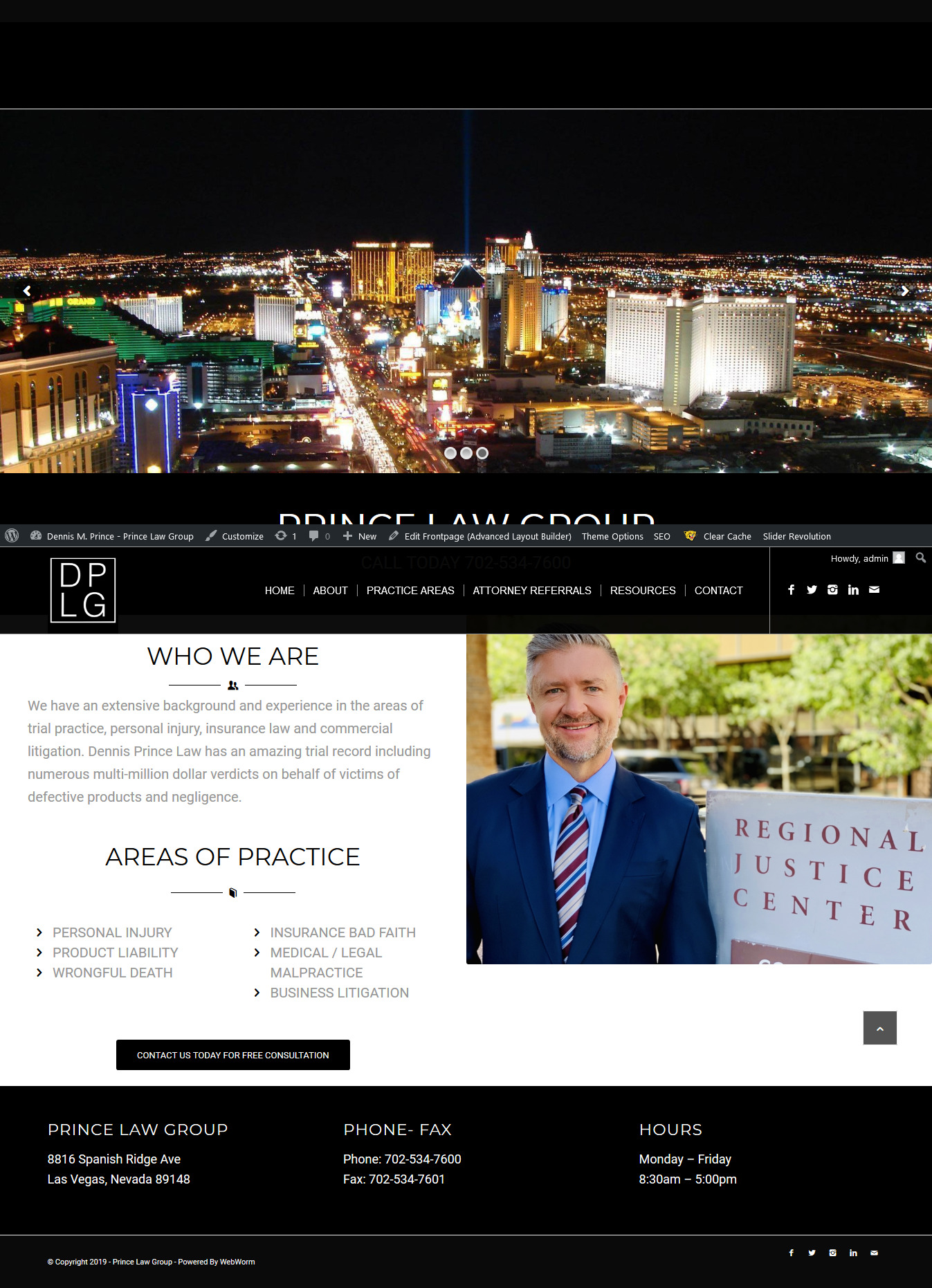
However on an Ipad Pro Tablet as you can see it needs some adjustments , the white area is being pushed down on the left side
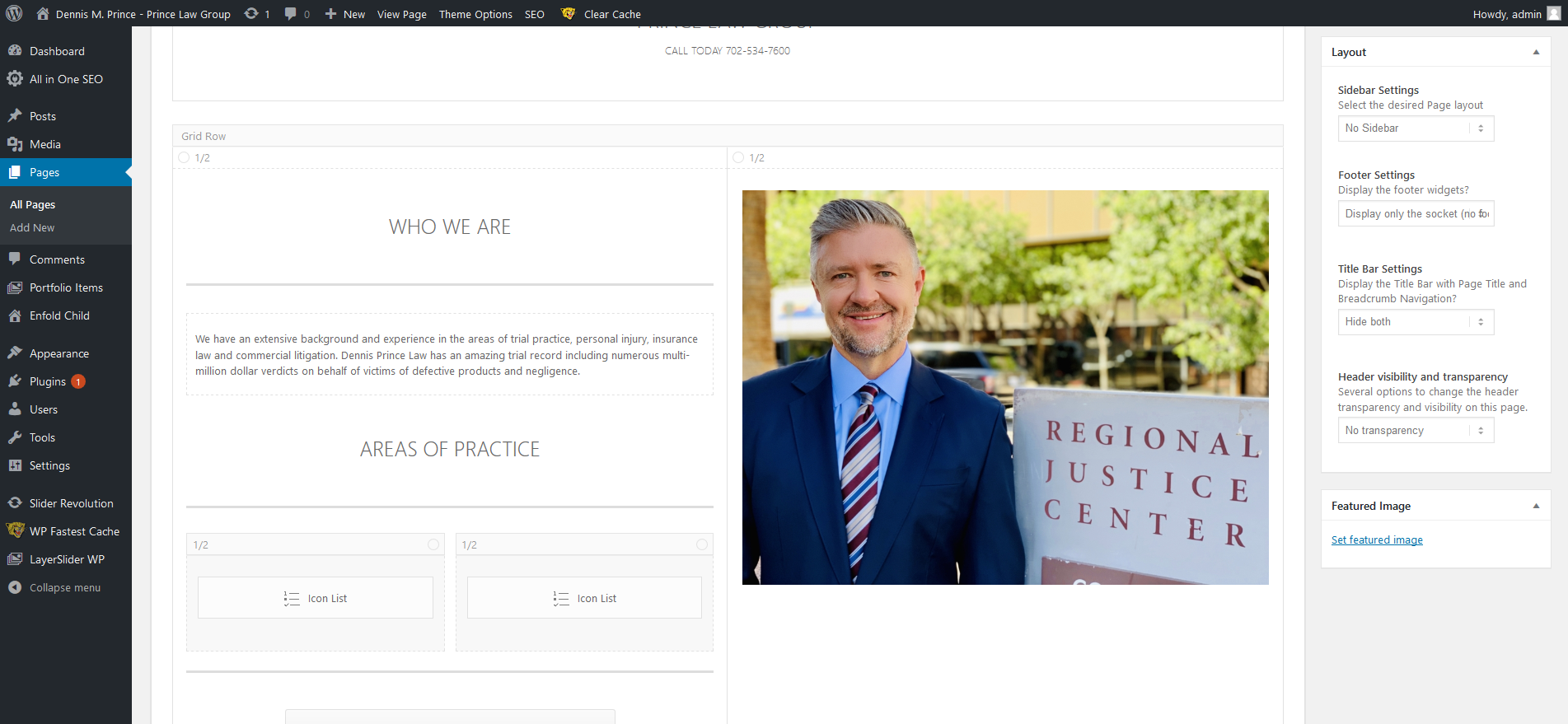
So my solution is to go in and make adjustments to the elements on the left hand side like the Font size of the special header and the text and I may have to hide some of the elements so that it will format properly on smaller screens like the Ipad Pro screen. See screen shot
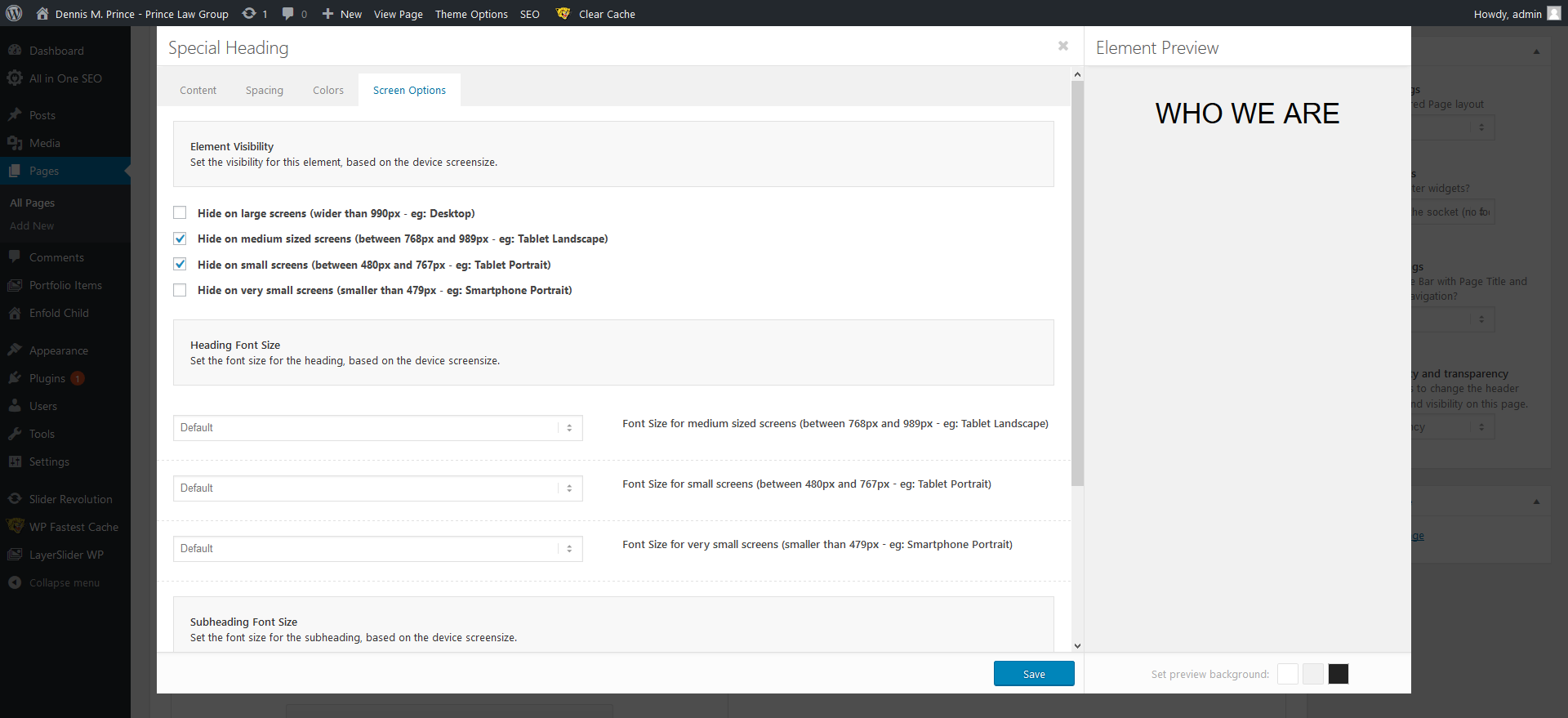
The problem is that when I go into “Screen Options ” and make changes to font size or try to hide elements for the IPad Pro / Tablets in portrait or landscape nothing happens, I clear cache , so I know that’s not an issue and it works fine for Mobile / IPhone changes see screen shot
and it only hides on screens 989px or smaller
So they say the IPad Pro has a 12.9 in screen and very high resolution so assuming that’s the problem 2732 x 2048
screen sizesany thoughts on how I can get this page to be responsive across all platforms ?
Topic: Sub Menu Font size
Hi,
I have a couple of questions.
1. I would like to adjust the Sub Menu font size to match the Main menu.2. Home Page Maisonary Gallery Font – I would like to change this to be the same font as the Heading font please.
3. Home Page – Under THE CONDUIT heading font I would like to increase the size of the body text (larger) however would not like the rest of the body text in the website to change.
Thank you!
MayaTopic: Navigation Menu Styling
It has been some time since I used Enfold for any projects however, I have decided to give it another go for a client who has requested a specific design. I am having difficulty styling the navigation menu, more so due to caching issues. Every single time I make changes it is not showing, I have to clear the cache in order to see the changes. This is not practical, all I am trying to do is change the menu background colour and font colour / sizes.
After giving up using Enfold on over 15 projects due to styling being a bit of a headache, I can see why I preferred the Avada theme in so many ways. It really shouldn’t be so awkward to amend the colours, fonts etc on the navigation bar and this seems to have been a problem for years.
Topic: Accordion Slider text size
Topic: Change Footer font
HI,
I would like to change the Heading font for the footer to the body text font.
I would also like to change enlarge the size of the font on the Home page Masonary Gallery section.
How can I do this?
Thank you,
MayaTopic: A touch of CSS
Just wondering if you can help me here.
If you look at my website I see the fond under the category image is very small.
I would like to increase the size of the font and also put a background color behind the wording.I cant quite get the right code for this one..
So
Increase the size of the font and change its color. And also put a background color behind these words only.
Can the background color have rounded corners as well.?Thanks for any help


