Hey psstudiosinc,4
Thank you for using Enfold.
Please follow the solution here: https://kriesi.at/support/topic/sidebar-not-visible-after-updating-the-events-calendar-to-4-2-5/#post-679786
Replace the value $redirect with the name of the template and adjust the $file directory.
Best regards,
Ismael
Hi,
Install the WordPress Importer plugin and download the xml file from the demo list above then import it in your installation. If it doesn’t work, reset the database then follow the instructions here. https://kriesi.at/support/topic/demo-content-not-uploading/#post-666468
Best regards,
Ismael
Hi,
Great, glad you found the problem :-)
Please let us know if you should need any further help on the topic.
Regards,
Rikard
Hi,
Thank you for using Enfold.
Add this in the Quick CSS field to create a gap between the top bar and the main header:
#header_main {
    margin-top: 50px;
    background-color: red;
}

.header_color .header_bg, #main {
    background-color: transparent;
}

.html_header_top.html_header_sticky #top #wrap_all #main {
    padding-top: 0;
}
Best regards,
Ismael
Hi Stephan,
Great, glad we could help :-)
Please let us know if you should need any further help on the topic.
Thanks,
Rikard
Hi,
Great, glad you got it working and thanks for sharing your solution :-)
Please let us know if you should need any further help on the topic.
Best regards,
Rikard
Hi Erik,
Great, glad you got it working and thanks for sharing your solution :-)
Please let us know if you should need any further help on the topic.
Cheers!
Rikard
Hi @ChocChipDigital,
Great, glad you got it working :-)
Please let us know if you should need any further help on the topic.
Best regards,
Rikard
Hi,
Great, glad you got it working and thanks for sharing. Please let us know if you should need any further help on the topic.
Regards,
Rikard
Hi,
Ok, thanks for the feedback. Please let us know if you should need any further help on the topic.
Regards,
Rikard
Hi gireeshnair,
I’m not sure what you mean by that, how is it supposed to change on desktop size?
Thanks,
Rikard
Hi,
We checked the product pages and they are created with the advance layout builder. The xliff file should contain raw text in order to be translated properly. Unfortunately, this type of translation is not going to work with any advance page builder out there. Translating pages with the advance layout builder is the same when using the visual composer so this short article might help: https://wpml.org/2014/06/use-visual-composers-page-builders-wpml/
Also, these threads, although different themes and plugin, might clear things out:
https://wpml.org/forums/topic/avada-fusion-builder/
https://wpml.org/forums/topic/html-tag-and-shortcode-included-in-word-count/
Best regards,
Ismael
Hi,
We get these errors when we click the “Next” button in the Step 3 of the W P M L installation. Seems to be a common issue, not related to the theme. Please reset or delete the W P M L plugin and then install it again from scratch.
admin.php?page=sitepress-multilingual-cms%2Fmenu%2Flanguages.php:1 An invalid form control with name=’icl_lang_sel_footer_config[border]’ is not focusable.
Same issue here:
https://wpml.org/forums/topic/i-tried-to-install-wpml-but-i-stuck-at-step-3-and-it-messed-up-my-whole-website/
https://wpml.org/forums/topic/can-not-install-wpml/
Best regards,
Ismael
Hi,
The selector requires a little adjustment. Replace the css code with the following:
.mfp-gallery .mfp-image-holder .mfp-figure:before, .mfp-gallery .mfp-image-holder .mfp-figure:after {
    z-index: -1;
    position: absolute;
    content: "";
    bottom: 10px;
    left: 5px;
    width: 50%;
    top: 90%;
    max-width: 300px;
    background: #777;
    box-shadow: 0 15px 10px #777;
    transform: rotate(-3deg);
}

.mfp-gallery .mfp-image-holder .mfp-figure figure:after {
    transform: rotate(3deg);
    right: 5px;
    left: auto;
}
Best regards,
Ismael
Hey craigriches,
Thank you for using Enfold.
A user reported an issue with the plugin’s “global tabs”, it’s not displaying in any of the page. Someone is currently fixing the issue but we haven’t receive the patch yet. https://kriesi.at/support/topic/taba-manager-problem/
Best regards,
Ismael
Hi,
Thank you for the info. And we are very sorry for the late response.
Please check if the “upload_tmp_dir” php directive is set correctly. You can ask your hosting provider to configure the settings.
Related link: https://kriesi.at/support/topic/demo-content-not-uploading/#post-666468
And please refrain from bumping or replying to your own thread because it gets pushed back to the end of the queue and moderators won’t be able to provide a response immediately. Please be patient while we go through the rest of the queue. Thank you for your understanding.
Best regards,
Ismael
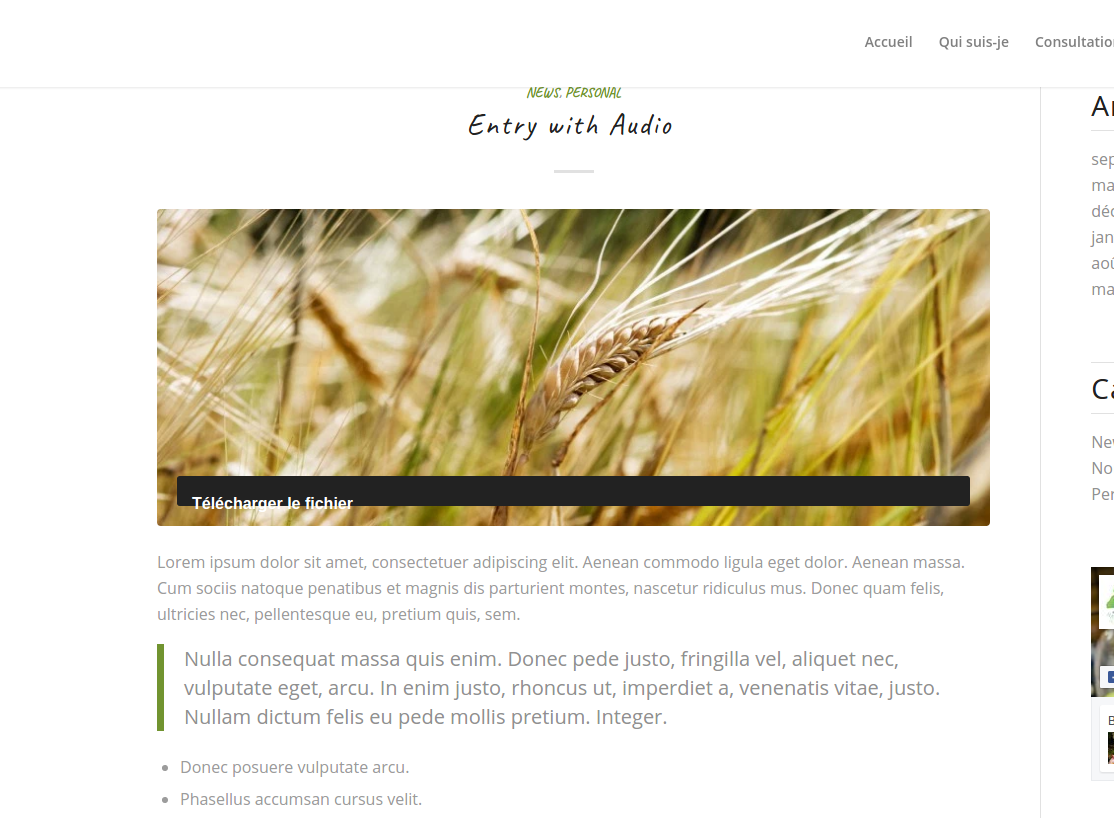
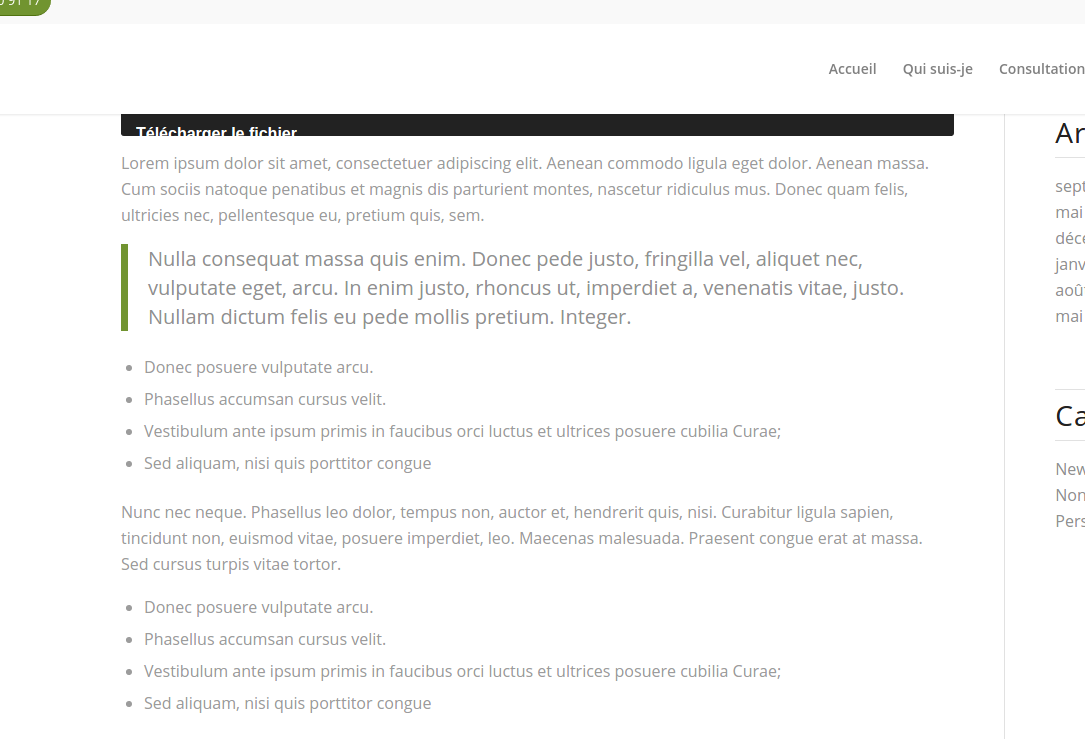
While featured images (post) remain visible on “blog” masonry, when we click on a blog post, the featured image is visible on top of the post only if the post was modified with de basic wordpress editor.
If the blog post is modified with advanced layout editor enabled, then the featured image of the post doesn’t remain visible inside the article.
Do you know this bug ?
I’m able to reproduce it on my blog multiple time.
Featured image non show when article was edited with Advanced layout.
Article edited with basic layout editor
Article edited with Advanced layout editor
By the way, I’ve just noticed that Title and Category disappears too !
-
This topic was modified 9 years, 6 months ago by
 Dantin.
Hi!
Hmm, i can’t get it to work. I found old post on your forum -> https://kriesi.at/support/topic/logo-area-2/.
If you take a look at this site -> http://www.sancayetanova.edu.ar/, this is what i want to achieve. Please, tell me how.
Regards,
Jernej
Hi tremblayly!
That depends on the styling but also on the usage.
To have it look like that, you need to have different about of tags used in different topics,so based on the amount of usage, they will do change.
Please let us know if thta is clear for you.
Thanks a lot
Regards,
Basilis
Hi,
A week ago, the Avia editor stopped working and only shows the spinning loading icon. I can’t use the standard editor either. When I click on it, it just adds a hashtag to the URL at the top of the browser.
I have tried to:
1. Updating the theme
2. Deactivating all plugins
3. Clearing cache and cookies
4. Used another browser
Nothing has helped so far, and I can’t seem to find the answer in any of these forums..
I hope anyone knows what is causing this.
Best regards
Jerome
Hi,
I integrated a banner on top of my site. It is supposed to stick there/hide when scrolling down. Therefore I used the code:
.header-scrolled {
top: 0;
}
It works perfectly on desktop and mobile. However on tablets it looks really bad. The banner goes away but there is just white space instead. It can´t be simulated by adjusting the screen size on desktop. But on several tablets I tested, there´s always the same problem. Please check my site eiweisspulver-test.com to see what it looks like.
Cheers!
Arkadi
die originale Stelle auf der Demoseite ist:
#top #wrap_all .slideshow_caption h2.avia-caption-title, #top #wrap_all .av-slideshow-caption h2.avia-caption-title {
    font-family: "Finger Paint","Helvetica Neue",Helvetica,Arial,sans-serif;
}
wenn du nur auf der Startseite (home) das ändern willst reicht :
#top.home #wrap_all .slideshow_caption h2.avia-caption-title {
    font-family: helvetica !important;
}
oder du gibst der Slideshow eine Custom Class ( http://kriesi.at/documentation/enfold/turn-on-custom-css-field-for-all-alb-elements/ )
und gibst dann die entsprechende Anweisung:
.custom_class .avia-caption-title {
    font-family: helvetica !important;
}
Hi,
Ok, thanks for the feedback. Please let us know if you should need any further help on the topic.
Best regards,
Rikard
Hey njrestorations,
Thank you for using Enfold.
Looks like this is a common issue with the plugin. Did you get any information from the plugin author?.
Related links:
https://wordpress.org/support/topic/invalid-displayed-gallery/page/2/
https://wordpress.org/support/topic/invalid-displayed-gallery-all-galleries-gives-same-error/
Best regards,
Ismael
Hi there!
I started my own thread for this at. Could you respond there? My website is linked privately there.
Originally I wanted to hide the categories, but now I would just like to be able to control it’s appearance (color, font) and also control where it shows up on posts/blog pages (i.e., near the metadata at the bottom of the post excerpt rather than above the photo.
Thank you!!
Hi,
After the request to start a new topic following discussions in https://kriesi.at/support/topic/full-width-map-will-not-display/ – here is a new topic regarding the Google Map API problem.
I had implemented the API following my update to the latest Enfold and had no issues, it worked and I couldn’t figure why people were still reporting issues. It seemed easy enough.
However, I had not upgraded to WP 4.6. Now that I have, I get the same error as reported by everyone else (the same experienced before entering the API key). The initial load which flashes and then the Error.
* If I use a different API Key, that has no URL defined, the map works fine.
* The map worked fine with a defined URL with the previous version of WP but not now with the latest 4.6.
Is @kriesi looking into this? Is there a specific known issue with the API that is fixed?
I hope the above helps,
H.
Hi
I have in the page below Widget with Enfold Facebook Disaplay but it doesnt display in mobile and some desktop small screen sizes.
Thank you
Ah, great thinking Ismael !
It’s quite a lot of work really to have two complete content sections (one for mobile and one for desktop), for now, I have just removed one of the images as a compromise.
H
Hello
Logo not changing in desktop screens . But changing in smaller screens.