Hey Raymond,
Here are a few threads that cover the issue of the read more link, you might find your solution there:
https://kriesi.at/support/topic/custom-html-for-read-more-link/
https://kriesi.at/support/topic/excerpt-and-read-more-link/
If you need further assistance please let us know.
Best regards,
Victoria
Hi there,
I’m not using a logo in my site, so I want to start with the navigation.
In the custom css box I’ve added this code which I found in the support forum:
.logo > a > img { display: none !important; }
.container.av-logo-container{ display: none !important; }
The logo is gone, so that works.
What I would like is to control the space above the navigation and below it.
It’s completely at the top now, and the space below it for the next element, a text box, is huge.
I gave the text box 0 padding above and below it, so I don’t understand where the big space is coming from.
How can I control those two area’s?
Best, Haiko
Hi Ismael,
thanks for your reply!
By saying plugin support forum, you mean the Recommended Plugin Section?
Here are the login details.
Best regards,
Neverlands
<script language="javascript">

			(function($){
				$(window).load(function() {
					var postImage = $('.single-big .wp-post-image');
					var imgAlt    = postImage.attr('alt');

					if(imgAlt) postImage.after("<div class='img_caption'>"+imgAlt+"</div>");
				});
			})(jQuery);
		</script>
        <style>

		 .big-preview.single-big .img_caption {
			position:relative;
			margin-top:-20px;
			z-index: 1000;
			background:rgba(255,255,255,0.8);
			padding:0 5px;
			font-size: 9px;
			text-align: right;
			color:#777 !important;
		 }
		</style>
But that is only because the actual caption is not displayed…
and actually, the ALT-Field is the wrong field for image caption :-)
-
This reply was modified 8 years, 11 months ago by
 mlkg.
mlkg.
Hi,
Great, glad we could help. Please let us know if you should need any further help on the topic or if we can close it.
Best regards,
Rikard
Hey there,
I’ve been trying (and failing!) to add a search icon to the hamburger/mobile menu of our website. Ideally it would work like the desktop version… opening the menu has the search icon centred at the top of the menu and clicking the search icon opens an AJAX field where you can search for things and see results appear as you type (so the same functionality as our desktop AJAX search). However anything close to this scenario is fine – even if it’s just a search icon.
I’ve tried lots of the recent fixes other people on this forum have suggested but with no success… well I did manage to get a search form added to the mobile menu, however that also removed the search icon from the desktop version of the menu and I’m looking for an icon to be added that brings up the AJAX form when tapped on.
It’s worth mentioning that I’ve added code to remove the ‘wc-get-fragments’ and the woocommerce cart from loading for performance reasons and we’re also using an Enfold Child theme.
Thanks Sarah,
this was quite easy to handle. Please feel free to close this topic.
Regards,
Frank
Hey hgschaffler,
Can you try the solution presented here or here?
Best regards,
Sarah
Hi!
I’ve been experiencing some problems with my site.
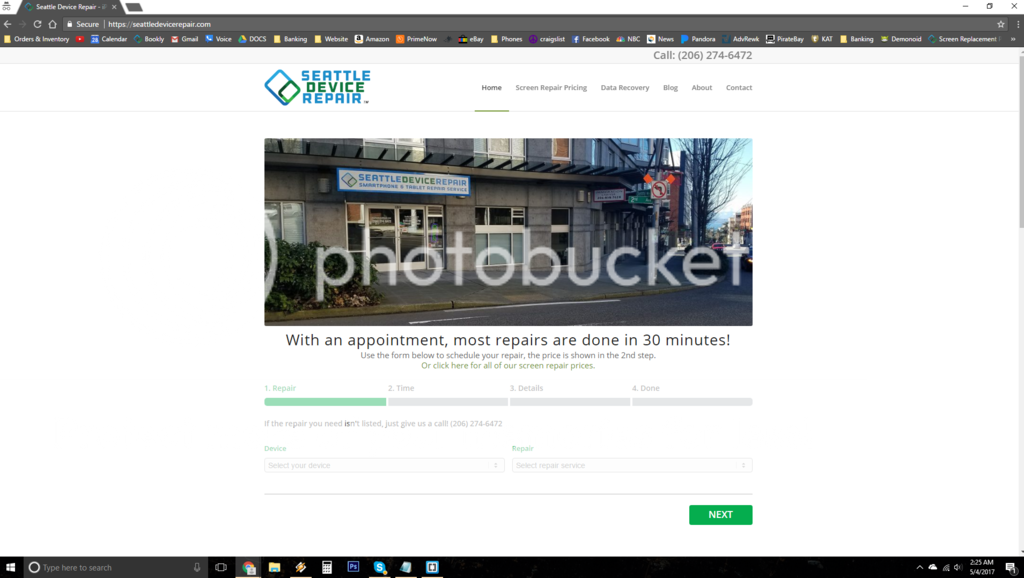
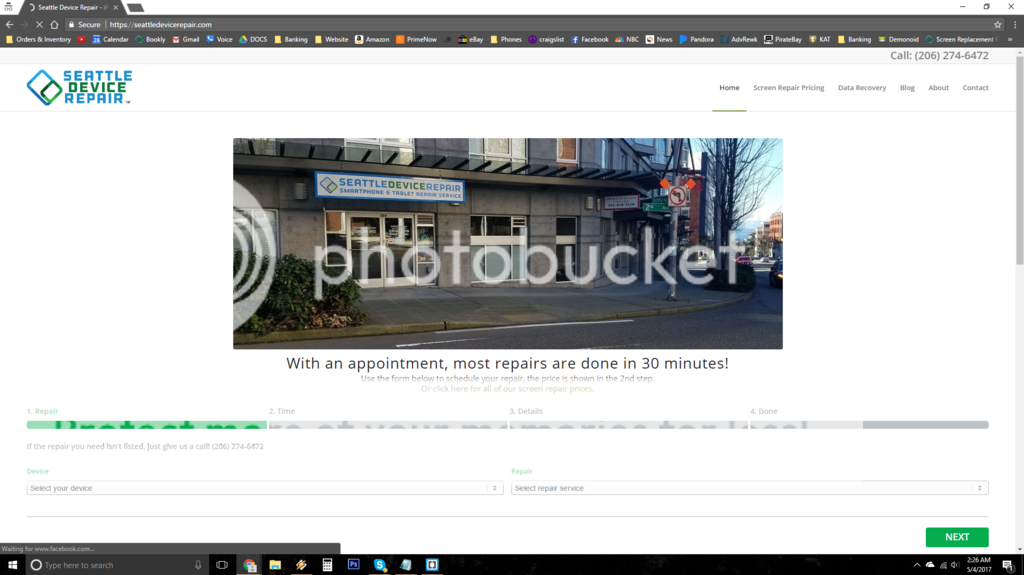
It seems to switch width randomly, I’ve attached images.
The headings will become all uppercase and then return to normal, it seems random. I’ve tried adding custom CSS and/or selecting “None” for Text Transform for all headings 1-6 in Advanced Styling with no effect.
I have a custom CSS class for 4 buttons and I’ve added Custom CSS
@media only screen and (min-width: 990px) {
.only-mo { display: none !important; }}
so these button only show on mobile. This stops working and then resumes functioning seemingly at random.
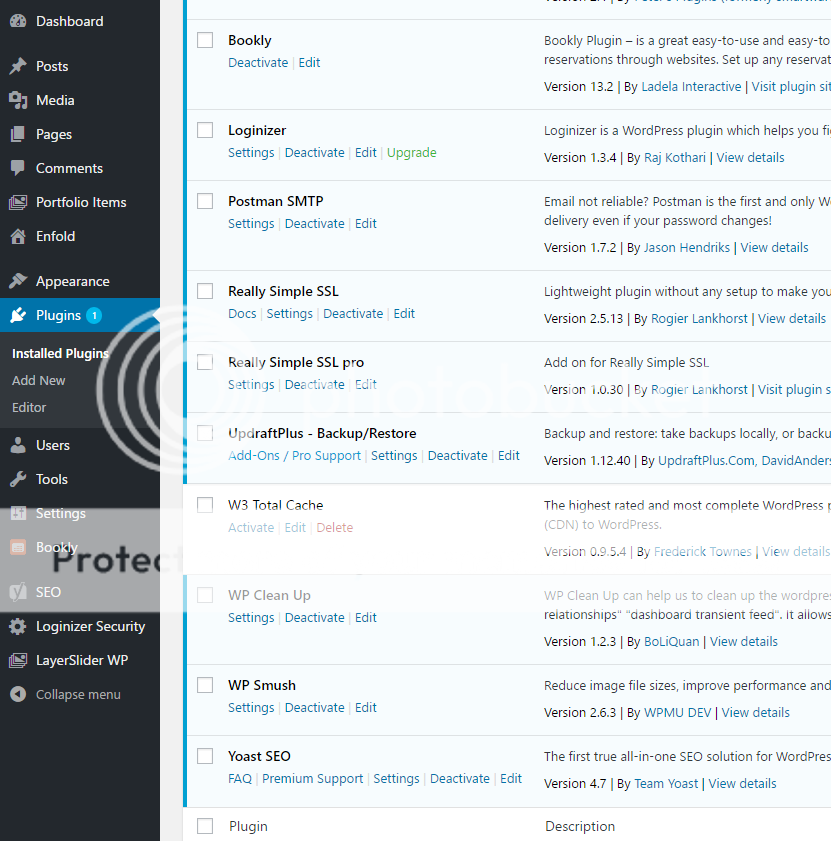
I’ve suspected a plugin, but I deactivated all of them and saw no change. Also, the symbol indicating a plugin update is available is always there, but no updates are available.
Lastly, the contact form doesn’t work, no emails reach my inbox. I think this is a problem caused by setting up SMTP.
Hallo Andy,
es ist schon besser. Ich habe nun folgendes ergänzt:
/*add search to mobile menu*/
@media only screen and (max-width: 767px) {
.main_menu .avia-menu, #header_main_alternate {
display: block !important;
}
.av-main-nav > li { display: none; }
li#menu-item-search {
display: block!important;
margin-top: -100px;
right: 60px;
}
.responsive .main_menu {
float: right;
}
li#menu-item-search>a {
font-size: 28px!important;
}}
Das einzige das noch stört ist das Logo – es wird erst kleiner wenn das Burger-Menü angrentz – aber nicht schon wenn die Lupe auf das Logo stößt.
Der Link zur Website lautet:
-
This reply was modified 8 years, 11 months ago by
 Ewi.
Ewi.
Hi,
The category text at top of the posts appears like “3 Mayıs 2017 / in Halı” but the in word has no meaning in Turkish. I checked the .po file but couldn’t find the term. How can I delete “in”?
Hey Promediation,
If you’re talking about the Color Section, you can change the Background Image Position to one that fits your preference.
Or you can your try the solution here: https://kriesi.at/support/topic/adjust-color-section-background-position/#post-760163
Best regards,
Sarah
But nevertheless you can do that and look if there are on the frontend any changes if not you can leave the child activated – if so you can reactivate your partent theme.
so what to do-
- download the child-theme from documentation page here
- unzip and upload the folder “enfold-child” to your themes folder (adjacent to enfold folder)
- goto Dashboard – Enfold (this is only for paranoid reasons) – Import/Export and 2nd Button “Export Theme Settings File”
- goto Dashboard – Appearance and activate the Child-Theme.
- Goto Dashboard – Enfold-Child – Import/Export and press the button on top “Import Parent Theme Settings” – ( if there is a message that there are no Parent Settings – upload the parent theme settings file via 3rd Button on Import/Export – “Import Theme Settings File” and choose the file you downloaded on step 3
- have a look if there are changings on your frontend
click to enlarge the image

Dear Kriesi,
After investigating all related topics here about code block issues with layout problems I still could not found a solution for my problem which is the next one: I have put a code block with some code onto the page and it disturbed the layout of the whole page. It seems it completely became “boxed” (width of page seems to be shrinked) or at least it appears that it now has a maximum width that is less than the normal full screen width layout without the code block. I have experimented with putting the code block in a separate color section (as proposed here in another related support call) but still without succes. So with code block I get a condensed layout and without the page layout is fine (full width).
Hope you Kriesi gurus an help me with this. See private content for links and credentials.
Thanks in advance!
Regards,
Peter
Another thing, what is “to be marked as red”? the topic I mean.
Thanks.
Hi Tonicobertera,
Can you try the solution in this thread: https://kriesi.at/support/topic/social-icons-in-footer-socket/#post-118073
Let us know if it helps you. :)
Best regards,
Sarah
Hi!
Can you try this solution: https://kriesi.at/support/topic/text-instead-of-logo-in-header-2/#post-486471
Let me know if it works for you.
Changes in the Quick CSS section gets stored inside the file wp-content/uploads/dynamic_avia/enfold.css. Please see this documentation for more info about Custom and Quick CSS: http://kriesi.at/documentation/enfold/custom-css-and-quick-css/
Best regards,
Sarah
Hi Alex,
Great, glad you got it working. Please let us know if you should need any further help on the topic.
Best regards,
Rikard
Hi,
Great, glad you got it working. Please let us know if you should need any further help on the topic.
Best regards,
Rikard
-
This reply was modified 8 years, 11 months ago by
 Rikard.
Hi,
Ok, thanks for the feedback. Please let us know if you should need any further help on the topic or if we can close it.
Best regards,
Rikard
Hi,
Great, glad we could help. Please let us know if you should need any further help on the topic or if we can close it.
Best regards,
Rikard
Hi,
Ok, thanks for the feedback. Please let us know if you should need any further help on the topic.
Best regards,
Rikard
Hi,
Great, glad you got it working and thanks for the feedback. Please let us know if you should need any further help on the topic or if we can close it.
Best regards,
Rikard
Hi,
Great, glad you got it working and thanks for the feedback. Please let us know if you should need any further help on the topic or if we can close it.
Best regards,
Rikard
Hi Mike,
Ok, glad it started working. Please let us know if you should need any further help on the topic or if we can close it.
Best regards,
Rikard
Hi,
Ok, thanks for the feedback. Please let us know if you should need any further help on the topic or if we can close it.
Best regards,
Rikard
Hi,
Thanks for the details. The image is on top of the video on my end though, did you try clearing your browser cache? If that doesn’t help then please post a screenshot of what you are seeing on your end and in what browser.
Best regards,
Rikard
Hi,
You don’t need to modify the template-builder.php file if you use the following shortcode.
add_shortcode( 'bread_crumb', 'avia_title' );

// remove title
add_filter('avf_title_args', function($args) {
	$args['html']  = "<div class='{class} title_container'><div class='container'>{additions}</div></div>";
	return $args;
});
Use the same [bread_crumb] shortcode.
Related thread:
// https://kriesi.at/support/topic/swap-the-sequance-of-the-bar/#post-653269
Best regards,
Ismael



