Hey,
how to change the dimensions of those text?
Please add the following code to the Quick CSS field in Enfold theme options > General Styling tab
#top #js_sort_items {
  font-size: 22px;
}
Again, look at the titles: why the current section is not visible? How to change that color?
The active filter isn’t visible because it looks like you set the main link color to transparent ( https://i.imgur.com/dq2ivXL.png ). This is a very bad idea. Please go to Enfold theme options > General Styling and set it to a solid color.
Regards,
Yigit
Hi,
Great, I’m glad that Mike could help you out. Please let us know if you should need any further help on the topic, or if we can close it.
Best regards,
Rikard
Hi rosiet5,
I apologize for the delayed response.
I think that will not be possible with the current layout since parallax will move the object as you scroll which makes.
Maybe instead of 2 rows with 2 columns, make it 1 row with 2 columns and just add the image on top of the other.
Best regards,
Nikko
Hi,
Thanks for the feedback, we’ll keep that in mind for a future version of the theme. Please let us know if you should need any further help on the topic, or if we can close it.
Best regards,
Rikard
Hi,
Great, I’m glad that you found a solution, and thanks for sharing. Please let us know if you should need any further help on the topic, or if we can close it.
Best regards,
Rikard
Hi Kriesi,
On one specific portfolio element, I need Excerpt to show on hover, and title below.
Is it possible to show Title below and Except on Hover centered on the dark overlay, ONLY on the occasions of the portfolio-grid where I chose to show “Title and Excerpt”? Elsewhere I need except to stay below.
Tried to change alter your suggested code like follows, but I’m not sure of the content name for excerpts…
.grid-entry a:hover:before {
content: attr(Excerpt);
position: absolute;
width: 100%;
z-index: 1000;
text-align: center;
opacity: 1;
font-size: 18px;
color: #ffffff !important;
top: 50%;
transform: translateY(-50%);
animation: avia-fadein 0.60s 1 cubic-bezier(0.175, 0.885, 0.320, 1.275) !important;
}
Hi Rikard,
thank for your help. It works great. You can close the topic.
Best regards, Sabine
Hi, seems to work for everybody else. Thank you. You can close the topic.
Kind regards, Veronika
Hey KMCHOUSTON,
Thank you for the inquiry.
You can add this css code to hide the image.
#top .fullsize .template-blog .blog-meta .attachment-square.size-square.wp-post-image {
    display: none;
}
To completely remove the square container, use this css code instead.
#top .fullsize .template-blog .blog-meta {
    display: none;
}
Best regards,
Ismael
Hey KMCHOUSTON,
Thank you for the inquiry.
Adding this css code should adjust the width of the content wrapper.
#top .fullsize .template-blog .post .entry-content-wrapper > * {
    max-width: 100em;
    margin-left: auto;
    margin-right: auto;
}

#top .fullsize .template-blog .post .entry-content-wrapper {
    max-width: 100%;
}
The default width is configured to be 40% of the section container.
Best regards,
Ismael
Hey KMCHOUSTON,
Thank you for the inquiry.
Some of the styles in the theme overrides the default calendar styles. You can adjust the style a bit by adding this css code.
#top .wpfc-calendar.fc td, #top .wpfc-calendar.fc th {
    border-style: solid;
    border-width: 1px;
    padding: 0;
    vertical-align: top;
    border: 1px solid;
    border-color: #87b7da;
}

#top .wpfc-calendar tr, #top .wpfc-calendar td {
    color: #222222 !important;
}

#top .av_inherit_color .wpfc-calendar.fc th.fc-day-header span {
    color: #ffffff !important;
}
Please make sure to toggle the Enfold > Performance > File Compression settings and perform a hard refresh after adding the code.
Best regards,
Ismael
Hello,
I fixed by add this code (No need to update theme)
#top .av-share-box ul {
display: flex;
gap: 12px;
justify-content: space-around;
}
#top .av-share-box ul li {
flex: auto;
}
Thanks
Hey padclip,
Thank you for your patience, I recommend trying to add the language selector to your css, I checked your site and these are the language code that you are using:
html[lang="de-DE"]
html[lang="en-US"]
html[lang="fr-FR"]
So for example if the css above is for the DE language try adding the language like this:
html[lang="de-DE"] #top .av-main-nav li:nth-child(3) {
    margin-right:300px;
}

@media only screen and (min-width: 990px) {
html[lang="de-DE"].html_header_top.html_header_sticky #header {
    position: fixed;
    top: 0px;
}
}

html[lang="de-DE"].html_top_nav_header .av-logo-container {
	top: -30px;
    z-index: 999;
}

@media only screen and (max-width: 989px) {
html[lang="de-DE"].html_top_nav_header .av-logo-container {
	top: 0px;
	left:0;
}
}

/*Up the menu on the logo and remove the container of the menu*/

html[lang="de-DE"] #top .main_menu {
top: -85px;
}

html[lang="de-DE"] #top #header #header_main_alternate .container {
height: 0px!important;
}

html[lang="de-DE"] #top ul#avia-menu {
margin-right: -35px;
}
Then I would add all three languages to the WordPress ▸ Customize ▸ Additional CSS as it has top preference.
Best regards,
Mike
Hi,
Great, I’m glad that you got things working. Please let us know if you should need any further help on the topic, or if we can close it.
Best regards,
Rikard
Hi,
Great, I’m glad that you got it working. Please let us know if you should need any further help on the topic, or if we can close it.
Best regards,
Rikard
Hi,
Great, I’m glad that we could help. Please let us know if you should need any further help on the topic, or if we can close it.
Best regards,
Rikard
Hi Kriesi,
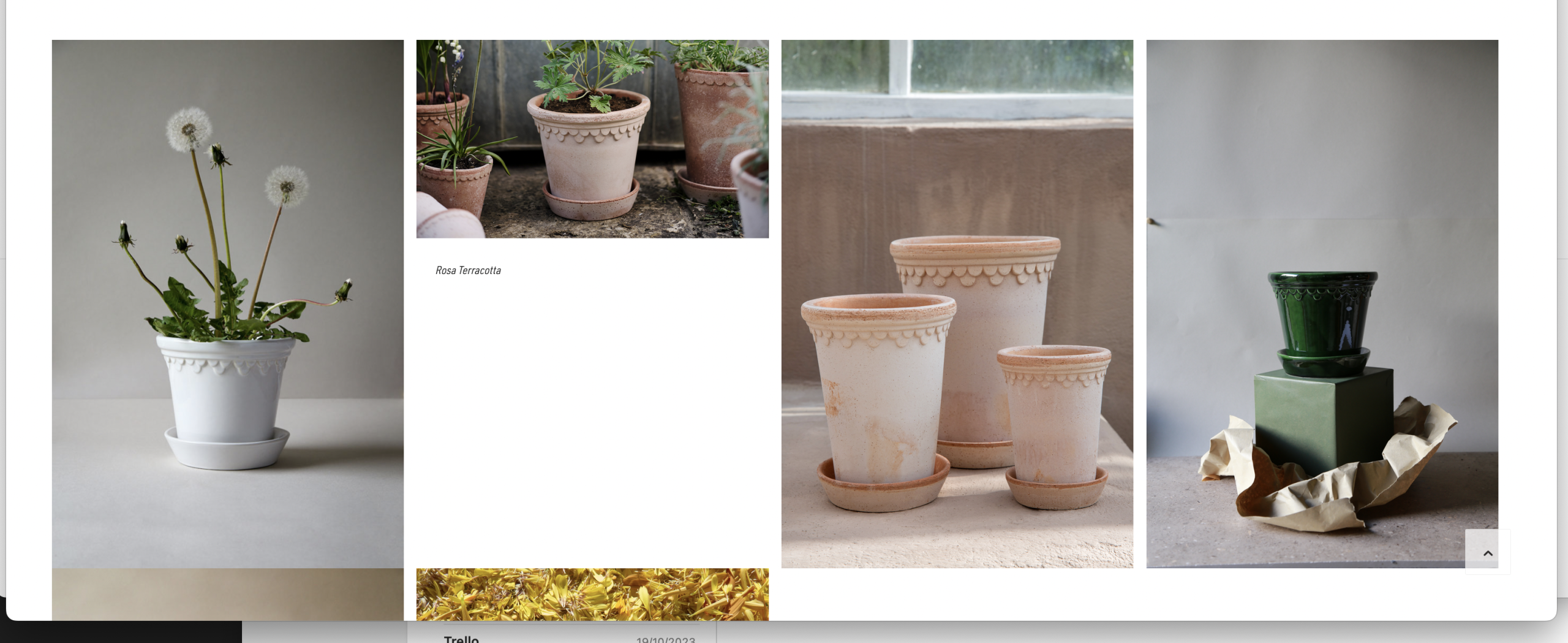
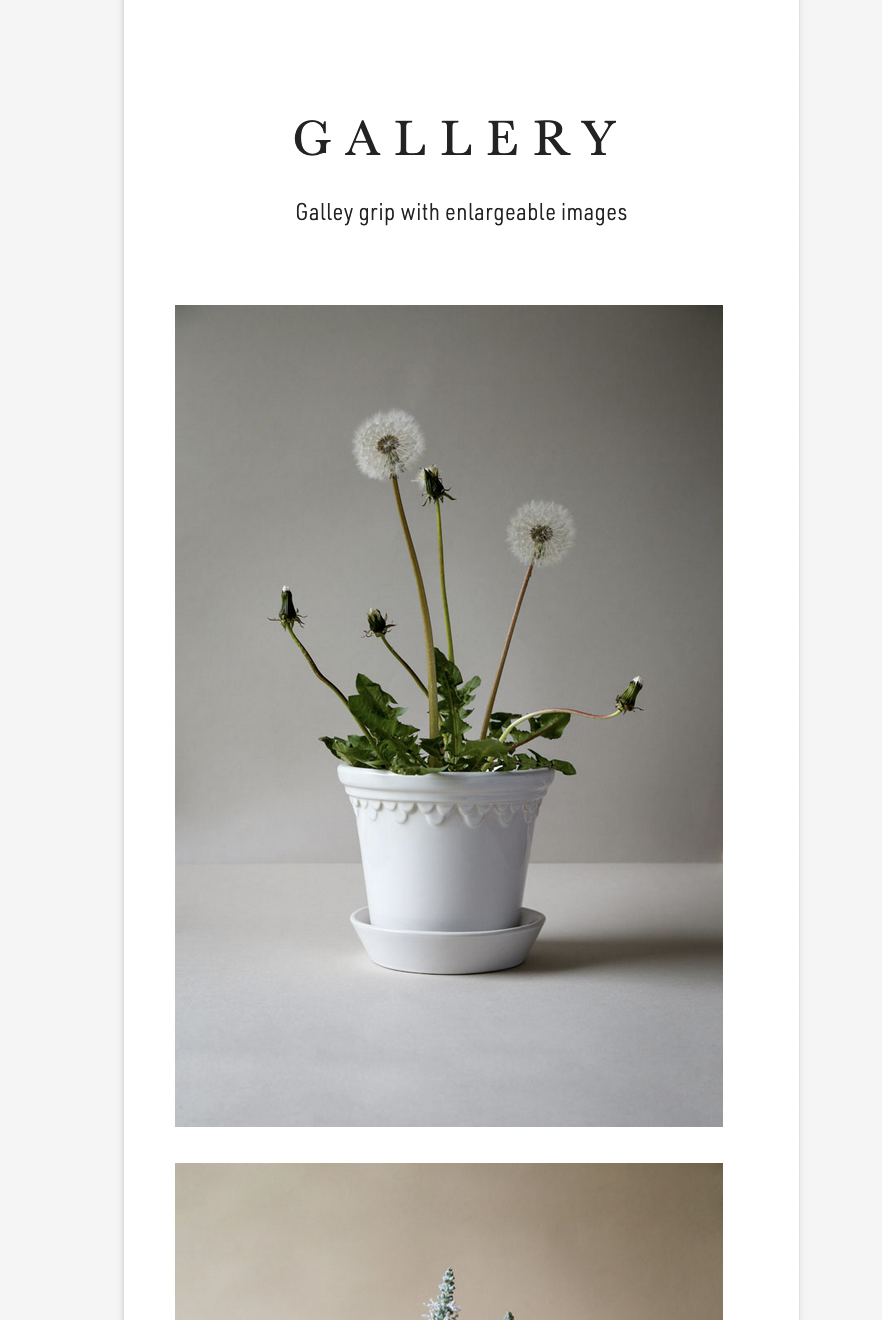
I wonder if it’s due to my css, or is the Portfolio Grid module not completely centeraligned in the browserwindow? See how theres more whitespace to the right of the gallery, both in mobile and desktop break? To us, it’s the sum of such details that matters :)
Desktop:
https://www.bergspotter.info/wp-content/uploads/2023/10/Screenshot-2023-10-21-at-15.56.33.png
Mobile:
https://www.bergspotter.info/wp-content/uploads/2023/10/Screenshot-2023-10-21-at-15.56.16.png
Perhaps you can clarify if this is intended from the Enfold template? Or perhaps I can adjust the horizontal position? Attached my code for the Portfolio Grid.
/Frederik
Hey Steve,
Thank you for your patience, with WPML each language has it’s own theme settings, but I don’t think POLYLANG does this, you could create a class and add your text twice and use css to hide the text based on the language, similar to this thread, but this would not change the links, so for using POLYLANG you may find it more convenient to use a Thirdparty Cookie Plugin.
Best regards,
Mike
Hey schweg33,
Thanks for the link to your pages, I’m not sure what the issue is, is this the only page that this occurs on?
Try this CSS in your Enfold Theme Options ▸ General Styling ▸ Quick CSS field:
#top.page-id-15521 #av_section_1 {
	height: 62vh;
}
After applying the css, please clear your browser cache and check.
Best regards,
Mike
I correctly uploaded the favicon in dimensions of 48×48 pixels in PNG format, but it’s not displaying in the top part of the browser. I also tested it with the SVG format, but it still didn’t work. Please investigate
Hey mustafa-alani,
It’s likely the slider at the top of the page which is causing that to happen. What happens if you use images with the same height in that slider?
Best regards,
Rikard
Hi,
Great, I’m glad to hear that it’s working on your end as well. Please let us know if you should need any further help on the topic, or if we can close it.
Best regards,
Rikard
Hi there,
additional issues on the Woo product setting/creation backend page:
* also the top sliders “help” and “custumize view” do not react on Woo backend product page. However all works fine on backend pages for posts and pages …
* In addition, “add new category” does also not work for the woo product on the product creation backend page …
* In addition, the “product tags” section does not open on the product setting backend page
It clearly affects something fundament with respect to this specific post type (which a Woo product is simply, I guess, but I may be wrong).
Hello Ishmael,
I found out that jumping to the top of the page when opening a tab in the Accordion only occurs if “Allow only one open toggle” (Accordion mode) is activated in the Accordion’s settings under “Behavior”.
If you activate “Allow multiple open toggles (toggle mode)” then it doesn’t jump to the top of the page!
I also deactivated all plugins and the problem still persists. I’m sure it’s not the plugins, but the current Enfold version. The problem did not exist before updating to the current version.
Hi Frederik,
Please try the following in Quick CSS under Enfold->General Styling:
#top .header_color.av_header_transparency .avia-menu-fx, .av_header_transparency div .av-hamburger-inner, .av_header_transparency div .av-hamburger-inner::before, .av_header_transparency div .av-hamburger-inner::after {
    background: #232323 !important;
}
Best regards,
Rikard
Hi,
Thanks for your patience, I tested this javascript in your child theme functions.php to slow down the jump to any hash ID, such as your ‘service’ anchor to give the page time to load all of the elements, and then slowly scroll to the ID instead of jumping to it.
function custom_slow_scroll_to_anchor_script() { ?>
  <script>
function slowScrollToAnchor() {
  var urlHash = window.location.hash;
  if (urlHash) {
    var target = document.querySelector(urlHash);
    if (target) {
      var targetPosition = target.offsetTop;
      var startPosition = window.pageYOffset;
      var distance = targetPosition - startPosition;
      var duration = 2000;
      var startTime = null;

      function scrollAnimation(currentTime) {
        if (startTime === null) startTime = currentTime;

        var timeElapsed = currentTime - startTime;
        var scrollY = easeInOutQuad(timeElapsed, startPosition, distance, duration);
        window.scrollTo(0, scrollY);

        if (timeElapsed < duration) {
          requestAnimationFrame(scrollAnimation);
        }
      }
      function easeInOutQuad(t, b, c, d) {
        t /= d / 2;
        if (t < 1) return c / 2 * t * t + b;
        t--;
        return -c / 2 * (t * (t - 2) - 1) + b;
      }

      requestAnimationFrame(scrollAnimation);
    }
  }
}
window.addEventListener('load', slowScrollToAnchor);
</script>
  <?php
}
add_action('wp_footer', 'custom_slow_scroll_to_anchor_script', 99);
This worked in my tests, please clear your browser cache and check.
Best regards,
Mike
Hey Henning,
I’m seeing 403 errors coming from autoptimize files. Please try deactiavting the plugin, or ask your hosting provider why the server is not allowing the request.
Best regards,
Rikard
Hi,
Great, I’m glad that you found a solution. Please let us know if you should need any further help on the topic, or if we can close it.
Best regards,
Rikard