Hi Peter,
I use the latest Enfold’s version. Your code creates an error when I copy paste it in functions.php:
Parse error: syntax error, unexpected T_FUNCTION in /home/wineengratisvakantie.nl/public_html/redline/wp-content/themes/enfold/functions.php on line 470
Regards,
David
This reply has been marked as private.
I attempted to upload the child theme myself, adding, deleting and re-adding lines for the css and php files.
Then i tried just uploading the un-zipped enfold-child from the comment under the vimeo – http://vimeo.com/67221517 , but still get zit.
what i get in the Themes page is:
Broken Themes
The following themes are installed but incomplete. Themes must have a stylesheet and a template.
Name Description
Enfold Child The parent theme is missing. Please install the “enfold” parent theme.
In the css template is lowercase:
Template: enfold
so its not that.
enfold and enfold-child are siblings.
What else could it be? or a bug perhaps?
Hey gxjansen!
Please edit includes > loop-index.php, remove everything and replace it with this code: http://pastebin.com/LD37TZ4b
Best regards,
Ismael
Hey Guys,
So I was talking with Swiftype and their solution would work perfectly, but basically, I need to disable the theme’s ajax search function while leaving the search box enabled/present. From there, embedding the following code in the footer would leverage the search box…can you tell me where i do this in the php files?
<script type="text/javascript">
var Swiftype = window.Swiftype || {};
(function() {
  Swiftype.key = 'EeQjiyzuVo7taNSHZzYs';
  Swiftype.inputElement = '#searchform input#s';
  Swiftype.attachElement = '#searchform input#s';

  /** DO NOT EDIT BELOW THIS LINE **/
  var script = document.createElement('script'); script.type = 'text/javascript'; script.async = true;
  script.src = "//s.swiftypecdn.com/embed.js";
  var entry = document.getElementsByTagName('script')[0];
  entry.parentNode.insertBefore(script, entry);
}());
</script>

<style>
#st-overlay-search-input {
  border: 0;
  padding: 0;
  width: 100%;
}
</style>
This did not work – I get this error message when I try to activate the Layer Slider plugin:
Fatal error: Cannot redeclare layerslider_load_lang() (previously declared in /home/kingbeer/public_html/wp-content/themes/KING-BEER-THEME/config-layerslider/LayerSlider/layerslider.php:118) in /home/kingbeer/public_html/wp-content/plugins/LayerSlider/layerslider.php on line 78
Hi!
Here: /wp-includes/comment-template.php, line 1720.
Regards,
Josue
This reply has been marked as private.
Hi generatrorassociates!
1.) Please create a menu on Appearance > Menu then set it as Enfold Main Menu on Theme Options.
2.) Please edit functions.php, find this code on line 94:
$avia_config['imgSize']['portfolio'] = array('width'=>495, 'height'=>400 ); // images for portfolio entries (2,3 column)
Replace it with:
$avia_config['imgSize']['portfolio'] = array('width'=>342, 'height'=>276 ); // images for portfolio entries (2,3 column)
Regenerate the thumbnails using this plugin: http://wordpress.org/plugins/regenerate-thumbnails/
If that doesn’t work, please use this plugin to manually resize the images: http://wordpress.org/plugins/simple-image-sizes/
Cheers!
Ismael
Hello,
I’ve seen a previous topic similar but the code doesn’t work for my Icon List.
I’d like to replace a normal icon with an image from icon list (Bubbles)
The image will be automatically fitting the bubble shape (I’ll resize if necessary)
Which code may i add ?
in : help-social-media.php
line 73 : $html .= ““;
Kind Regards
This reply has been marked as private.
Hi,
till yesterday everything was fine, great theme, no problem, ect.
But from today i can’t access my website, i can’t go to my wordpress panel too.
This is the error:
Warning: glob() has been disabled for security reasons in /home/alessioa/public_html/wp-content/themes/enfold/config-templatebuilder/avia-template-builder/php/template-builder.class.php on line 131
Warning: Invalid argument supplied for foreach() in /home/alessioa/public_html/wp-content/themes/enfold/config-templatebuilder/avia-template-builder/php/template-builder.class.php on line 131
Warning: Cannot modify header information – headers already sent by (output started at /home/alessioa/public_html/wp-content/themes/enfold/config-templatebuilder/avia-template-builder/php/template-builder.class.php:131) in /home/alessioa/public_html/wp-includes/pluggable.php on line 875
But i think you can easily see it going here: http://www.alessioandreani.com
Seems to be a problem of the globe function, how can i fix it?
thank you very much!
Alessio
Hi Jason!
Please follow these steps:
I’m not sure why the filter is not working but please download the font that you want on http://fontello.com/ then upload it via Enfold > General Settings > Icon Font Manager. Edit functions.php, find this code:
'scrolltop' => array( 'font' =>'entypo-fontello', 'icon' => 'ue876'),
Below, add this code:
'slideshare' => array( 'font' =>'fontello', 'icon' => 'ue802'),
I used the checkmark from Font Awesome. Edit includes > admin > register-admin-options.php, find this code on line 971:
'Youtube' => 'youtube',
Below, add this code:
'Slideshare' => 'slideshare',
You can now select the Slideshare social icon. You can do the same with yelp icons. Regarding the icon codes, you need to remove the plus sign. U+E802 should be converted to ue802. You can do the same with different social icons.

Refer to this thread for more info: https://kriesi.at/support/topic/head-with-social-media-and-large-logo/
Cheers!
Ismael
Hello Ismael,
like Arapla I want to resize the left sidebar, so I edit functions.php in my child theme but nothing happens.
Here my url: http://ecbiz147.inmotionhosting.com/~morepa5/?page_id=2438
Here my functions.php:
<?php
/*
* Add your own functions here. You can also copy some of the theme functions into this file.
* WordPress will use those functions instead of the original functions then.
*/
/*to add or edit an Advanced Layout Builder element*/
add_filter(‘avia_load_shortcodes’, ‘avia_include_shortcode_template’, 15, 1);
function avia_include_shortcode_template($paths)
{
$template_url = get_stylesheet_directory();
array_unshift($paths, $template_url.’/shortcodes/’);
return $paths;
}
/*Resize left sidebar*/
$avia_config[‘layout’][‘sidebar_left’] = array(‘content’ => ‘ten’, ‘sidebar’ => ‘two alpha’ ,’meta’ => ‘two alpha’, ‘entry’ => ‘nine’);
This reply has been marked as private.
Hi!
Adding a custom menu or widget area is not easily possible because it would require additional styling, additional php code, etc. and this customization is beyond the scope of our support forum. You can use Ismaels code above to change the breadcrumb and if you want to display different content on different pages use the is_page() conditional http://codex.wordpress.org/Conditional_Tags#A_Single_Post_Page
to check the id of the current page – the code would look like:
add_filter('avf_title_args', 'avf_change_breadcrumb', 10, 2);
function avf_change_breadcrumb($args,$id) {
	if($args['breadcrumb'] == true) {
		$args['breadcrumb'] = false;
		$args['title'] = '';

		$args['html'] = "<div class='{class} title_container'><div class='container'>PLACE THE DEFAULT MENU HERE</div></div>";
		if(is_page(array(17,9))) $args['html'] = "<div class='{class} title_container'><div class='container'>PLACE THE MENU FOR PAGE 17 and 9 HERE</div></div>";
	}

	return $args;
}
Best regards,
Peter
This reply has been marked as private.
Hey renanmufalo!
Please edit header.php, find this code on line 38:
<link rel="pingback" href="<?php bloginfo( 'pingback_url' ); ?>" />
Below, add this code:
<?php if (strpos($_SERVER['HTTP_USER_AGENT'], 'Trident/7.0; rv:11.0') !== false) { ?>
	<script>
	$(function(){
		$('html').addClass('ie11');
	});
	</script>
<?php } ?>
Add this on Quick CSS or custom.css:
.ie11 .container .twelve.units {
max-width: 1210px !important;
}
Cheers!
Ismael
Hi!
This is a bug of the WPML plugin. I posted a fix in this thread: https://kriesi.at/support/topic/the-post-still-shows-8-comments-when-there-are-none/#post-178386
In /wp-content/themes/enfold/config-templatebuilder/avia-shortcodes/postslider.php replace
$commentCount = get_comments_number($the_id);
with
                    //$commentCount = get_comments_number($the_id);
                    $commentCount = $entry->comment_count;
and the comment counter should work.
Best regards,
Peter
Hey!
You don’t have the latest version of the theme. Please download version 2.4.5 then update the theme via FTP. Watch this video by Devin: http://vimeo.com/channels/aviathemes/67209750
Increase the wordpress php memory limit. Please refer to this link.
Best regards,
Ismael
Hey!
The warning message tells you that the server tried to write the session data but it failed because it couldn’t open the temporary session folder (/var/lib/php-cgi/session/sess_r8ilpo3ju8dbh8pbqe7sc9dd74, O_RDWR) to write the session data. Please ask your hoster to fix the folder/session permissions. Without sessions you can’t use the theme properly…
For more information please read http://stackoverflow.com/questions/5104065/php-session-handling-errors and http://www.vikasing.com/2013/02/pita-6-php-warning-unknown.html
Cheers!
Peter
Hi Devin,
I was wondering why I had that php in my style.css. I found it referenced a the link below, so you might want to update it. http://kriesi.at/documentation/enfold/turn-on-custom-css-field-for-all-alb-elements/.
I have gone over all my code. I found that I had this piece of php in the child > style.css (and in the functions.php) and I’ve removed it:
.header-button a.header-chat {link: href=”http://reservation.worldweb.com/hotel/1227″ target=”_blank” }
I also had this in twice, but when I tried removing the extra one, I would lose my social icons settings:
.container_wrap { z-index: 1;}
The thing is that I can get the top navigation (social icons, phone and reserve now button) to work right on the laptop/pc, but not on the smartphone. BUT when I try to fix it on the smartphone or remove the layerslider it breaks. I’ve been trying to make these last two changes in the QuickCSS, since the other code has been tested and seems to be working. I did try adding this last code to the style.css as Yigit suggested, but that broke the other code too.
This site is now live so I’m a bit anxoius to get it fixed. I’m also concerned that the site seems unstable. If it is something that I did by adding code in, then I’d like to know how to go about stabilizing it. Is it possible that I have reached the extent that this theme should be customized? Sorry, I just want to have realistic expectations and a working website.
Thanks -Lynn
I’m getting the following error when entering three characters in the search box.
WARNING: INVALID ARGUMENT SUPPLIED FOR FOREACH() IN /WP-ADMIN/INCLUDES/PLUGIN.PHP ON LINE 1375
It happens in Safari but not Firefox (Mac), but it’s showing for others as well (Chrome/Windows, I believe). It pops up after typing three characters, when the autocomplete kicks in.
Site is here:
http://virtuusa.com
Hi,
I have a portfolio with a 1 column list view.
Is it possible to specify a default value for the filter ?
http://www.drawingnowparis.com/mywordpress/wp-admin/post.php?post=275&action=edit
thanks !
Peter,
I’m getting really confused. Here you say to edit the register-admin-options.php
https://kriesi.at/support/topic/adding-custom-social-icons/#post-170356
Ismael says it can be edited here
https://kriesi.at/support/topic/head-with-social-media-and-large-logo/#post-218323
In your last message above you say “The register-admin-options.php is not editable”
Did you mean to say the PARENT register-admin-options.php CAN be edited but it needs to be left in the parent folder?
Hi!
1-2.) Please add this on Quick CSS or custom.css:
.related_image_wrap {
max-height: 70px;
}

.related_image_wrap img {
height: 100%;
}

.related_entries_container .no_margin.av_one_eighth {
width: 15.5%;
}
2.) Edit includes > related-posts.php, find this code:
$output .= "<h5 class='related_title'>".__('You might also like', 'avia_framework')."</h5>";
Cheers!
Ismael
Hey!
The theme crops down the image to a certain width and height, in this case you can find the thumbnail size on functions.php. Look for this code:
$avia_config['imgSize']['gallery'] = array('width'=>710, 'height'=>575 ); // images for portfolio entries (2,3 column)
I guess photo #2 and #6 are large images and wp crops them to the size specified above while #3 is a small one and wp didn’t crop it. You can tell wp not to crop an image by specifying the crop parameter to false. Replace the code above with this:
$avia_config['imgSize']['gallery'] = array('width'=>710, 'height'=>575, 'crop' => false ); // images for portfolio entries (2,3 column)
You need to regenerate the thumbnails using this plugin: http://wordpress.org/plugins/regenerate-thumbnails/
If you are not comfortable with the above function you can use a plugin like http://wordpress.org/extend/plugins/simple-image-sizes/ to manually crop certain thumbnail size. You can also follow Josue’s suggestion to use images with the same ratio or dimension.
Best regards,
Ismael
To make it more clear i did following screenshots:
1) created the layout
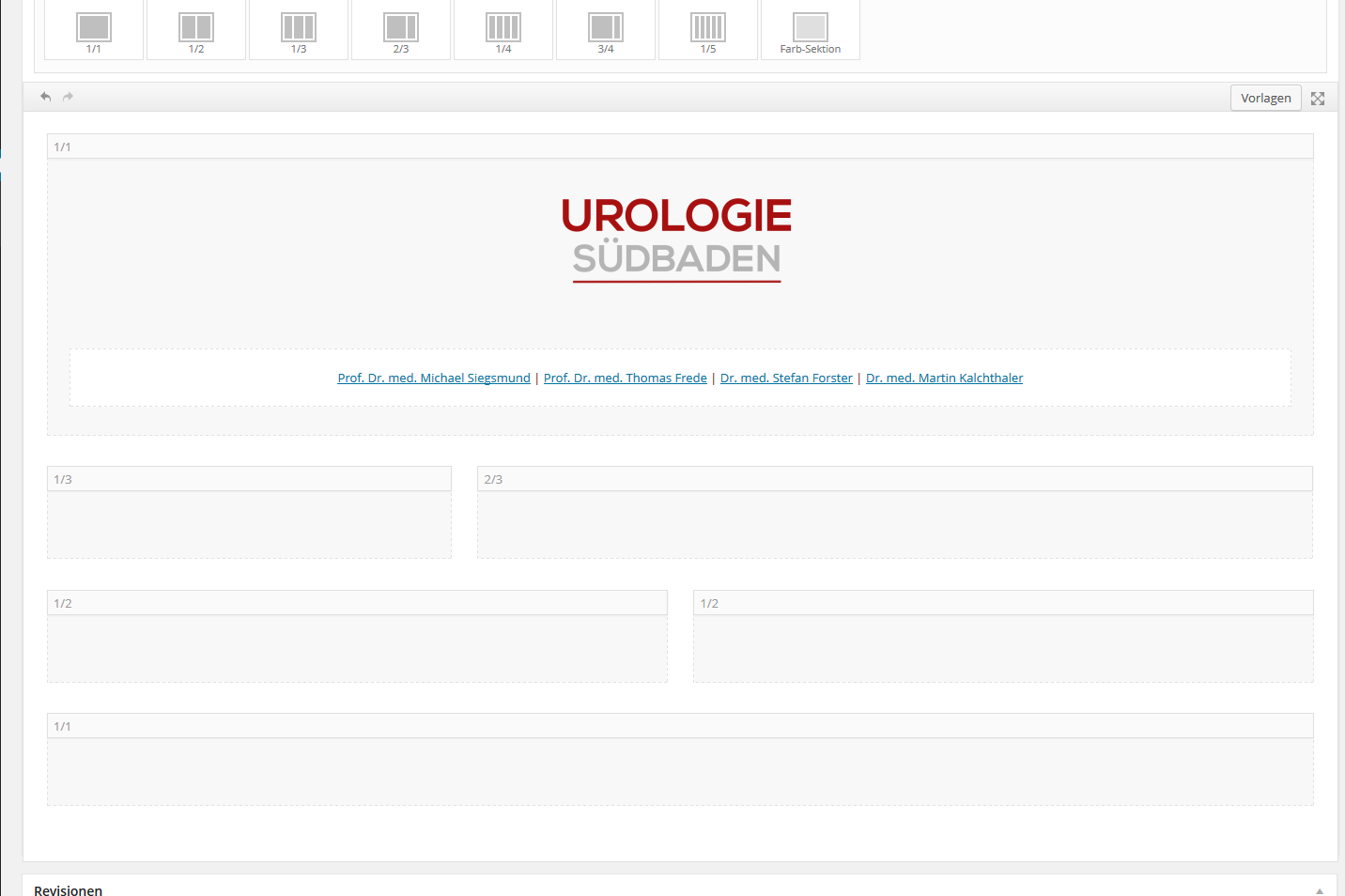
2) filled the layout with content
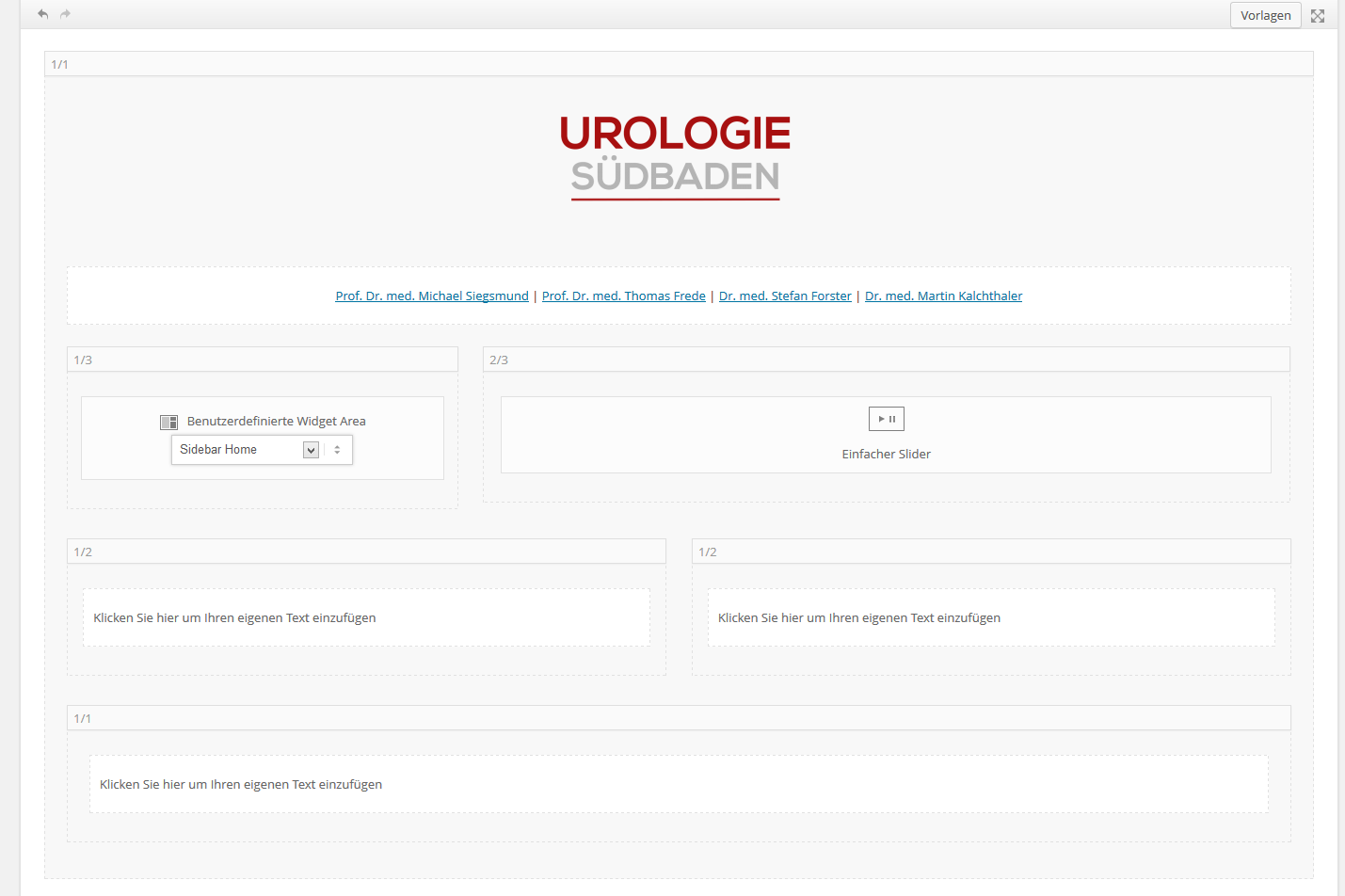
3) that is what it looks like after i hit the publish button. all is gone!
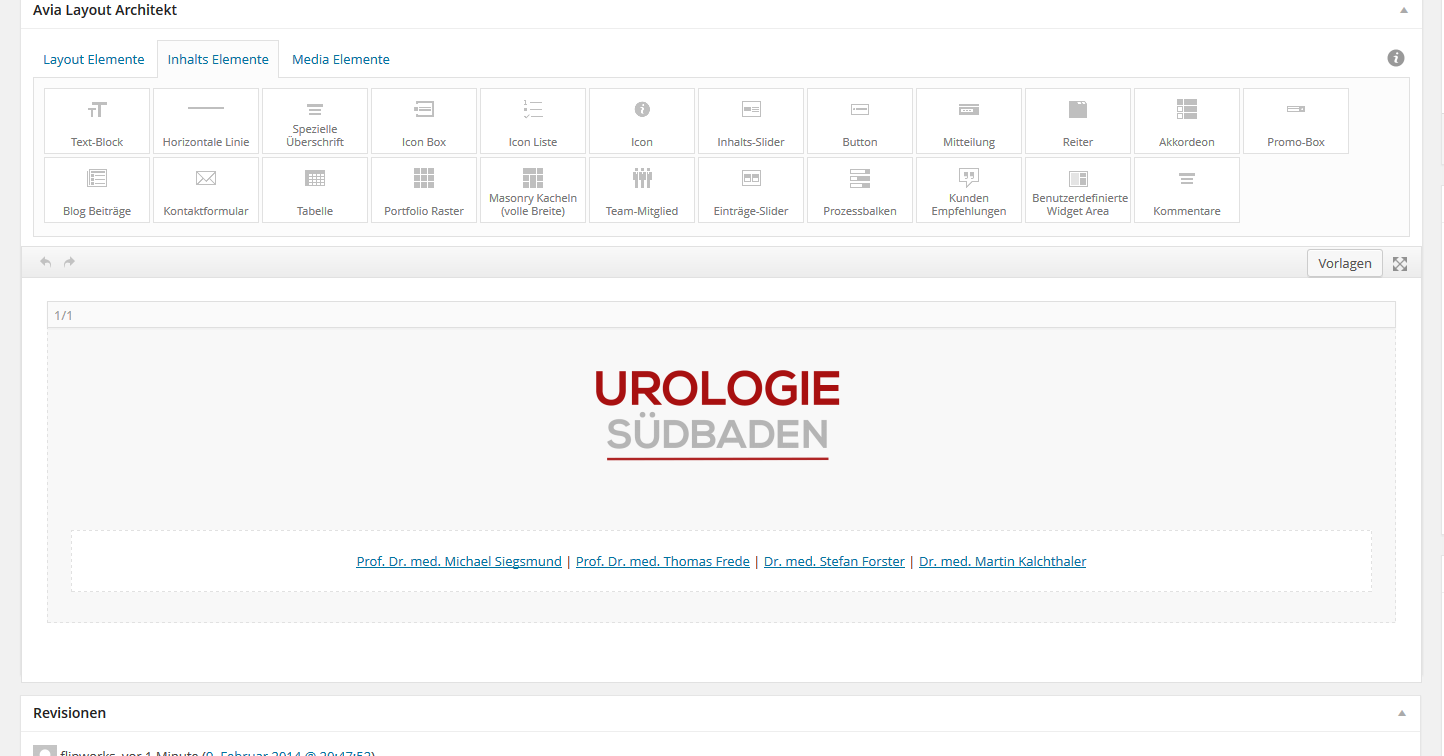
come on guys.. i really need to know what i can do to solve this. is this possible or is just one layout at once possible?
-
This reply was modified 12 years, 2 months ago by
 flipstarmh.



