
-
Search Results
-
Here’s our site:
https://flowster.app/If you click that 1st laptop/cellphone image near the top (https://flowster-wp.sfo2.cdn.digitaloceanspaces.com/2019/06/Flowster-mockup-laptop-cell-phone.webp) you’ll see a popover video start playing.
We accomplished that by using a Code Block where the img src is wrapped with javascript:
<script src="https://fast.wistia.com/embed/medias/yc4a91nw7z.jsonp" async></script><script src="https://fast.wistia.com/assets/external/E-v1.js" async></script><span class="wistia_embed wistia_async_yc4a91nw7z popover=true popoverAnimateThumbnail=true popoverContent=link" style="display: inline; position: relative;"><a href="#"><img data-lazyloaded="1" src="https://flowster-wp.sfo2.cdn.digitaloceanspaces.com/2019/06/Flowster-mockup-laptop-cell-phone.webp" class="avia_image litespeed-loaded" data-src="https://flowster-wp.sfo2.cdn.digitaloceanspaces.com/2019/06/Flowster-mockup-laptop-cell-phone.webp" alt="" title="" itemprop="thumbnailUrl" data-was-processed="true"></a></span>However further down the page you’ll see:
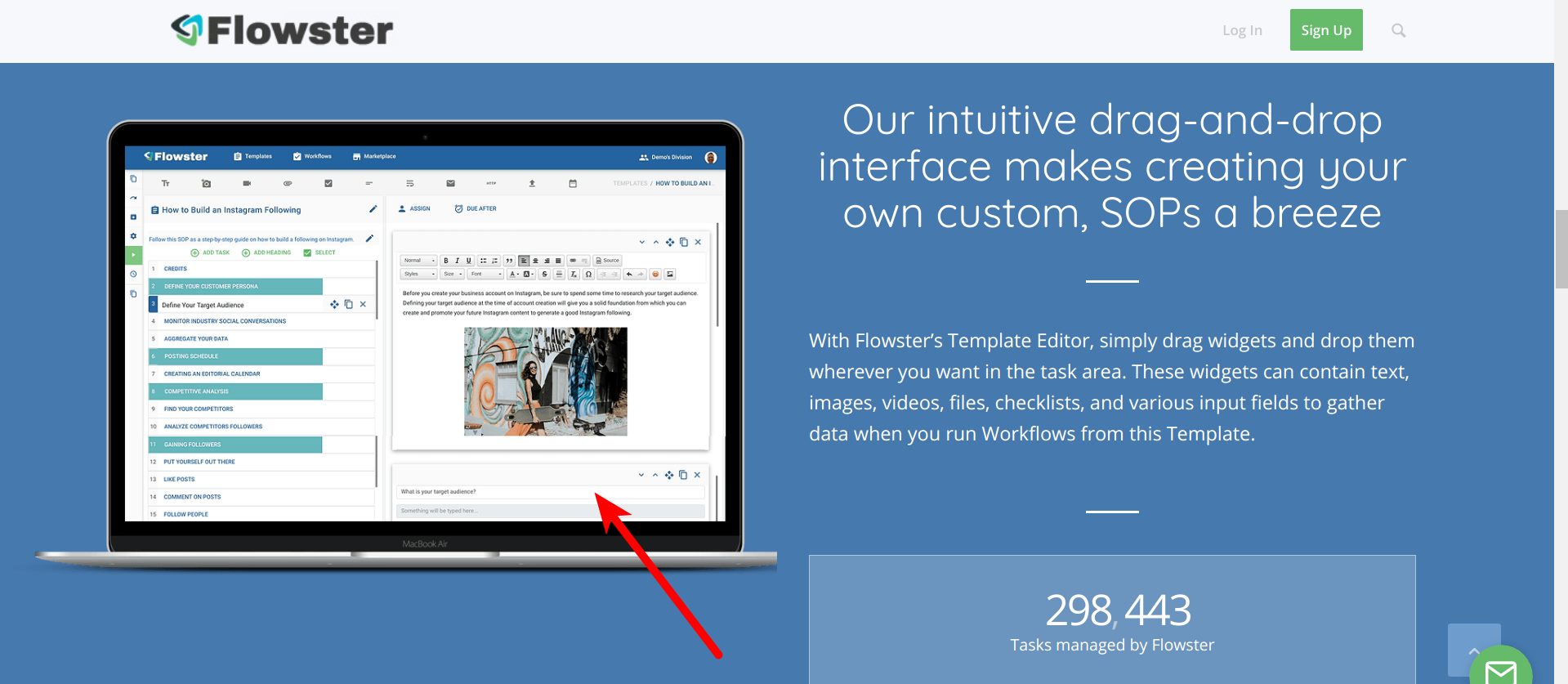
We want to do the same thing for this image, ie when you click it a popover video starts playing. However we can’t figure out how to get this to work. We tried using a Code Block inside the column that had the background image, but that didn’t work:
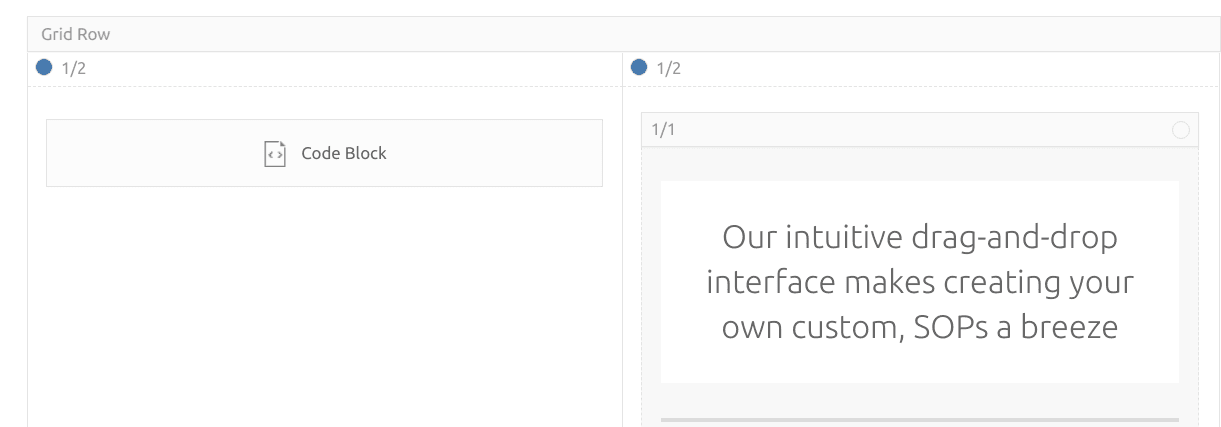
Any ideas?
Hello, I’m trying to reduce the vertical space between blog posts thumbnails when they are displayed as content elements on my front page.
I have tried the CSS suggested here…
https://kriesi.at/support/topic/space-between-blog-posts/
But it’s made no difference…
Hello, when I hover over a portfolio grid preview image the image gets a semi-transparent white overlay and an animation of a circular symbol. How do I replace the circular symbol or logo with 1-3 lines of text over a semi-transparent color background instead of white. Can you please give me the code for this that will allow me to choose the color and opacity of the hover background and the attributes of the text?
thank you!Hello.
Can you please help me in modifying the code for hiding the date in this kind of pages?
https://www.ticass.it/membri-del-consorzio/progetti-europei-in-corso/i mean i know i can use the code
.slide-meta {
display: none;
}but i need the dates in the home page for the news…
Thank you
and also a link for how to define the dimensions of the thumbnails?
Thanks
Hello,
Is it possible to remove the default or fallback image (the pencil) from the magazine view? So far, I have only managed to either show all images or to hide all images. I would like my image to appear when I have uploaded one and I would like to make the default pencil image disappear when I haven’t uploaded an image.
I am using magazine view, with categories and the first entry displayed bigger, so I’m hoping to achieve this for the thumbnails and as well as for the first entry with a bigger image.
Thank you!
I’m trying to get rid of all predefined Enfold image sizes and setup my own.
So far I’ve been able to remove most of them by adding this into my functions.php :
add_filter( 'avf_modify_thumb_size', 'mwm_enfold_reset_image_sizes', 10, 1 );
function mwm_enfold_reset_image_sizes( $sizes ) {
	return null;
}
But there are still those left :
– shop_thumbnail
– shop_catalog
– shop_singleI guess they are declared elsewhere in the theme. Is there a filter that can handle these ?
Thanks


