

-
AuthorPosts
-
February 12, 2026 at 2:20 am #1495005
The video has a gray bar on the top and bottom and I can’t see how to remove this. Can you take a look ? It is on this page and only on mobile view:
https://drive.google.com/file/d/1Ytqr21AsRD5dFGl2F8h3UPka0qE6fzHv/view?usp=sharing
and also on mobile, if I want the menu bar to be black when people scroll, where is best place to change this? Because on desktop it is Black header, but on mobile, it is white.
thanks!
February 12, 2026 at 2:39 am #1495006Sorry, 1 more issue. On this page there are Testimonials at the bottom: https://elitejetclub.com/about-us/
Is there a way to increase the “Image photo” size? I need these way bigger. Can you get CSS code for this or options?
you guys are great. thanks!
February 13, 2026 at 5:20 am #1495041Hi,
Thank you for the inquiry.
We couldn’t find the section described in your screenshot. Regarding the header background on mobile view, please try to add the following css code.
@media only screen and (max-width: 767px) {
    #top #header:not(.av_header_transparency) .header_bg {
        background-color: #191919 !important;
    }
}
To make the testimonial images bigger, please add this:
.avia-testimonial-image {
    margin: 0 20px 0 0;
    width: 160px;
    height: 160px;
    border-radius: 100px;
}
Let us know the result.
Best regards,
IsmaelFebruary 13, 2026 at 6:07 pm #1495063Testimonials worked, but there is still a gray bar on top and bottom of this page header only: https://elitejetclub.com/join-the-club/
on mobile view
February 16, 2026 at 7:46 am #1495115Hi,
Thank you for the update.
Try to add the following css code to ensure that the video covers the entire color section container.
#top .av-video-slide iframe, #top .av-video-slide embed, #top .av-video-slide object, #top .av-video-slide video {
    object-fit: cover;
}
Best regards,
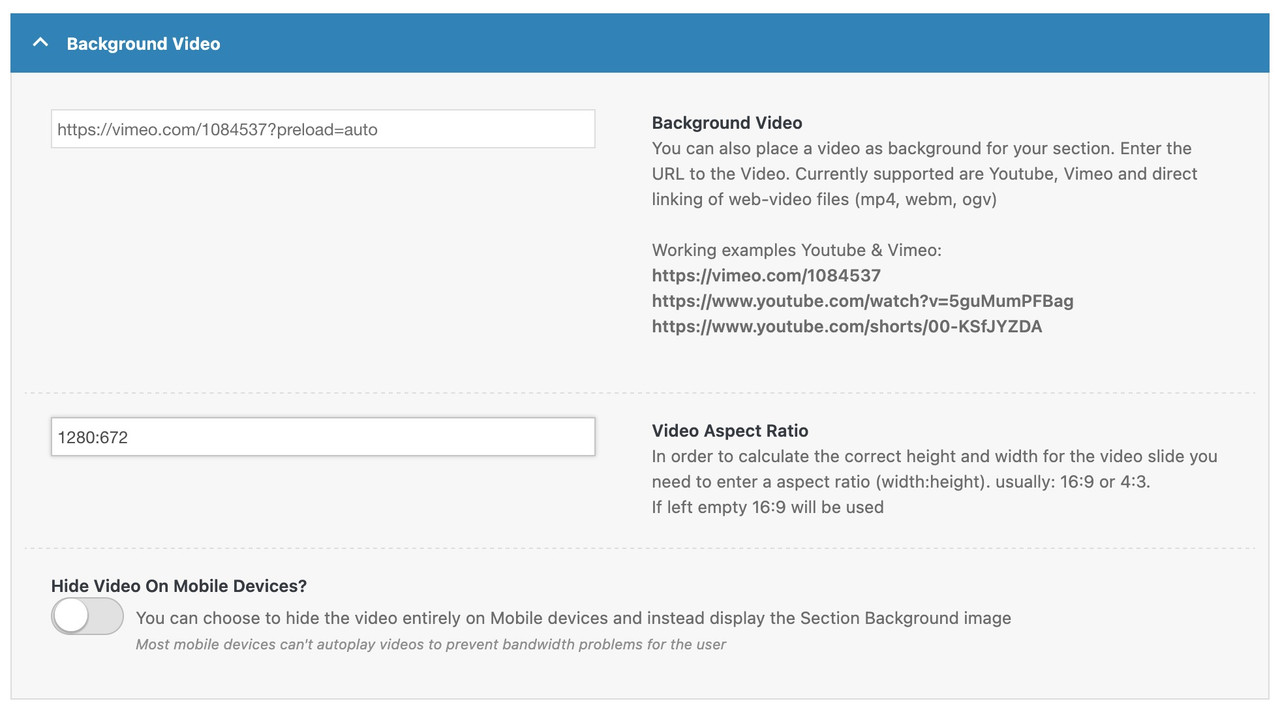
IsmaelFebruary 17, 2026 at 12:36 pm #1495163However, the reason for this is that your “720p” video – isn’t one – it has an aspect ratio of: 1280:672
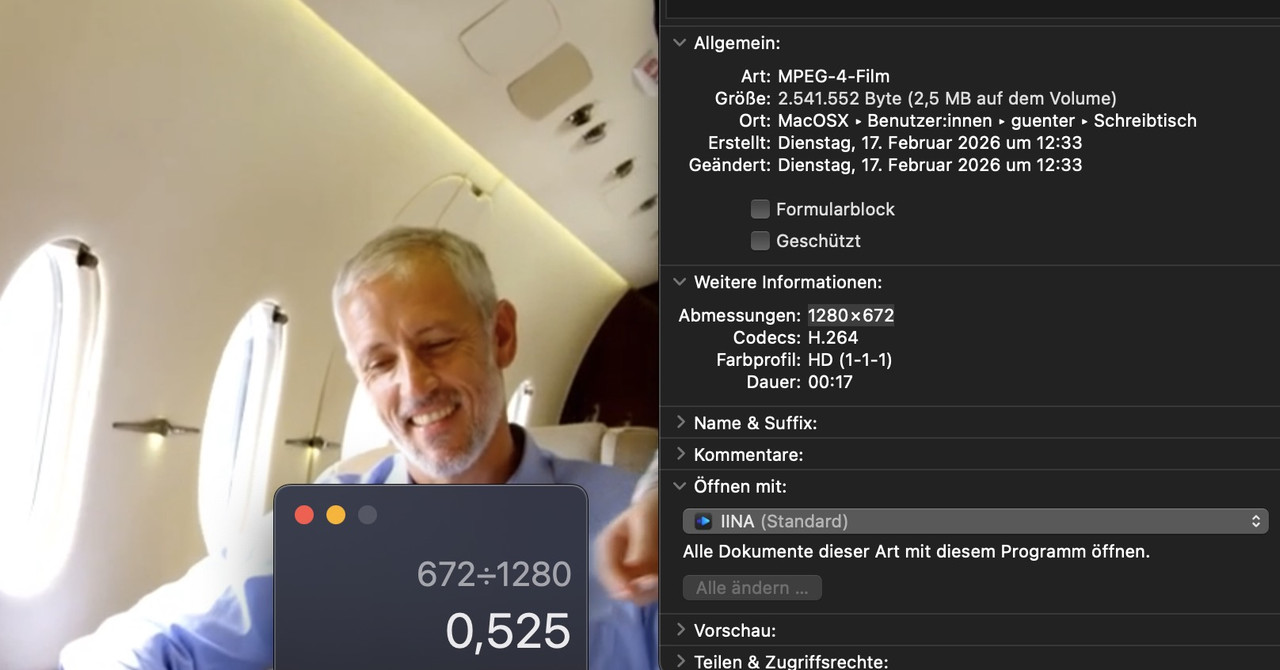
so enter this instead the 16:9 format
-
AuthorPosts


- You must be logged in to reply to this topic.