

-
AuthorPosts
-
January 8, 2026 at 7:49 pm #1493734
Hello,
I’m having an issue with pages that are created using FacetWP Listings.
I have two Listings that are visible in the page tree on the left-hand side.
For the first Listing, the Advanced Layout Builder (ALB) works perfectly on all pages that belong to that Listing.
However, for the second Listing, the ALB does not work on the pages created under it. Instead of the layout builder, I only see raw shortcode/code output on those pages.
I have already manually enabled both Listings in my Enfold Child Theme via:
Enfold Child > Layout Editor > Advanced Options > Enable your custom post types for ALB
Within that setting, I have tried:
placing the Listings one below the other
placing them after each other
separating them with a column
Unfortunately, only the first Listing that is defined works. The second Listing never activates the ALB, no matter the order or layout.
It feels like I’m very close to the solution, but I’m not sure what exactly is missing or how to properly enable the second Listing.
Any insights would be greatly appreciated.January 9, 2026 at 6:37 am #1493758Hey safariinkenia,
Thank you for the inquiry.
Would you mind providing a screenshot of the issue or create a test page? You can use platforms like FreeImage, ImgBB, PostImages or Dropbox to upload and share the screenshot. Here are the steps to follow:
1.) Visit the website of your chosen platform, such as Savvyify, ImgBB, PostImages or Dropbox.
2.) Locate the option to upload a file or an image.
3.) Select the screenshot file from your computer or device and upload it to the platform.
4.) After the upload is complete, you will be provided with a shareable link or an embed code.
5.) Copy the link or code and include it in your message or response to provide us with the screenshot.Thank you for taking the time to share the screenshot. It will help us better understand the issue you’re facing and provide appropriate assistance.
Best regards,
IsmaelJanuary 9, 2026 at 9:16 am #1493761Hello Ismael,
Off-course I shall share a view screenshots of this problem, becuase I understand you have no clu what is going on.
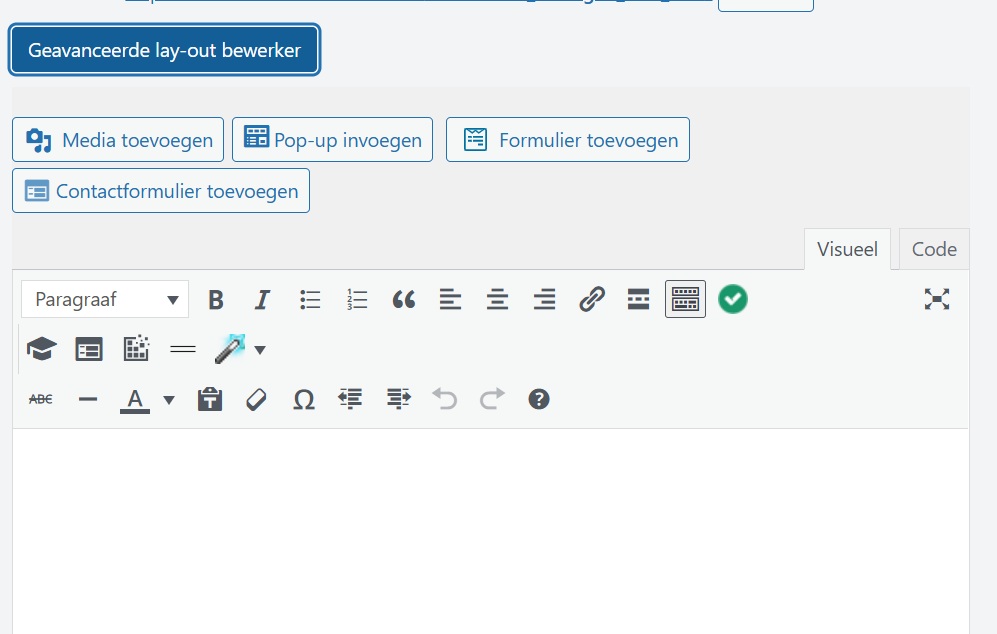
Screenshot 1 is how it suppose to look like in normal conditions, you will see the blue ALB button:
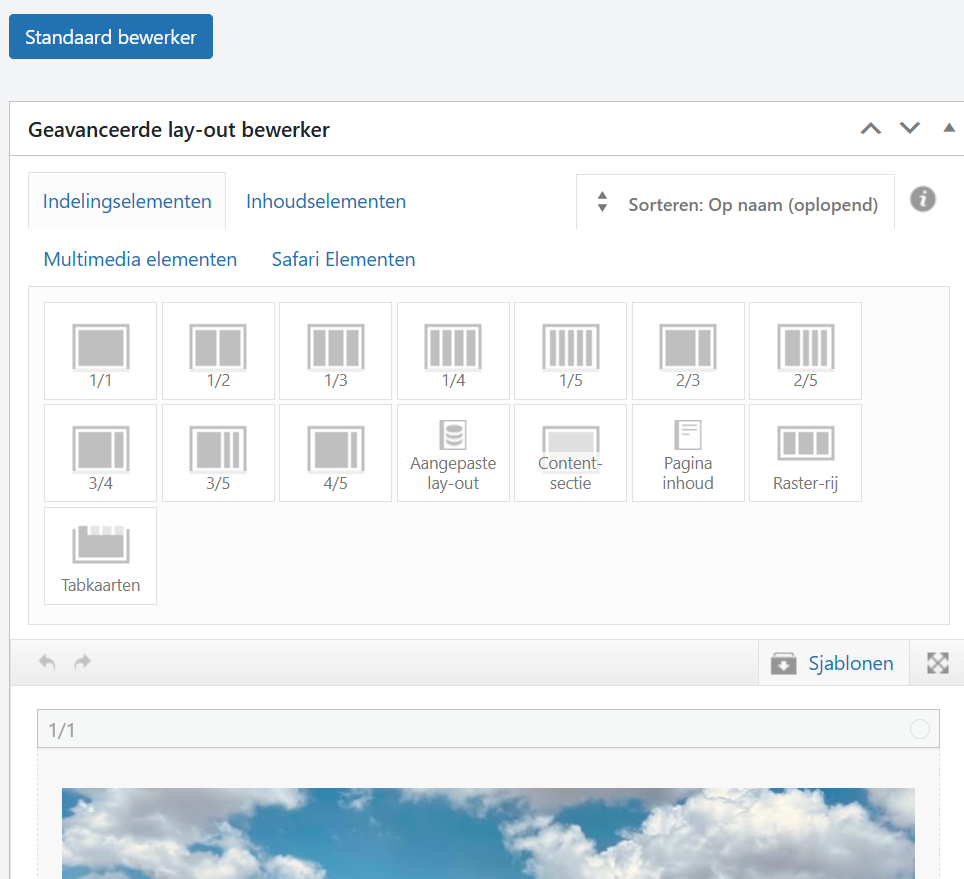
Screenshot 2 is when you have activated the button and you see all options you can choose from:
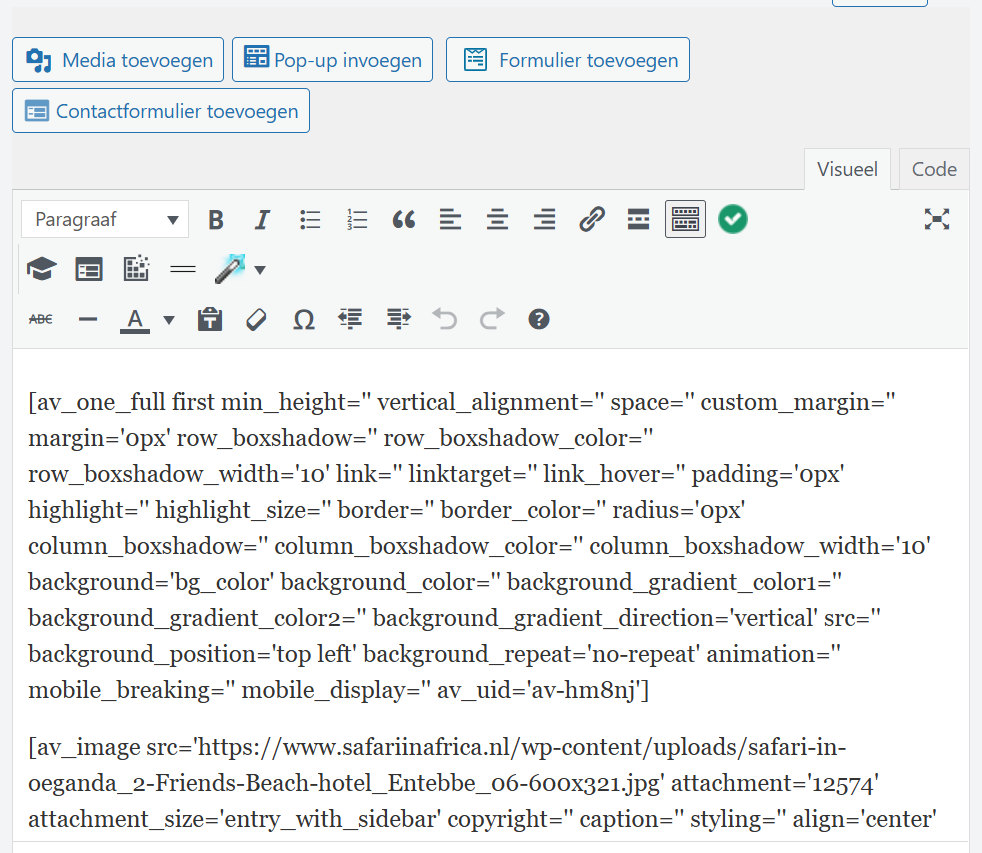
Screenshot 3 is how the pages look like whit the problem: no ALB button is there:
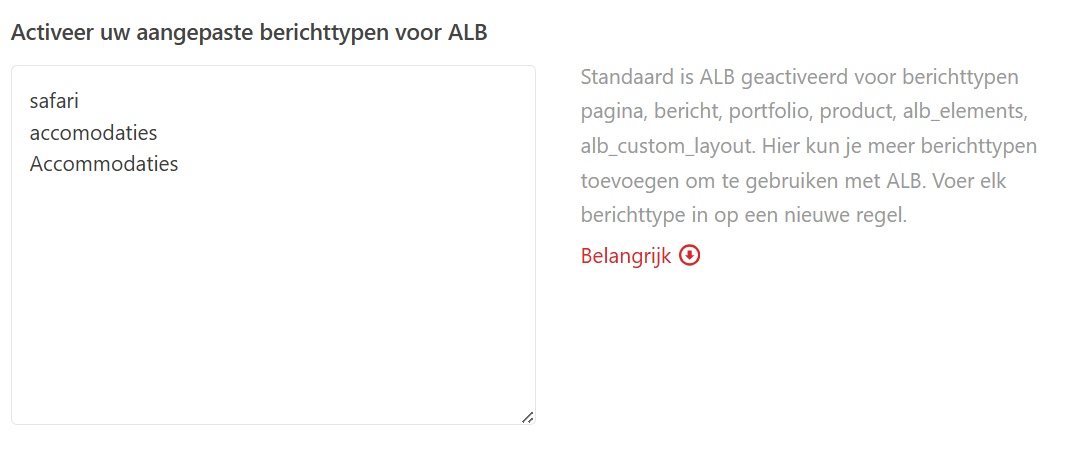
Screenshot 4 is the Listings that I have made in the Enfold Child > Layout Editor > Advanced Options > Enable your custom post types for ALB:
(my site is in Dutch btw)
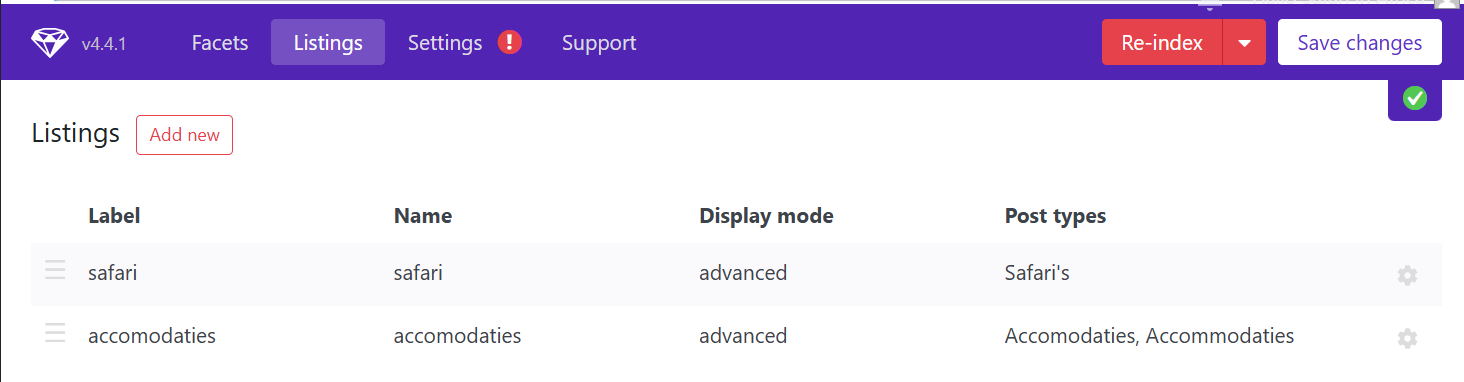
and I have used 2 seperate words for the accommodation that are not working (Safari is working) when I turn then from place there is no effect, Safari is still working and accommodation is not:
Screenshot 5 are the 2 Listings
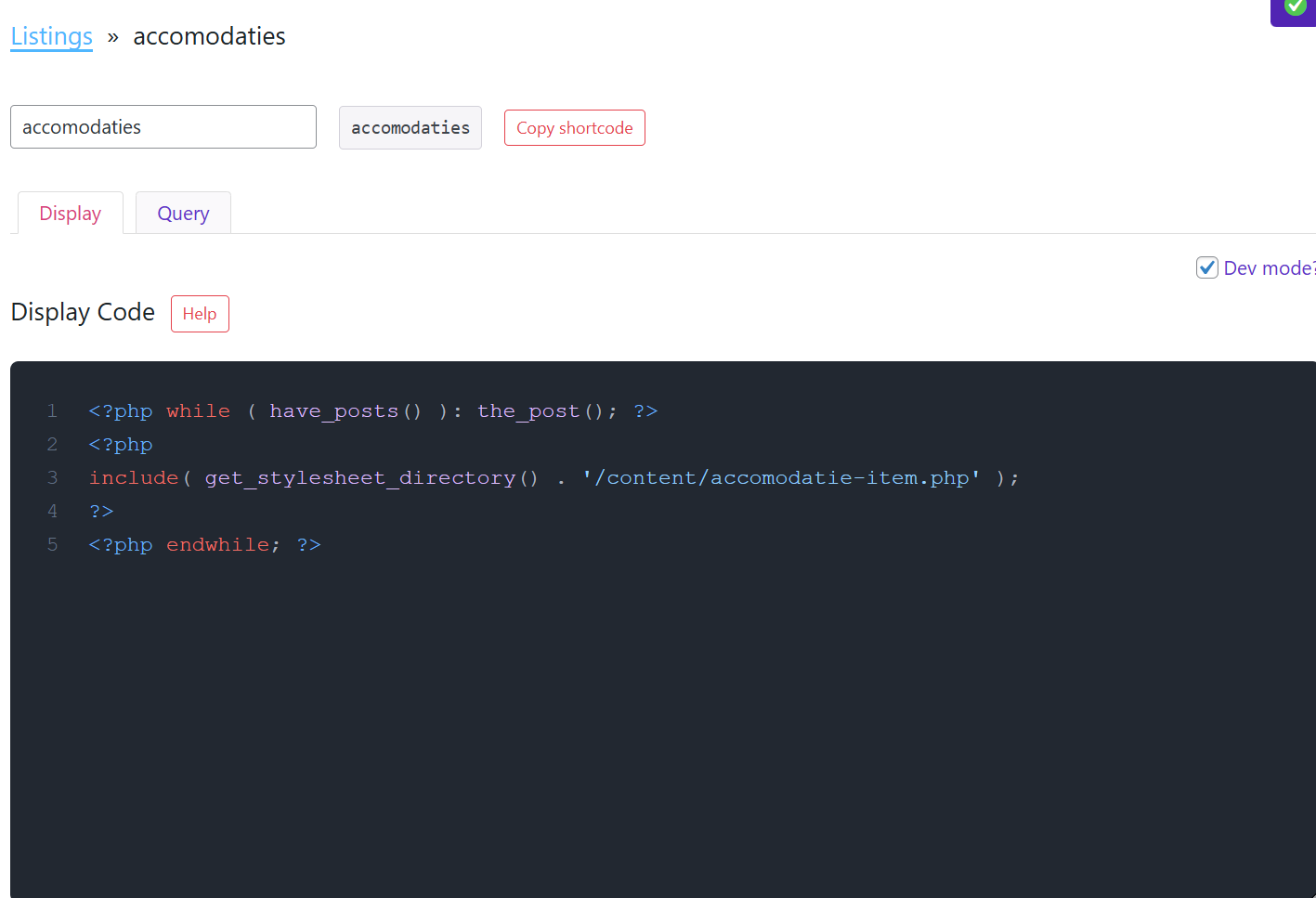
Screenshoit 6 is the Listing settings to Display
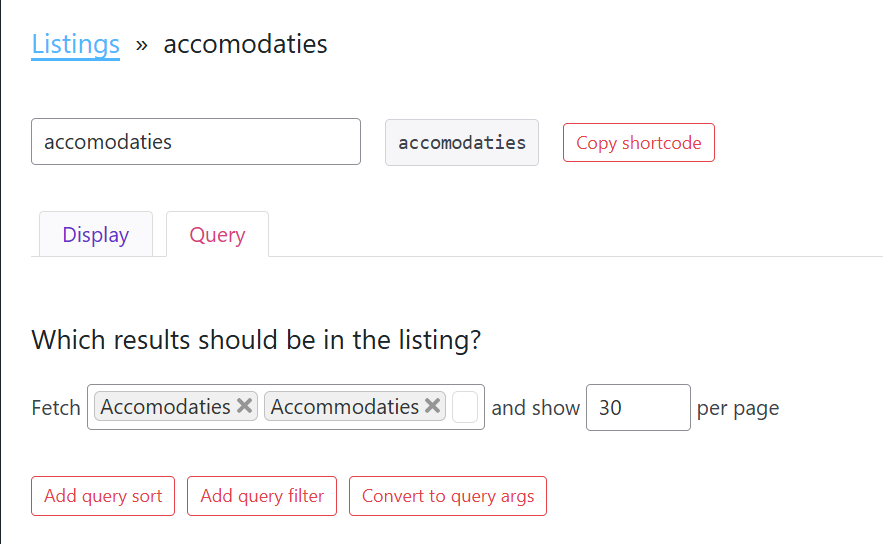
Screenshoit 7 is the Listing settings to Query
-
This reply was modified 2 months, 3 weeks ago by
safariinkenia.
January 12, 2026 at 3:35 am #1493827Hi,
Thank you for the screenshots.
Are the listings their own separate post types? We noticed there are two accomodaties post type (accomodaties and Accomodaties) which might be conflicting with each other. Have you tried removing the other one? For additional information regarding the issue, we recommend reaching out to the plugins developers to clarify how each post type is created.
Best regards,
IsmaelJanuary 14, 2026 at 11:44 am #1493897I have updated everything and even when now the name is the same everywhere “Accommodaties” it’s stil not working.
I do not have any developer, I do it al myself.
Hopefully you can make some time to check on my website with a login so it can be fixed?
It was working before and I did not chache anything in that process so I do not understandJanuary 15, 2026 at 5:03 am #1493932 -
This reply was modified 2 months, 3 weeks ago by
-
AuthorPosts


- You must be logged in to reply to this topic.