-
Search Results
-
Topic: one anchor is not working
I’m using a lot of anchors. They are all working fine except one. The links are added to images.
One image link is not working.Dear Support Team,
on the following page I have a problem with a few sections in the display on the tablet landscape format – all other devices are displayed correctly with a few settings, but for the ipad landscape, I just can’t get it to work:
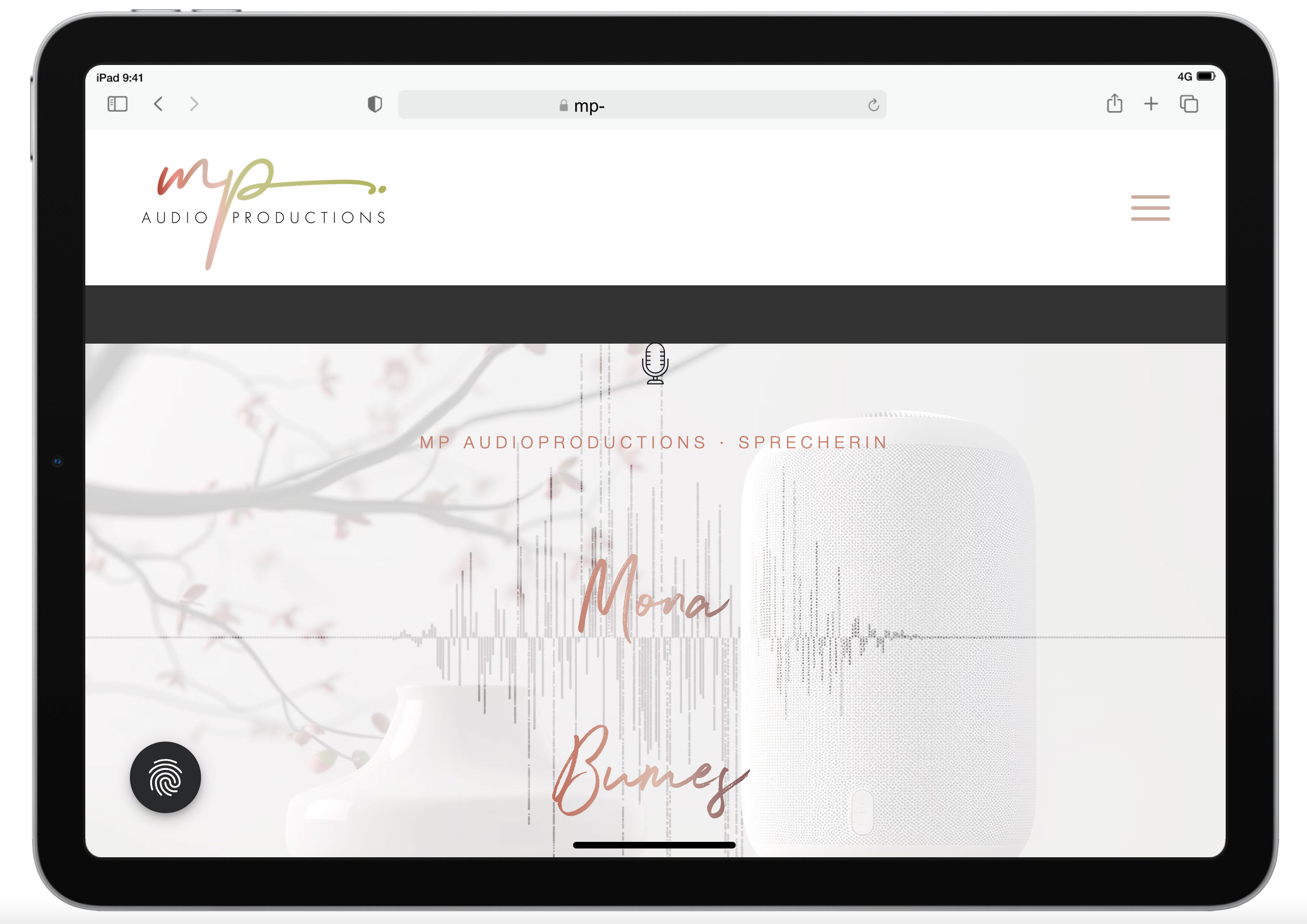
1. start section: Enter – movie in the background of the section
The Enter section exists twice: once only for the desktop version with the movie, and once with a still image in the background for the mobile devices. However, the desktop version is still displayed on the i-pad even though I have also hidden tablets in the settings. Here is a screenshot of the display on the tablet: https://mp-audioproductions.de/support/3.jpg > the movie doesn’t work, it looks messy with the black bars – or is there a way to scale the movie across the entire screen width? If not, then it would be good to switch to the section with the still image: Is that possible?2nd section Offers: https://mp-audioproductions.de/mona-bumes/#angebote
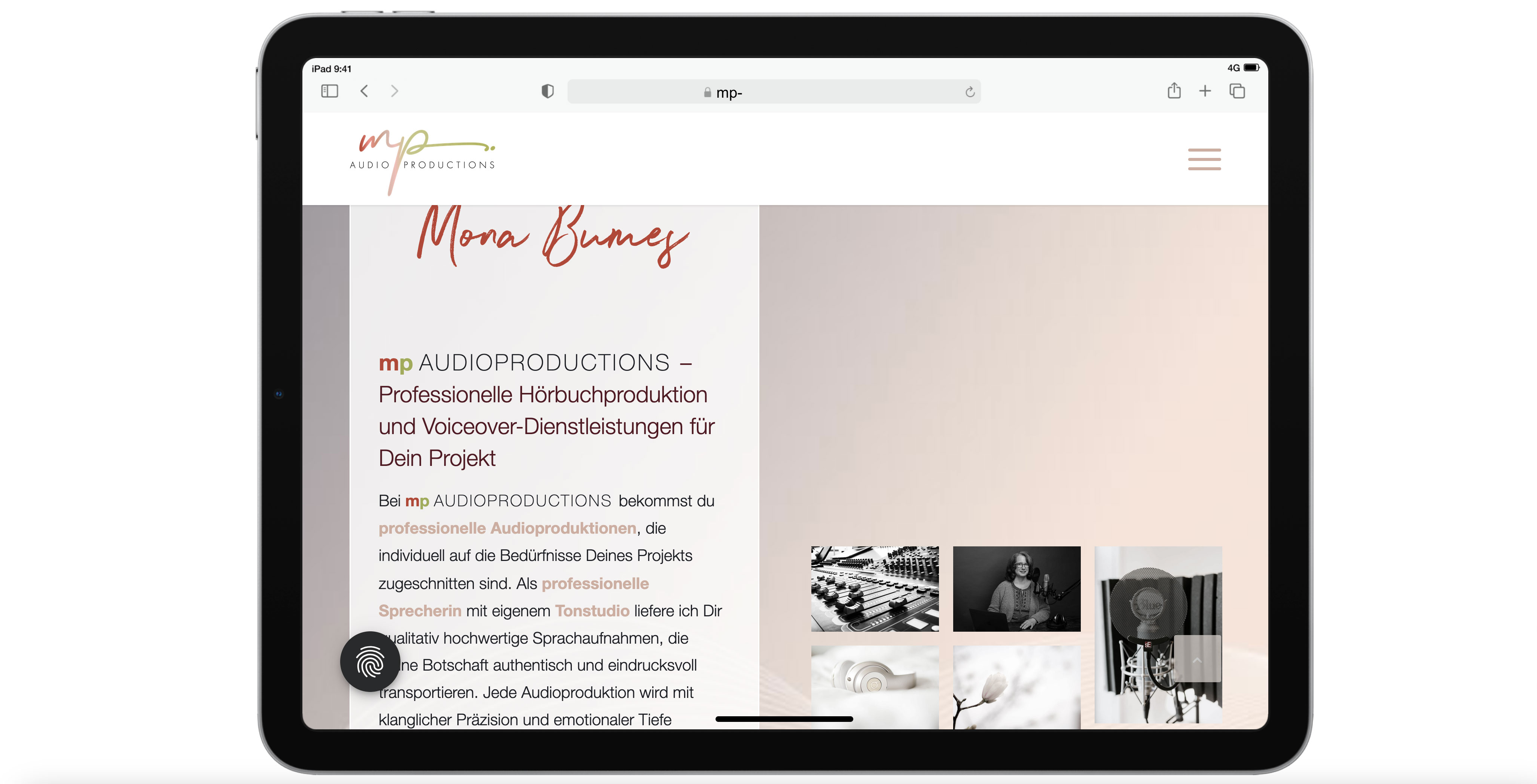
This also does not work correctly on the tablet: The cells are displayed next to each other (instead of below each other, as in other mobile versions): see screenshot: https://mp-audioproductions.de/support/1.jpg
> What setting do I need so that the cells are also displayed one below the other on the tablet landscape?3. contact section (last section): https://mp-audioproductions.de/mona-bumes/#kontakt
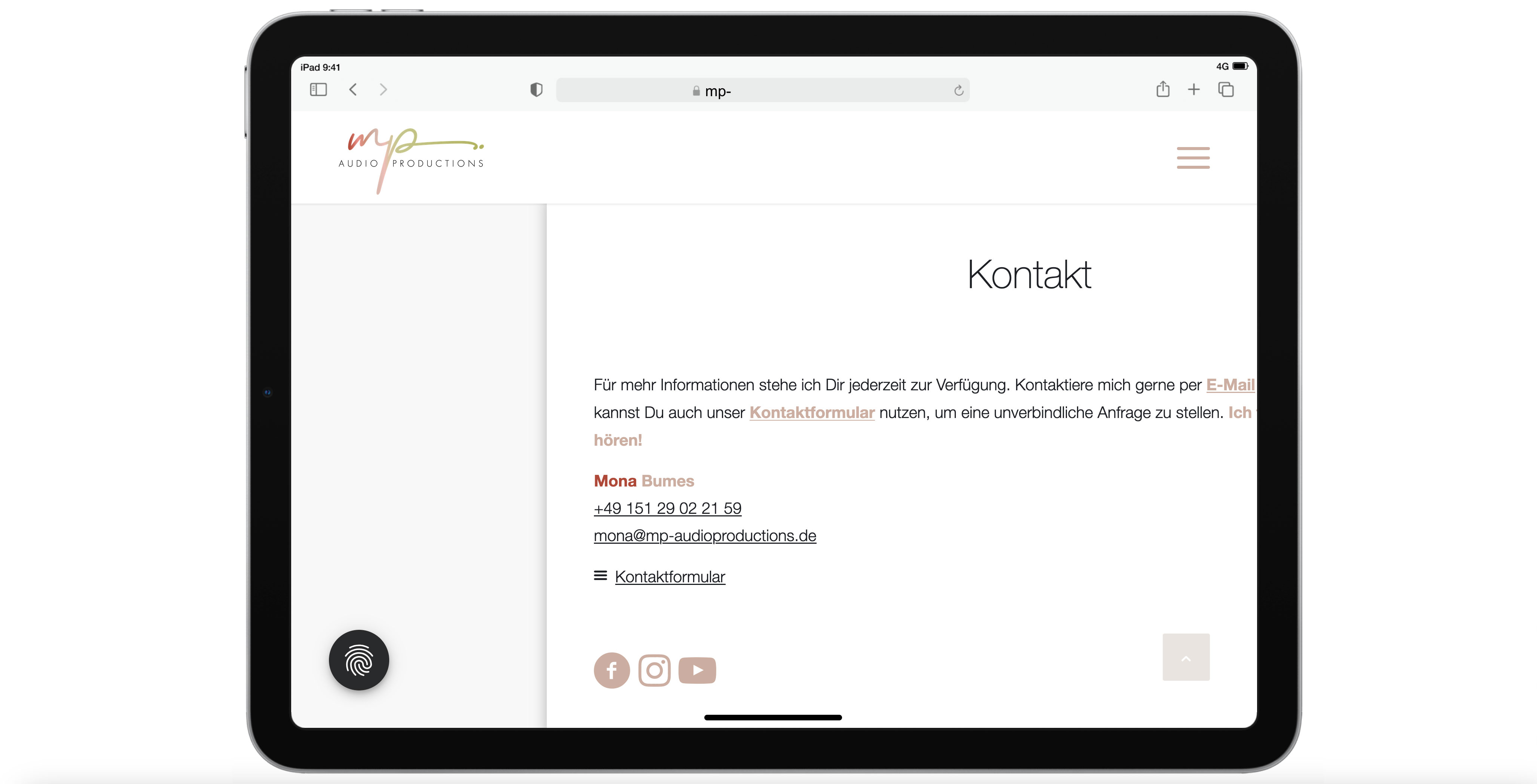
Display tablet landscape: truncated text on the right: https://mp-audioproductions.de/support/2.jpg
> In all other mobile versions, the cell with the contact details is displayed correctly centered, but not on the tablet landscape. What setting do I need here?With a request for support, best regards, Diana
Hi support
I have two questions:
1) Is it true that you have to buy a new license for Enfold when the old one runs out? Can’t you just extend the old one? Right now it looks like I have three licenses for Enfold.
Am I doing something wrong? Can you help me?
2) On my site, I have activated something that causes, for example, ‘featured image’ and other images that are links to appear with a round arrow in a small circle above. I have been through all the menu items, but can’t figure out how to disable this functionality.
Can you help me?
Kind regards
Hanne B. Stegemüller,
DenmarkTopic: Strange free space on mobile
Hi,
would you kindly check my page in progress on mobile: https://projekt2.mindful-designs.de
Below the orange button is a strange huge space.For the image inside the header on desktop you gave me this code:
@media only screen and (min-width: 1024px) {
.responsive .home #av_section_1 .container {
max-width: 100%;
}
}Maybe that’s the reason?
Best regards
Hello Kriesi team,
in one of my blog posts, the blog picture is displayed twice, along with a different title. Both appeared after I picked a blog image in the sidebar menu. I tried to remove it from the code, but it seems to be not there, I guess it’s some kind of preview gone wrong. At the same time, the font size and the padding to the left and right are both bigger now than before and in my other blog entries.
Thanks for your help!I found a solution by selecting “title and exerpt” and leaving the exerpt blank.
hi
I would like to use the portfolio grid with captions that are placed under the image instead of on top of them at the bottom so that the whole image is visible.
Is this possible?
thanks
Nancy
Viewing 30 results - 2,101 through 2,130 (of 106,490 total)