-
Search Results
-
Hello everyone.
We’re using your “Lifestyle Blog Demo” (https://kriesi.at/themes/enfold-lifestyle-blog/) for a project.
On laptops, post image previews are visible.

On smartphones, they aren’t displayed, either in portrait or landscape mode.


What could be the cause?Hello everyone.
We’re using your “Lifestyle Blog Demo” (https://kriesi.at/themes/enfold-lifestyle-blog/) for a project.
When creating or editing a post, if I need to use the Advanced Layout Editor, the final result changes completely:
– the photo isn’t displayed
– the title has completely different formatting
– the author, date, and category disappear


All this happens even if no changes are made.
When I return to the default editor and save, the post returns to normal.
And in any case, the editor isn’t the same as the one shown in the first image.

What could be the cause?
Topic: Center content
Hi support,
I’m still in the setup phase of my site, but I’m struggling with centering my content.
I would like the content area (text and images) to be centered on the page.I attached a screenshot for clarification.
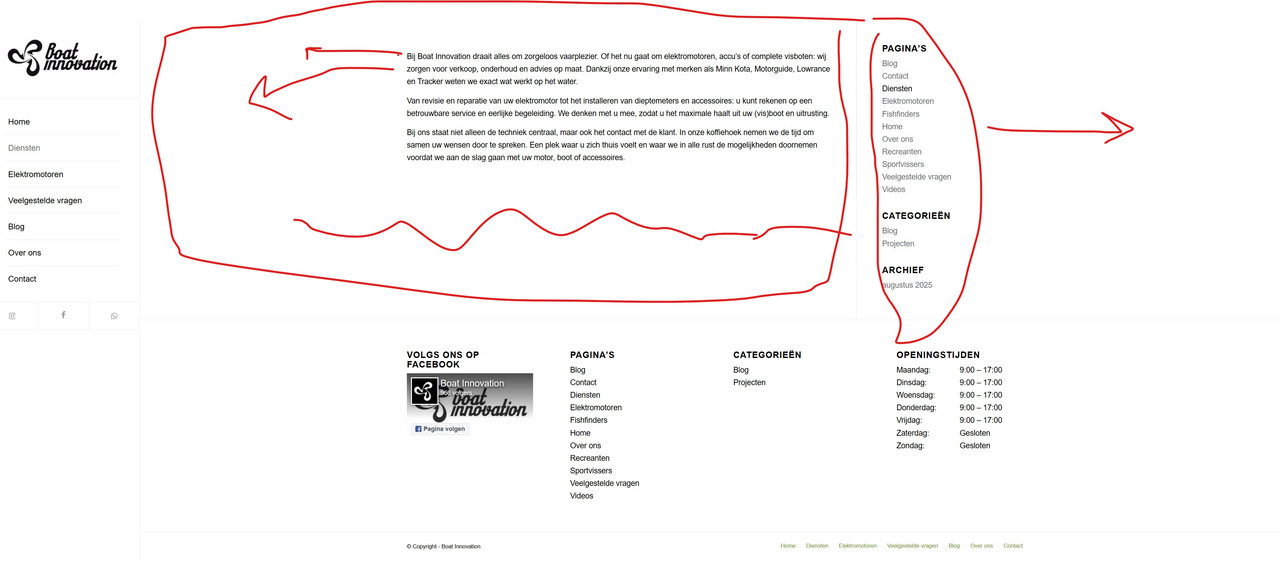
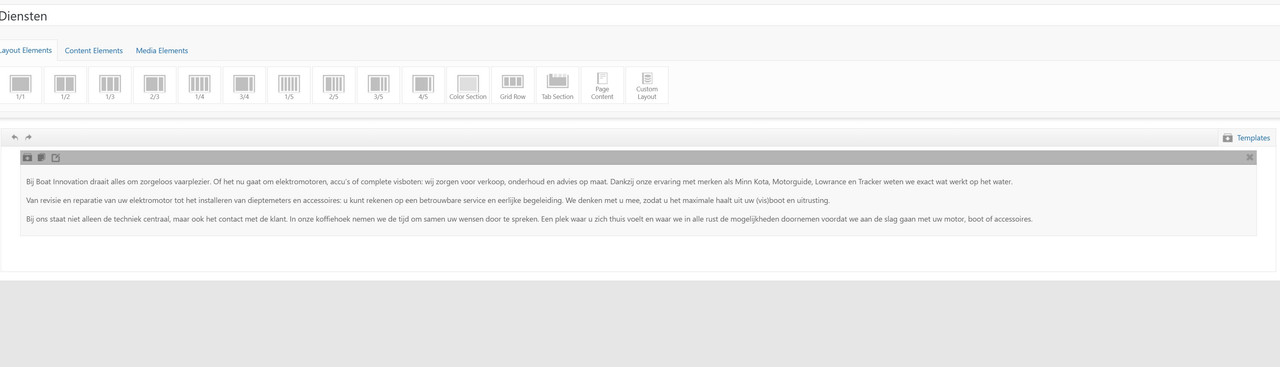
I’ve also tried to play with the elements, but not succeeded.
Could you advise me on the best way to achieve this in Enfold?Thanks in advance!
Can you get me CSS code to adjust Caption Title “font size” and “Line Height”? I am trying to adjust all this on Mobile view, so that it fits on all phones. Suggestions? I am trying to make the blue headline line height less, and maybe make it smaller on mobile only. Here is the current html I am using for this headline: <strong style=”font-size: 140%;”>Future-Proof Your Business<br> <span style=”color: #04aef7;”>Web Design & GEO AI SEO</span>
screenshot: https://img.savvyify.com/image/IMG-748587C9C75D-1.yyQrK
Topic: Menu changes color
Topic: WCAG 2.1, Keyboard Access
Hi Experts,
I checked my homepage now with the keyboard capabilities for the WCAG Compliance, and I stumble over a hidden picture used presumable by aour code:
<html lang=”de” class=”html_stretched responsive av-preloader-disabled html_header_top html_logo_left html_main_nav_header html_menu_right html_slim html_header_sticky_disabled html_header_shrinking_disabled html_header_transparency html_mobile_menu_tablet html_header_searchicon_disabled html_content_align_center html_header_unstick_top html_header_stretch html_elegant-blog html_burger_menu html_av-overlay-side html_av-overlay-side-minimal html_av-submenu-noclone html_entry_id_1037 av-cookies-consent-show-message-bar av-cookies-cookie-consent-enabled av-cookies-needs-opt-in av-cookies-user-needs-accept-button avia-cookie-consent-modal-show-immediately avia-cookie-reload-no-accept avia-cookie-reload-accept avia-cookie-check-browser-settings av-no-preview av-default-lightbox html_burger_menu_active av-cookies-session-refused avia_desktop js_active avia_transform avia_transform3d avia-mozilla avia-mozilla-141 no-touch-device pointer-device-fine pointer-device-coarse html_av-submenu-visible” style=”margin-left: 380px;”><head><meta charset=”UTF-8″><meta name=”robots” content=”index, follow”>
<!– mobile setting–>
<meta name=”viewport” content=”width=device-width, initial-scale=1″>
<!– Scripts/CSS and wp_head hook–>
<title>
Name of the Website
</title><meta name=”robots” content=”max-image-preview:large”><style>
img:is([sizes="auto" i], [sizes^="auto," i]) { contain-intrinsic-size: 3000px 1500px }
</style><script type=”text/javascript”>When using the Tab Key on the homepage, it jumps to the accessibility settings first (thats fine) and then as third jumps into the header at the language setting, but this is hidden (and if WP accessibility plugin is used, it cannot circle it, too) so it looks like the Tab is going to nowhere.