
-
Search Results
-
I there a way to edit the thumbnail view for the Masonry gallery. It does not display a good thumbnail on some of my portfolio items.. see examples here:
http://thedook.com/portfolio-item/portraits/the first item show the kids head missing.. how to fix this.
Thanks again,
Cathy NethOk, with the default WP media manager being out the question for our gallery needs we’ve been forced to use NextGen. Since there’s no NextGen element for the AVIA LAYOUT BUILDER I made a get around by using a Text box to display our Latest Galleries on our HOME page.
This was perfect but now the problem is when you click on the gallery of choice it opens it on the home page and since the TEXT BOX is on the bottom section on my home page you never see the opened gallery unless you know to scroll down to the bottom.
So my question is:
1) Is there a way to make the gallery open in a new page alone or on top of the opened page to avoid having to scroll down to the thumbnails?To fully understand what’s happening and what I did see private area for admin access to site and site links.
Hi… I searched the Forums but could not find a clear answer to these questions that is current.
1) POST NAVIGATION LINKS
In the upper-right corner of each post, I would like to add a “Previous Post” and “Next Post” TEXT LINK to both the WooCommerce Posts and Blog Posts above the Feature Photo / Post Title in the div [ #top .template-shop .container ]. This way a simple Post Navigation will be visible at the “top of the posts” on all screen sizes desktop and responsive. How can I achieve this?2) BACK TO “GRID THUMBNAIL DISPLAY”
Also, is there a way I can add a TEXT LINK in the upper-left corner of all posts that would take the user back to the SHOP GRID THUMBNAILS page where they were “before they began viewing posts”? This way they do not have to start their search over again on the Shop Homepage, or hit the Back button many times..For example, let’s assume the Grid Thumbnail page was set to display (15 posts per page) and I was on Page 3 of the Thumbnail display (posts 46-60) before I began viewing individual posts. I then viewed 5 posts and wanted to return back to the Grid Thumbnails Page “where I was prior to viewing individual posts”. This way I can continue my search from there without having to start all over again. Is this possible?
3) SOCIAL ICONS – SHARE THIS ENTRY (WooCommerce Posts)
Can I add the “Social Share Icons” to the WooCommerce Posts, just like you have them displayed on the Blog Posts? This way I will not have to use a 3rd Party Plugin.Many thanks for your kind assistance!
GaryThis happens on every product we have. Example found here: http://www.womensclosetexchange.net/product/gucci-monogram-hobo/
Click any thumbnail under the image and scroll through to the end. The last ‘image’ is a video?
Been through forums and have debugged through plugins. Not sure what’s going on?
Hi I am having a problem with the masonry gallery. I am using a flexible layout so the thumbnails show portrait and landscape and all fitted together. I want to have 1 pixel gaps so I select this. I also want to have 4 columns of images.
My problem is that the gaps are not even. Sometime there is a gap and sometime there isn’t there. I’ve added a link to the page. You can see the problem here. It seems to vary on different sized monitors. If you don’t see any issues then resize your browser and you should see the problem.
I can’t work out why this is or how to solve it?
Thanks!
Hi enfold team,
I have the problem that opengraph meta is not added correctly from Yoast SEO into Enfold. With the image it works but the og:description not. Facebook takes instead: [av_postslider link=’category,34′ columns=’5′ items=’9′ offset=’0′ contents=’title’ preview_mode=’custom’ image_size=’shop_thumbnail’ autoplay=’yes’…
here a screenshot:https://www.dropbox.com/s/7v31lafh6sb962m/Facebook%20Screenshot%2023.12.2014.png?dl=0
Any idea how to fix this problem?
Merry christmas
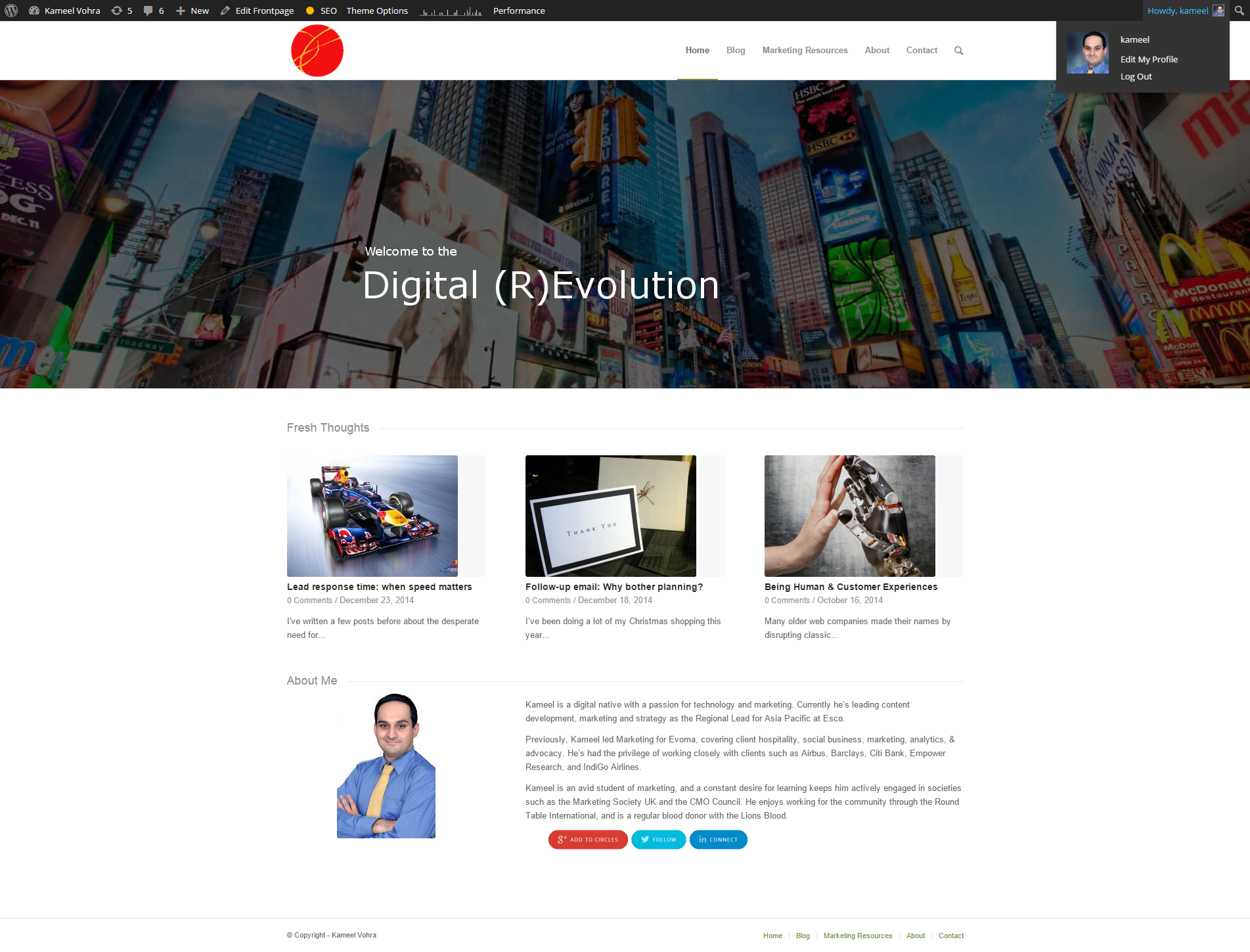
Greetings ThomasI’m having a hard time figuring out what size images I need to load for my previews to display correctly.
I’m loading full HD images, but they always seem a little (or alot shorter) than whats required to fit the space thats created (please see the images below). What do I need to do to correct this?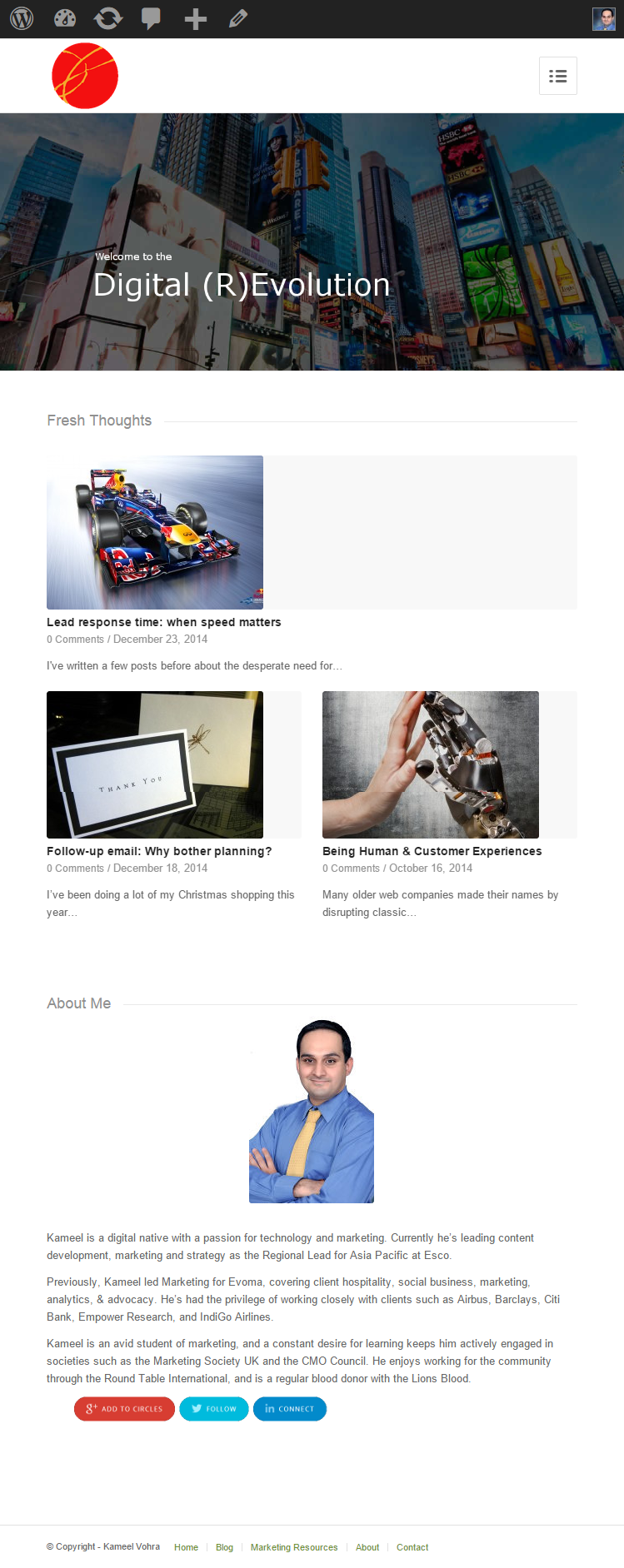
Topic: Pixproof
Hi,
I want to use the plugin pixproof with my enfold wordpress site:
https://wordpress.org/plugins/pixproof/Demo of plugin here:
http://pixelgrade.com/demos/border/proof_gallery/corvette-stringray/
password: demoAs you can see there are two options to click over each image – zoom and select.
The problem I am having on my site is that the thumbanils of the images are too small to show these options.
Here is my site:
http://www.michaelkyle.co.uk/gallery/proof_gallery/bourne-end-dental-practice-photography/How can I change the size of the thumbnails so that I can see these overlaid options?
Thanks !
Hi guys!!
This is not a big rush as I can work around this by using the Advanced Layout Editor. And maybe because we all use the amazing Advanced Layout Editor so much, we don’t notice. But I have a client and she uses the Default Editor. When you add a Feature image to a Page while using the Default Editor, the image will display on top of that page when viewed. The only way to remove it is to remove the featured image.
Now, if you build the page with the Advanced Layout Editor, you can add a Featured image and it won’t display at the top of the page. It will be used as a thumbnail.
Maybe it’s supposed to work this way but I thought I would ask.
Thank you so much!!!
Warmly,
Havi :)First off, I love this theme… next look at this theme and specifically the space between portfolio projects…
http://www.andrewmontpetit.com/
So, I know this sounds super picky, but between the portfolio pieces here you cannot click on a project unless you are clicking on that specific project’s thumbnail.
I want that same effect here:
My client wants exactly 20px between each section in the portfolio area…
So, right now I have the below code…
.av-1px-gap.av-fixed-size .av-masonry-entry .av-inner-masonry {
top: 10px;
bottom: 10px;
}.av-masonry-col-4 .av-masonry-entry {
width: 23.6%;
margin-right: 1.4%;
}If I were to have:
.av-masonry-col-4 .av-masonry-entry {
margin-bottom: 1.4%;
}It would push the first layer on the first level down (try it on a site you run… the columns don’t line up then…
It would be great if the space between the column pieces weren’t clickable.
Super sorry if this sounds too needy because I am forever grateful with the amazing theme you built.
When you hover over an image the image title shows up next to your pointer. You can get rid of those by just keeping the Alt tag and getting rid of the Title of the image.
For the portfolio pieces the titles are determined by the portfolio name and when you hover over the thumbnail you get the tile showing up twice:
http://screencast.com/t/98740sXJcwJAny way to remove the title attribute for portfolio items?
Dear Support-Team,
I am currently working on a website with Enfold and several issues came up that I cannot solve. Hope you can help:
For you information, I adjusted the css a little. The whole custom CSS is as the following:
a:focus { background: #e2001a; color: black }

.grid-entry-title {
	font-weight: 700;
	color: white !important;
	vertical-align: middle;
	text-align: center;
	background-color: transparent !important;
	height: 30px;
	/*font-size: 1vh;*/
}

.grid-content {
	background-color: #e2001a !important;
	padding-left: 5px;
	padding-right: 5px;
}

.title_container .main-title {
	font-size: 24px;
	font-weight: 700;
}

.avia-menu-text {
	font-size: 18px;
}
1. The custom menu on my frontpage is broken.
Frontpage: http://birgit-monteiro.de/
Surprisingly it works on all other sites?!2. On the following portfolio-sites the post-thumbnails are not displayed:
http://birgit-monteiro.de/portfolio-item/birgit-monteiro/
http://birgit-monteiro.de/portfolio-item/im-parlament/working portfolio site for example:
http://birgit-monteiro.de/portfolio-item/fuer-menschen-mit-behinderung/3. It seems to me that the changes I made on the site are not instantly visible. This seems not to be a browser related problem, because I already deleted the cache and it still remains…
I hope you can help…


