

Forum Replies Created
-
AuthorPosts
-
I have updated everything and even when now the name is the same everywhere “Accommodaties” it’s stil not working.
I do not have any developer, I do it al myself.
Hopefully you can make some time to check on my website with a login so it can be fixed?
It was working before and I did not chache anything in that process so I do not understandGood morning Rikard,
Yes, this is the solution I was hoping for 😊
This works like I wanted.
Many, many thanks!yes, this is hiding the filter, but now the space is unused.
Can I make that space usable also?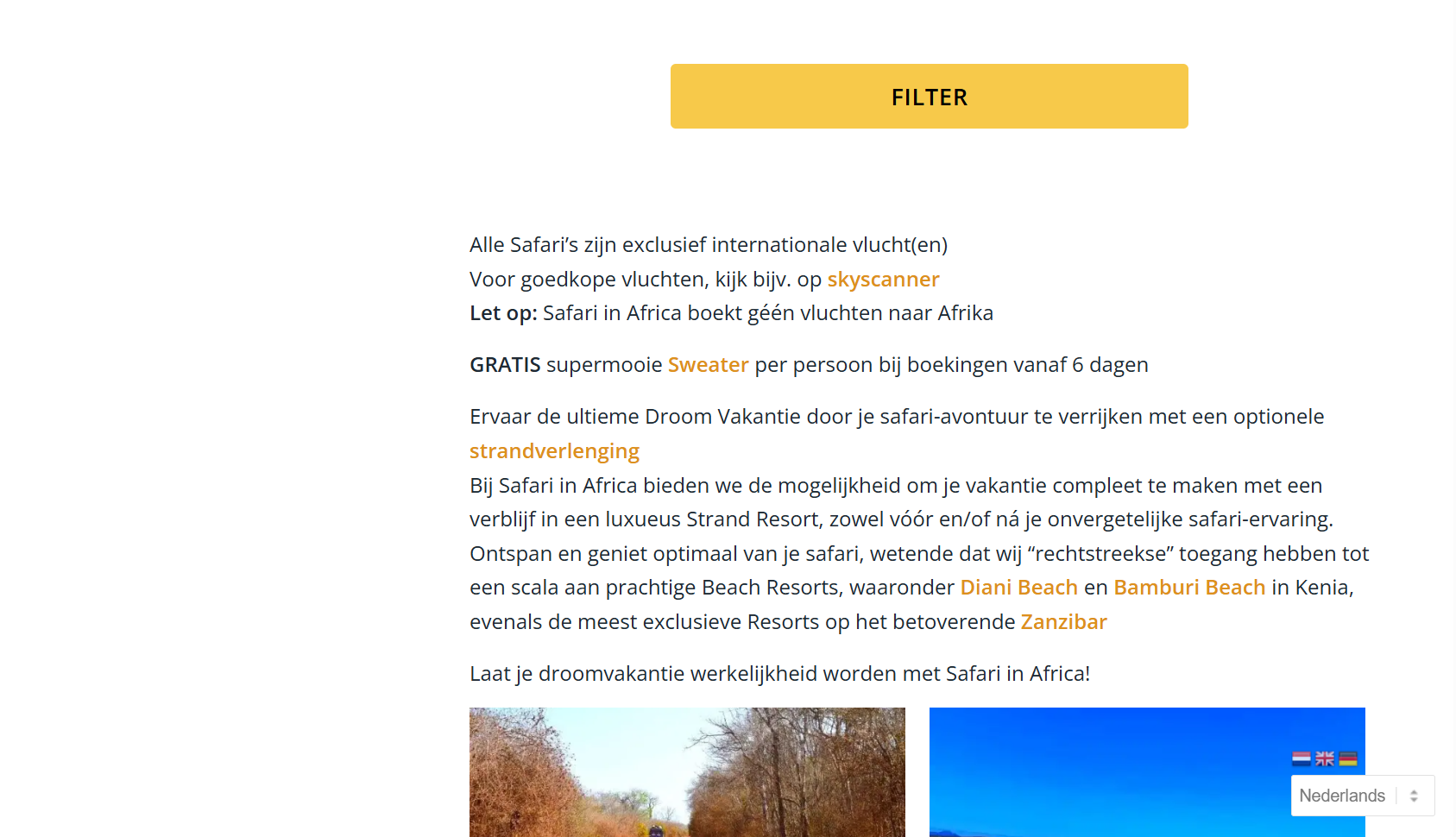
Hello Rikard,
Thanks for replay.
Yes, because now we have a seperate “Filter” button, I want to hide the automatic made filters that are alway’s showing on PC/Tablet on the lefthand site.
This you can see on this page on PC:
www. safariinafrica.nl/safari-boeken/I have put one space between www. and the rest ;-)
-
This reply was modified 2 months, 3 weeks ago by
safariinkenia.
-
This reply was modified 2 months, 3 weeks ago by
Hello Ismael,
Off-course I shall share a view screenshots of this problem, becuase I understand you have no clu what is going on.
Screenshot 1 is how it suppose to look like in normal conditions, you will see the blue ALB button:
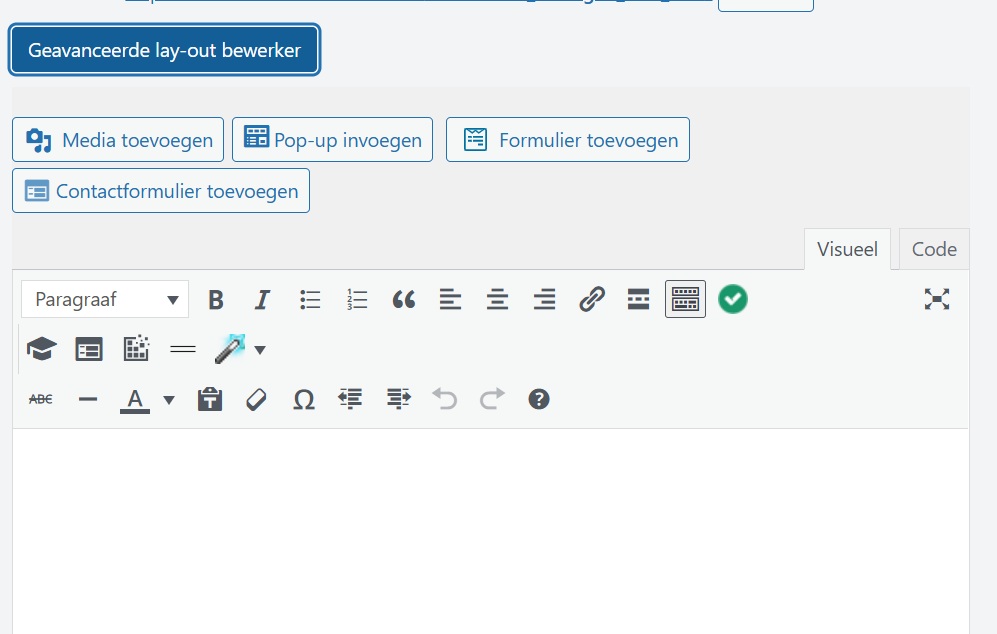
Screenshot 2 is when you have activated the button and you see all options you can choose from:
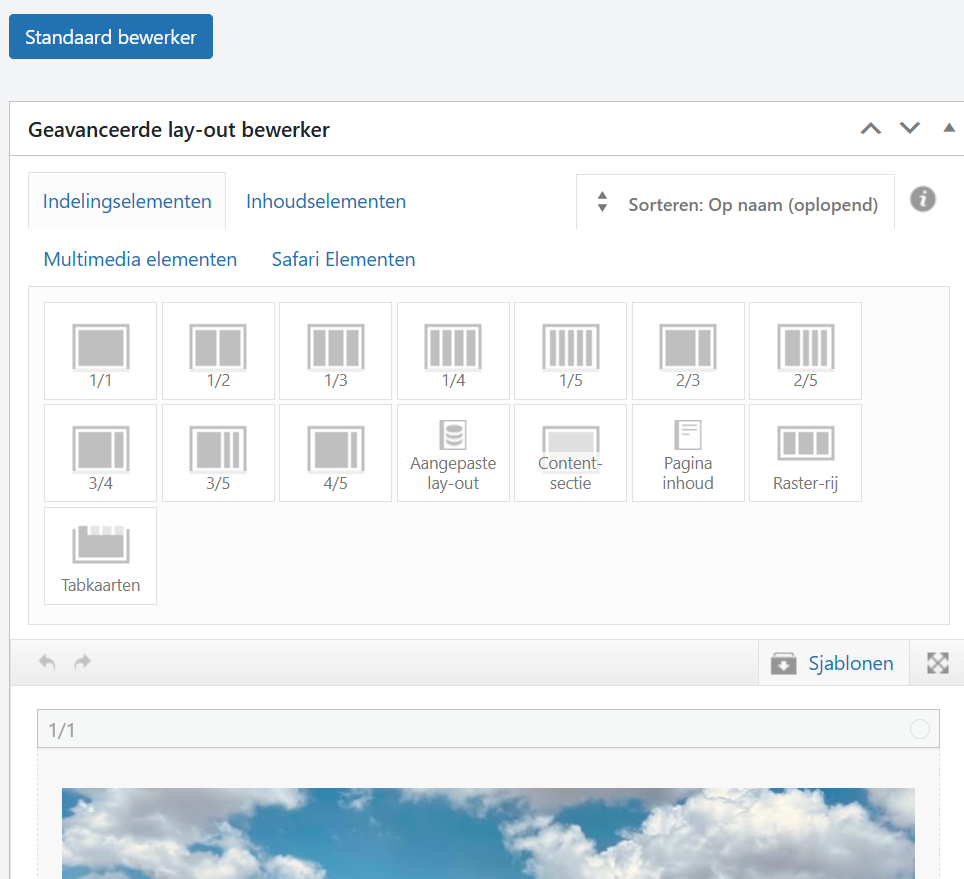
Screenshot 3 is how the pages look like whit the problem: no ALB button is there:
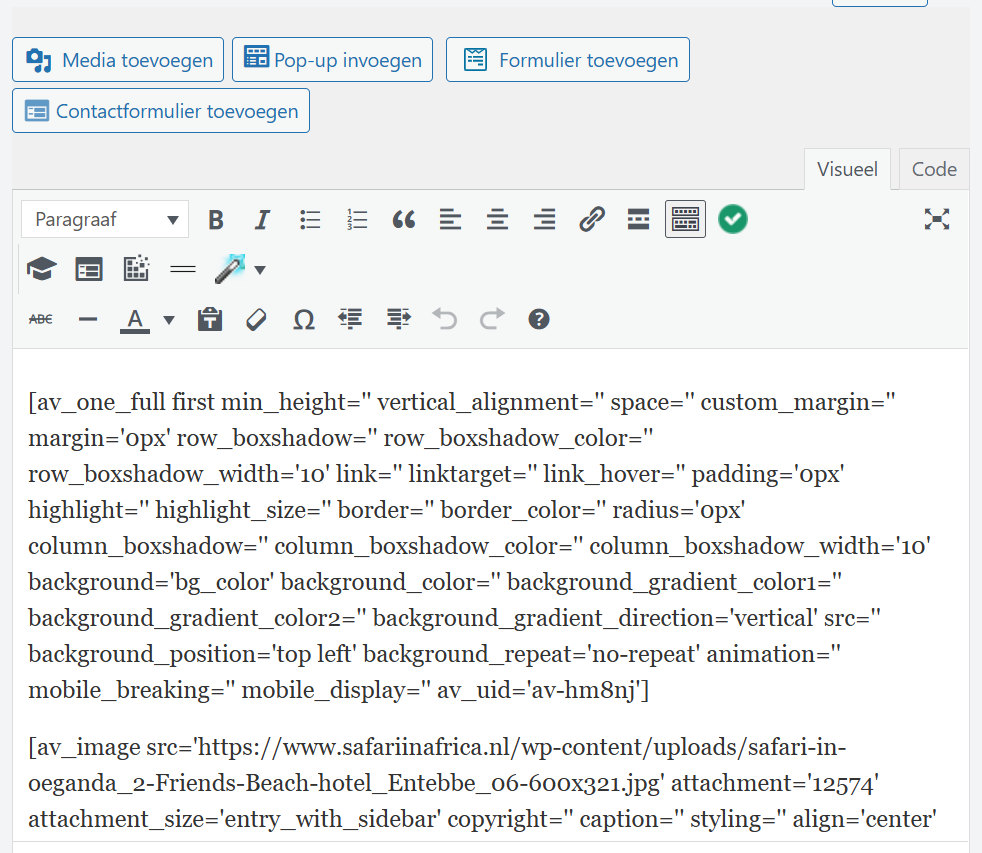
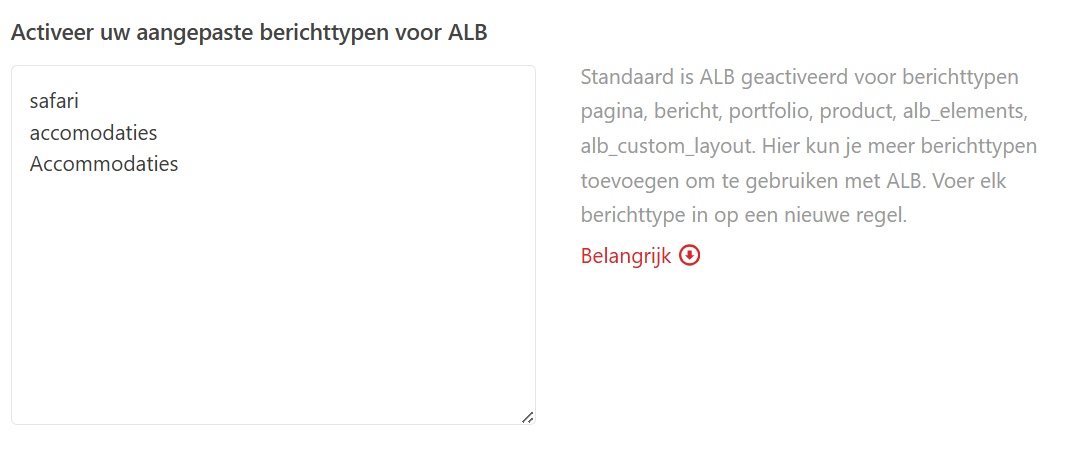
Screenshot 4 is the Listings that I have made in the Enfold Child > Layout Editor > Advanced Options > Enable your custom post types for ALB:
(my site is in Dutch btw)
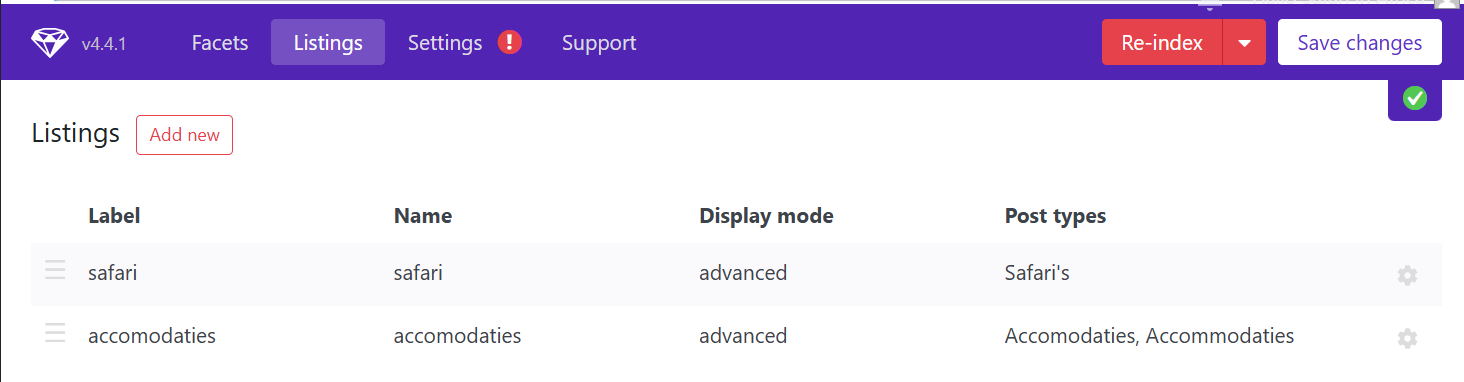
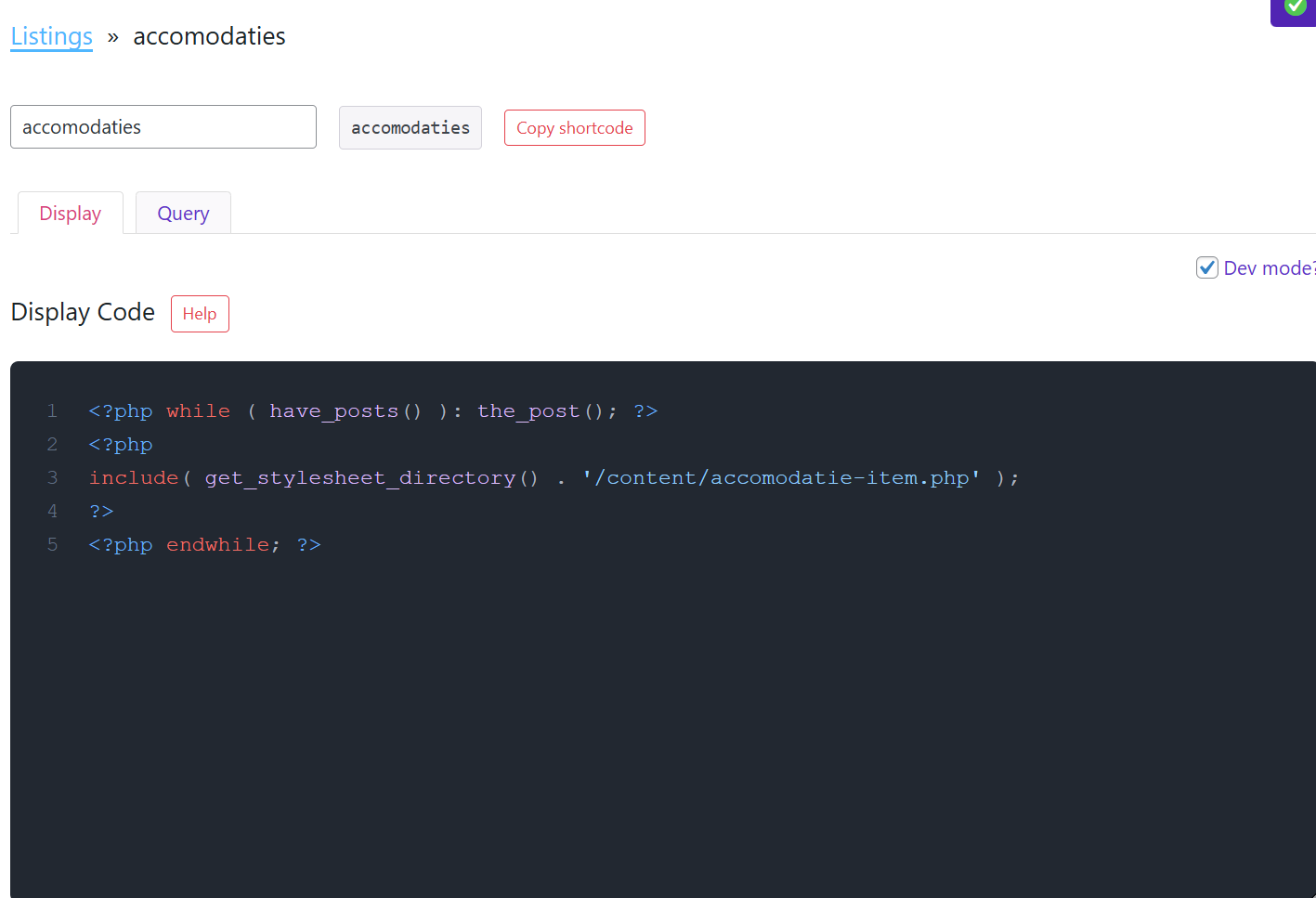
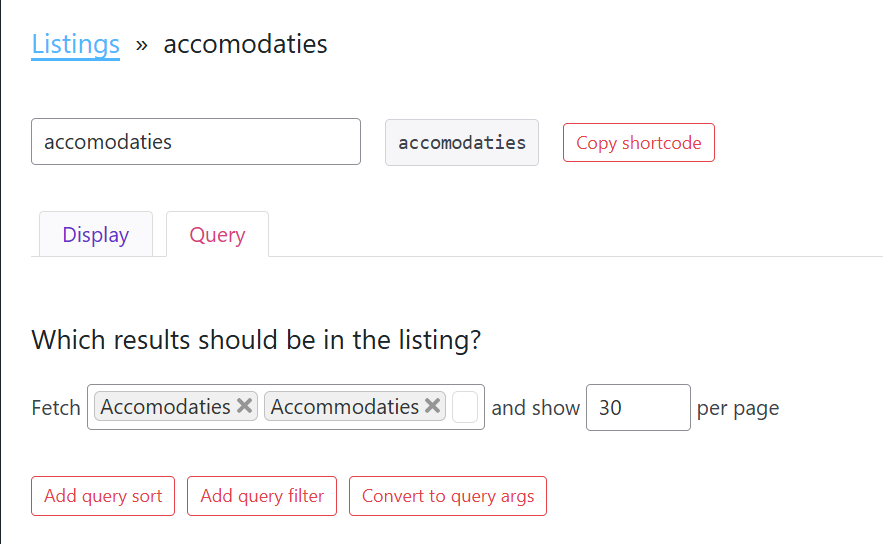
and I have used 2 seperate words for the accommodation that are not working (Safari is working) when I turn then from place there is no effect, Safari is still working and accommodation is not:
Screenshot 5 are the 2 Listings
Screenshoit 6 is the Listing settings to Display
Screenshoit 7 is the Listing settings to Query
-
This reply was modified 2 months, 3 weeks ago by
I now have installed Mobile Flyout, made a button and this works!
But now I want to get rid of the filter that is Alway’s online on PC/Tablet on the left side.
What do I have to do to make that happen, so customers can use the new button from now on?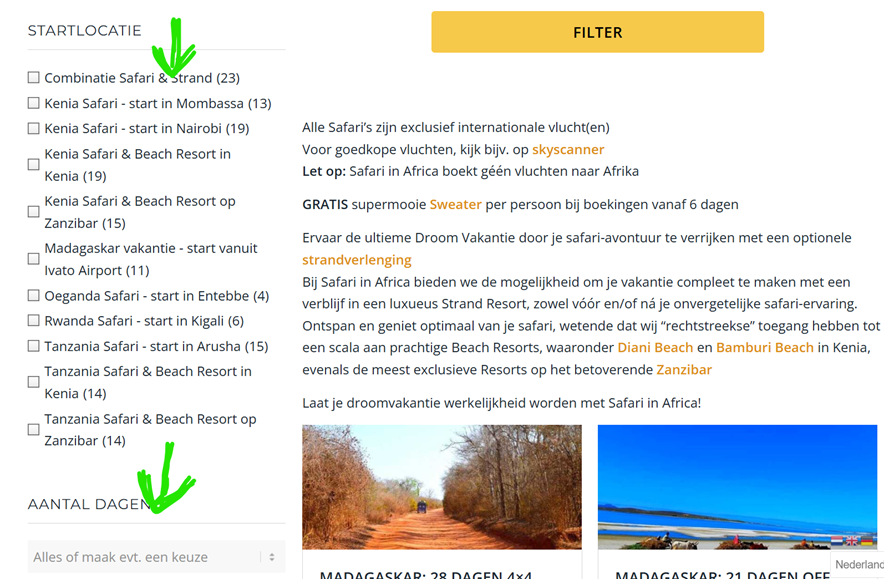
-
This reply was modified 2 months, 3 weeks ago by
-
AuthorPosts
