

Forum Replies Created
-
AuthorPosts
-
can you tell me the code to put the text on the right, make the normal leading lines not so big and to remove the italics?
I have to change all the titles and captions of the photos, but all together (there are more than 700 articles on the site) how do I do it?
moreover the articles are written with a blue title and a red subtitle now in some articles it is correct in others not even if in the editor the writing is blue in the article it is seen redexample of right article
wrong article example
sorry but maybe I have problems understanding, I’m Italian I don’t know English and I’m using an automatic translator, I removed the css compression I cleaned the chace I entered the code, but I don’t understand how I can change the writing? and the problem of red titles when published and blue in the editor?
sorry I didn’t understand, do I have to activate or deactivate them?
I also have these problems with other writings, which I am attaching the first photo is it possible to remove the italics from the titles of the photos? the second photo because the comment is centered under the photo and there is so much space between the lines?
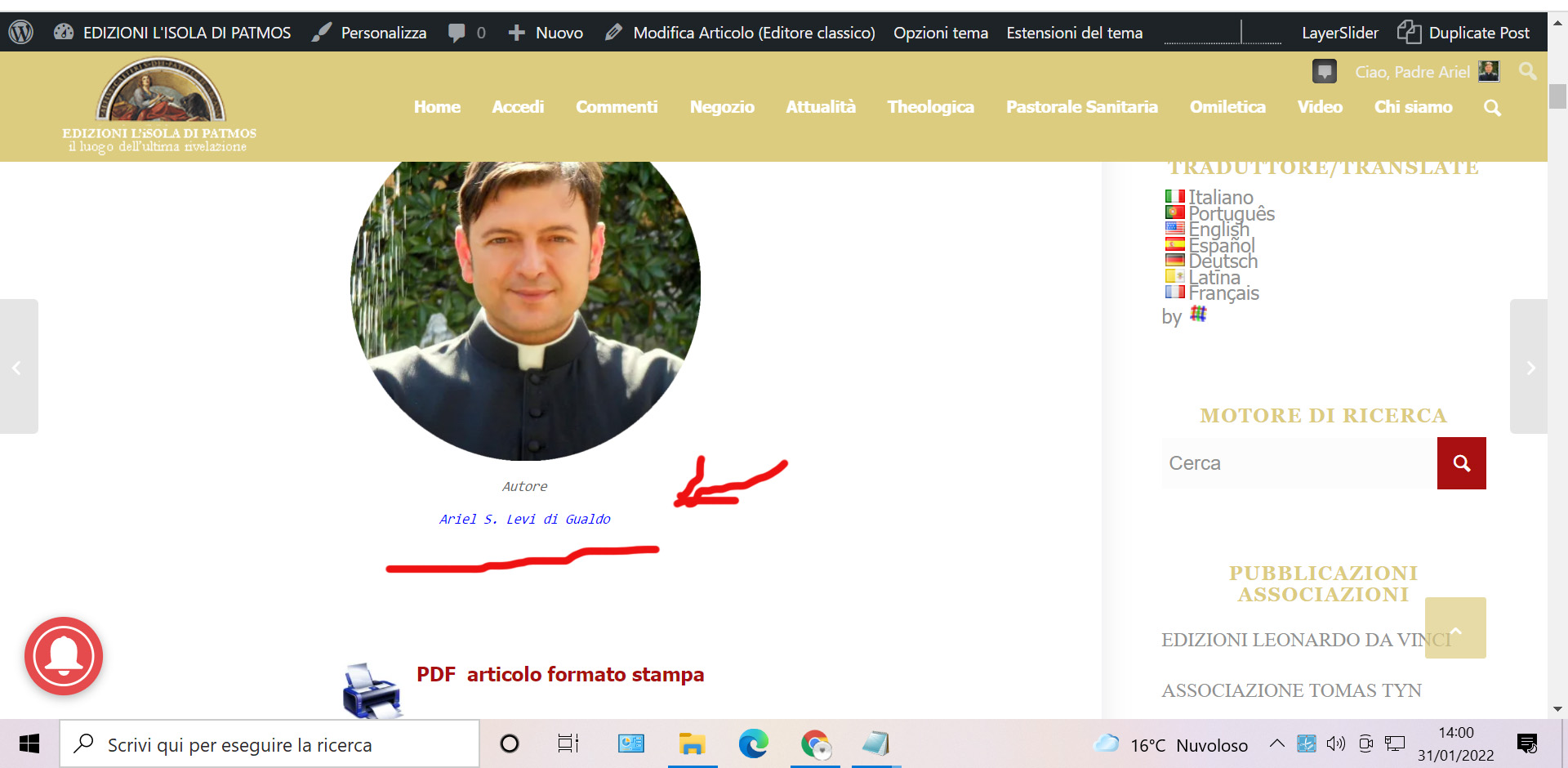
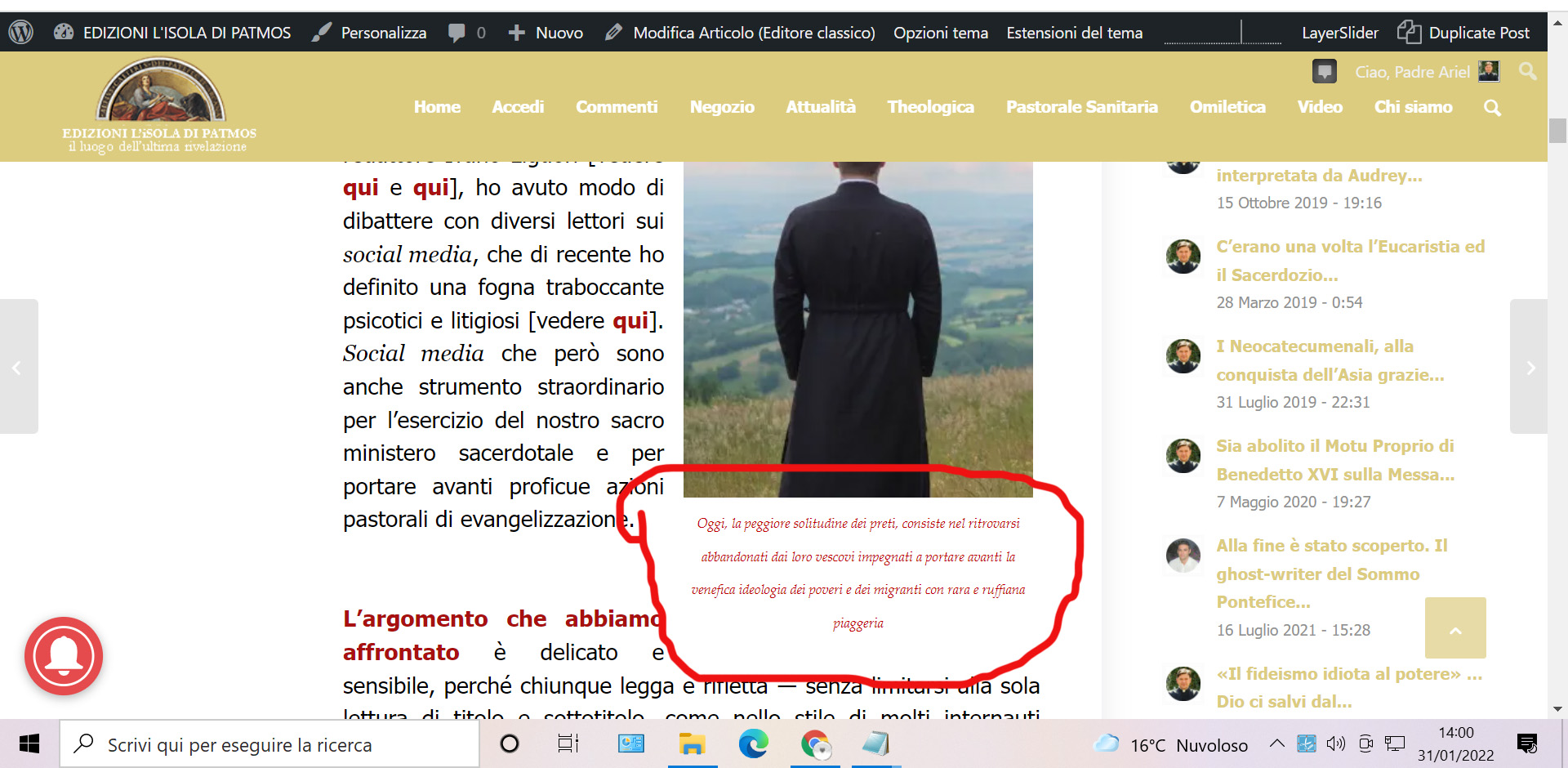
for example this (but there are many others like this and it doesn’t seem to have a logic)
public article
same article on the admin side
https://isoladipatmos.com/wp-admin/post.php?post=14857&action=edit&classic-editor=1-
This reply was modified 4 years, 2 months ago by
Ismael. Reason: moved to private field
thanks i managed to make it work
`<a href=”https://isoladipatmos.com/wp-content/uploads/2021/07/Audio-lettura-piccolo.jpg” class=”noLightbox”>Link to Somewhere</a>
sorry i was wrong, this is right
.single-post .lightbox-added:not(.mfp-iframe) {
pointer-events: none;!important;
}the script is copied and pasted and it worked before, now it doesn’t work anymore, can you help me please?
hi i don’t know why but this script doesn’t work anymore, can you help me?
thank you very much, you can close, I hope I don’t need anything else :)
October 6, 2021 at 6:02 pm in reply to: Hotfix for the Missing Logo issue on Enfold 4.8.6.4 #1323790when do you think you can release the update?
it works thank you very much
sorry I realized that it does not work on user pages what can I do? here also the foot is boxed !!!
it works thanks, I have to ask you another thing you see on this page there is a link that should open directly on youtube and not in lightbox, is it possible to do it?
it worked, thank you very much
I don’t want the article images (all articles) to open in lightbox
it worked thank you very much
thanks for the reply, i put the code you say but from the right side there is empty space
thanks it works, but in the boxed pages it does this to me now:
thanks this works perfectly.
can you see why the drop-down menu stays small on the pages? for example on this pagealso I have another problem that I have noticed now, the code works on the pages both on the body and in the foot of the page, but it does not work for the menu which remains small
I don’t want to see the number of comments on the home page, is there a code to insert? how can I do?
thanks you can close, I have another problem but I open another post
i solved by entering this code, maybe it can be useful to someone
.page-id-723 *{
background-color:#fdf7eb
!important;
} -
This reply was modified 4 years, 2 months ago by
-
AuthorPosts


